Websites for property management companies
Property management websites that win owners and serve tenants
A property management website has two very different visitors. Owners want to know whether you can fill their units, look after their asset and send clear statements. Tenants and applicants want to see available rentals, apply, pay rent and report a leak. A good site gives each group its own path, connects to the software you already run on, and treats fair housing and accessibility with care.
Start a projectWhat the site needs to do
Clear buttons at the top for "I own a property" and "I rent or want to rent", so neither group has to dig through content meant for the other.
Rentals pulled from or linked to your property management software, so a unit that is leased today does not stay on the site for weeks.
Apply, pay rent and resident login buttons that go straight to the portal your software provides, styled to match your brand.
One obvious place to submit a request, plus a plain explanation of what counts as an emergency and the number to call when it is one.
A rental analysis or management quote form that asks for the property address, type and number of units, so your team can respond with something useful.
Mistakes I see most
- Mixing owner sales copy and tenant support on the same page so both audiences get lost
- Listings typed into the website by hand that go stale as soon as a unit leases
- Ad and listing wording that describes the kind of tenant you want instead of the property
- Emergency maintenance instructions hidden behind a portal login
Related work

Guardian MindCare
A therapy practice platform that matches clients with in-network therapists, with role-based portals for therapists, supervisors, trainees, clients and admins.
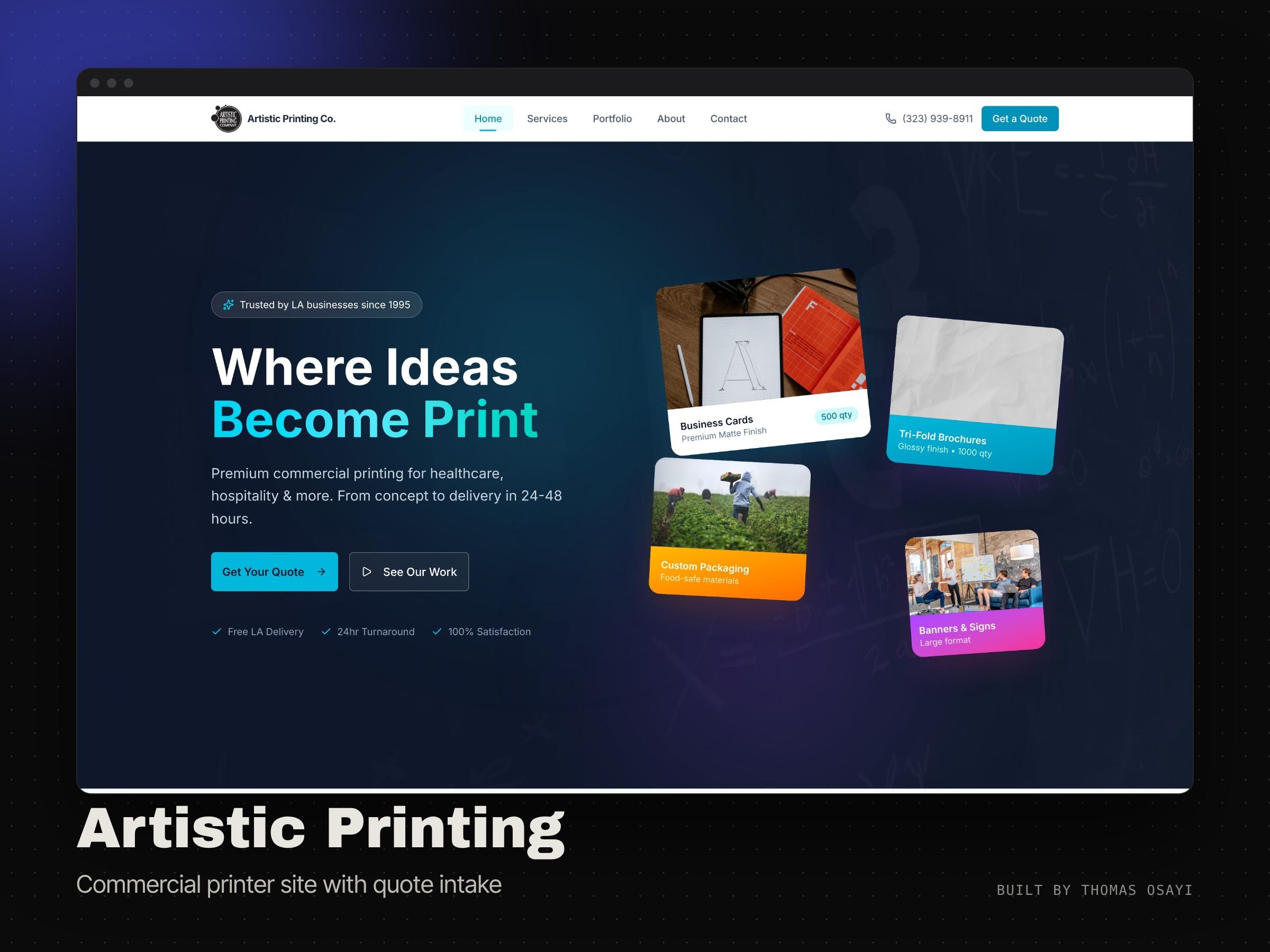
Artistic Printing
Website and quote management tool for a commercial printer, with structured client intake.
Pricing
A company using an existing portal for listings, applications and payments usually fits the Business Site package. Custom listing feeds, multiple markets or a bespoke owner dashboard make it a Full Custom Build. See the Custom Next.js websites for businesses packages, or get a quick estimate with the website cost calculator.
Who is a property management website really for?
It is for two audiences at once, property owners and tenants, and the site works best when each one gets a separate, obvious path from the first screen.
Owners are buyers. They compare management companies, read about fees and services and want proof that you can fill units and handle problems. Tenants and applicants are users. They want to find a rental, apply, pay rent or get a repair done, and they want to do it in as few taps as possible. When both groups land on one generic homepage, owners scroll past tenant links and tenants never find the portal.
I usually open the homepage with a short headline about where you manage and what kinds of property, then two clear choices: "Owners: get a rental analysis" and "Residents: pay rent or request maintenance", with "View available rentals" next to them. Each path leads to pages written only for that audience. The navigation can follow the same split, with Owners, Residents and Rentals as top level items.
How should available listings work on the site?
Listings should come from the same system you lease from, so a unit disappears from the website when it leases, instead of being typed in by hand and forgotten.
Hand maintained listings go stale fast: photos of units leased months ago, rents that changed and applicants calling about homes that are gone. Most property management platforms solve this already. AppFolio offers AppFolio Sites, a website product connected to its platform, plus listing distribution to other sites. Buildium offers listing syndication to partners such as Zillow, Zumper and Apartments.com, with applications linked to listings.
On a custom site, the options are to link a Rentals button to the listings page your software provides, embed it, or, where the platform offers a feed, display listings in your own design. Which one is possible depends on your software and plan, so I check that first. Each listing should show rent, deposit, beds, baths, square footage, pet policy, availability date, photos and the address or area, plus one button to apply.
Do we need custom rental applications and tenant portals?
Usually not, because the software you already use provides them, and the website should connect to those tools rather than rebuild them.
Rent Manager describes a prospect and tenant portal where prospects complete online applications, often from your website, and tenants pay rent, sign documents and submit maintenance requests. Buildium offers online applications and a Resident Center that residents use after move in. AppFolio offers online applications and resident and owner portal logins. These systems handle screening, fees, payments and records, which are exactly the parts you do not want reimplemented on a marketing site.
What the website does is make those tools easy to reach and consistent with your brand: clear Apply, Pay Rent and Resident Login buttons, a short page explaining how to set up an account, what screening involves and your application fee, and help text for the questions your office answers every day.
How should maintenance requests be handled?
Send routine requests to the maintenance system you already use, and put emergency instructions on a public page that does not require a login.
A resident with water coming through the ceiling should not have to remember a password. Create a public Maintenance page that explains what counts as an emergency (no heat in winter, active leaks, gas smell, no water, security issues), the number to call right away and what to do in the meantime, such as shutting off the water. Below that, link to the portal for everything else, with a note on typical response times if you publish them.
What do fair housing rules mean for our website?
Fair housing rules apply to your website the same way they apply to other housing ads, so listing copy should describe the property, not the kind of person you want to rent to.
According to HUD, the Fair Housing Act protects people from discrimination based on race, color, national origin, religion, sex, familial status and disability when renting or buying a home and in other housing related activities. HUD's advertising guidance says discriminatory housing ads are illegal and that this covers people and companies who place real estate ads in newspapers and on websites. HUD gives examples of problem phrases such as "no children" and "no wheelchairs".
In practice, write about features and policies: "Two bedroom unit, second floor, no elevator" instead of anything about who would suit it. Apply the same screening criteria and wording to everyone, and be careful with photos and targeting in paid ads. State and local laws can add more protected classes. This is general information, not legal advice, so have your listing templates reviewed by a fair housing attorney or your association's compliance resources.
How accessible should a property management site be?
Aim for WCAG 2.2 AA, the current W3C accessibility guideline, so people with disabilities can browse listings, apply and request repairs without help.
Accessibility here is practical, not cosmetic. Listings need alt text that describes each photo, forms need labels and clear error messages, everything must work with a keyboard and color contrast has to be readable on a phone in sunlight. If you link to third party portals, test them too, because a resident experiences the whole journey as your company. Offer a phone number and email for anyone who cannot complete something online, and mention how to request a reasonable accommodation. My post "Website accessibility basics for small businesses" goes deeper on the checks I run.
How do we turn the website into a source of new owners?
Give owners a clear reason to reach out, usually a free rental analysis or management quote, with a short form that captures the property details your team needs.
Owner pages should cover your services (leasing, screening, rent collection, maintenance, inspections, accounting and owner statements), your fee structure explained clearly, the areas and property types you manage and how communication works. Then the form: property address, property type, number of units, current status (vacant, tenant occupied, self managed) and timeline. Route it to whoever handles new business, and send the owner a confirmation that says when they will hear back. Local area pages for the neighborhoods you manage help these pages show up in search, as long as each one says something true about that market.
The bottom line
A property management website should give owners and tenants separate paths, pull listings from your real system, send applications, payments and maintenance to the portal you already use, keep emergency instructions public, and treat fair housing wording and accessibility with care. Most companies fit the Business Site package from $450. Custom listing displays, several markets or a bespoke owner area make it a Full Custom Build from $1,200, and the website cost calculator can give you a range first.
Questions
Do we need to rebuild tenant portals on the new website?
Usually not. Software like AppFolio, Buildium and Rent Manager already provides applications and resident portals, so the website links or connects to them instead of duplicating them.
Can the website show our available rentals automatically?
Often yes. Many property management platforms offer a listings page, a website product or a feed, and the site can link to or display those so vacancies stay current.
What does the Fair Housing Act mean for our website?
The Act prohibits discrimination based on race, color, national origin, religion, sex, familial status and disability, and HUD says that includes housing ads placed on websites. This is general information, not legal advice.
Should the site be accessible to people with disabilities?
Yes. Building to WCAG 2.2 AA makes listings, applications and maintenance requests usable by more people, including screen reader and keyboard users.
How should we capture new owner leads?
Offer a free rental analysis or management quote with a short form for the property address, type, units and timeline, and route it to whoever handles new business.
What does a property management website cost?
Thomas Osayi builds property management sites on the Business Site package from $450, or a Full Custom Build from $1,200 for custom listing feeds or several markets.
Building a site for your company?
Six quick questions, then an intro call if you want one.
Start a projectOther industries
Restaurants · Therapy practices · Medical clinics · Salons and spas · Startups · Local service businesses · Dental practices · Law firms · Real estate agents · Gyms and fitness studios · Ecommerce brands · Print shops and manufacturers · Nonprofits · Coaches and consultants · Med spas · Physical therapy and chiropractic clinics · Event venues · Car washes and auto detailing · Accountants and bookkeepers · Tutoring and education businesses · Photographers · Architects and interior designers · Plumbers and HVAC companies · Roofers and general contractors · Cleaning services · Landscapers and lawn care companies · Moving companies · Pet groomers and veterinary clinics · Food trucks · Bakeries and cafes · Wedding planners and event pros · Insurance agencies · Home care agencies · Tattoo studios · Churches and faith organizations · Auto repair shops · Florists · Daycare and childcare centers · Breweries and wineries · Funeral homes