Websites for daycare and childcare centers
Daycare and childcare center websites that parents trust
Choosing childcare is one of the most careful decisions a family makes. Parents read every page, compare several centers and look for anything that feels unclear. They want to know your ages and hours, whether you are licensed, what it costs, who will care for their child and how to come see the classroom. A good childcare website answers those plainly, makes booking a tour easy and treats the children in your care with the privacy their families expect.
Start a projectWhat the site needs to do
Parents pick from the tour times you actually offer, get a confirmation and a reminder, and your director sees every booking in one place.
A short interest form that captures the child's age, desired start date and schedule, with the detailed enrollment paperwork handled in your childcare software.
Your license type and number, the licensing agency, and a pointer to the state's public facility search so parents can check for themselves.
Rates or ranges by age group and schedule, what is included, registration fees and whether you accept subsidies, all in plain text.
No identifiable photos of enrolled children without written parental permission, no names next to faces and nothing that reveals a child's routine.
Mistakes I see most
- Posting photos of enrolled children on the website or social media without written parental consent
- Hiding tuition entirely, so every inquiry starts with a phone call about price
- Describing the program as "licensed" without the license number or the agency that issued it
- Collecting medical, allergy or custody details through a plain contact form that lands in a shared inbox
Related work
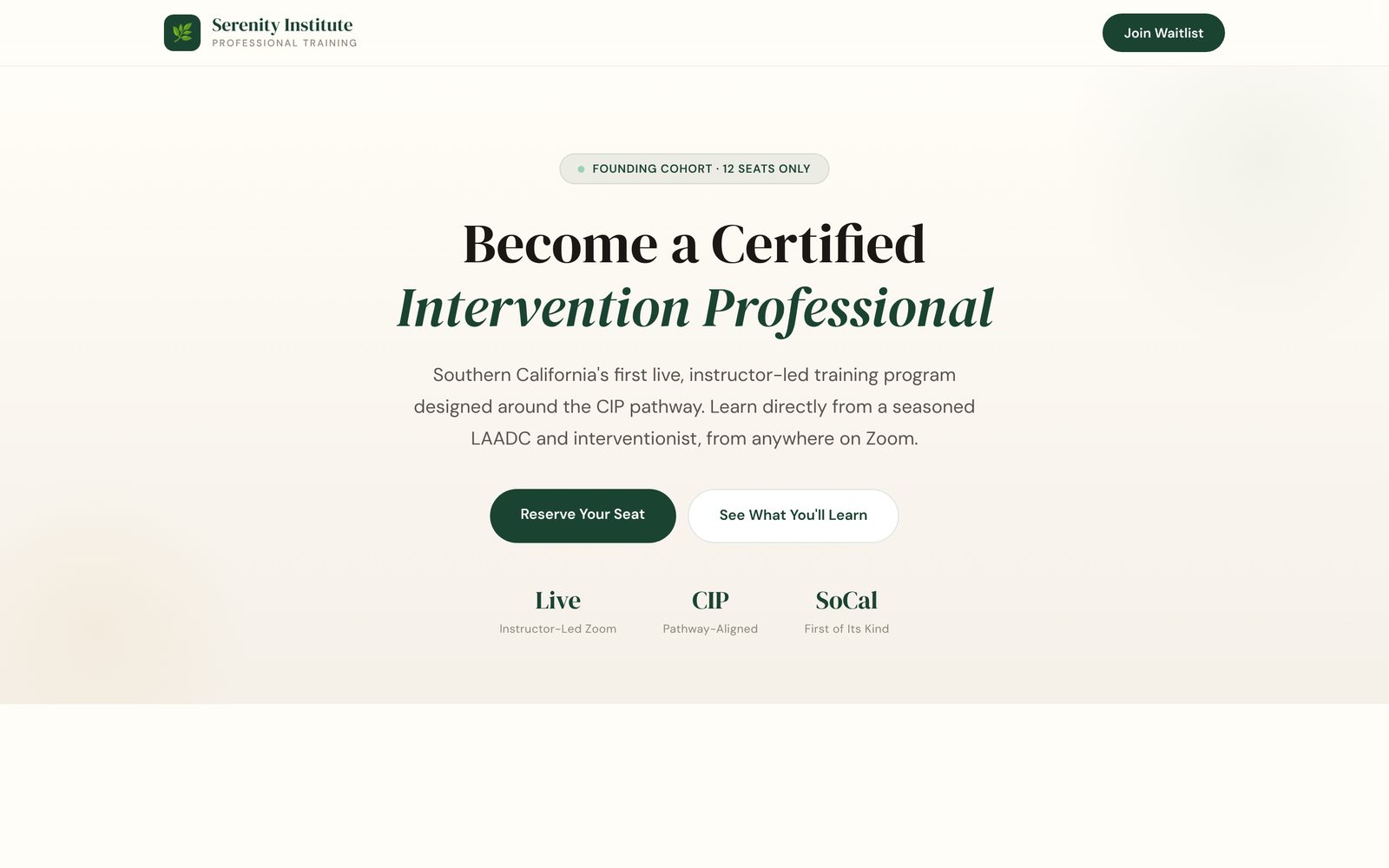
Serenity Institute
A Next.js site for Serenity Institute, a live Zoom training program for intervention professionals, with a nine-module curriculum and a founding cohort waitlist.
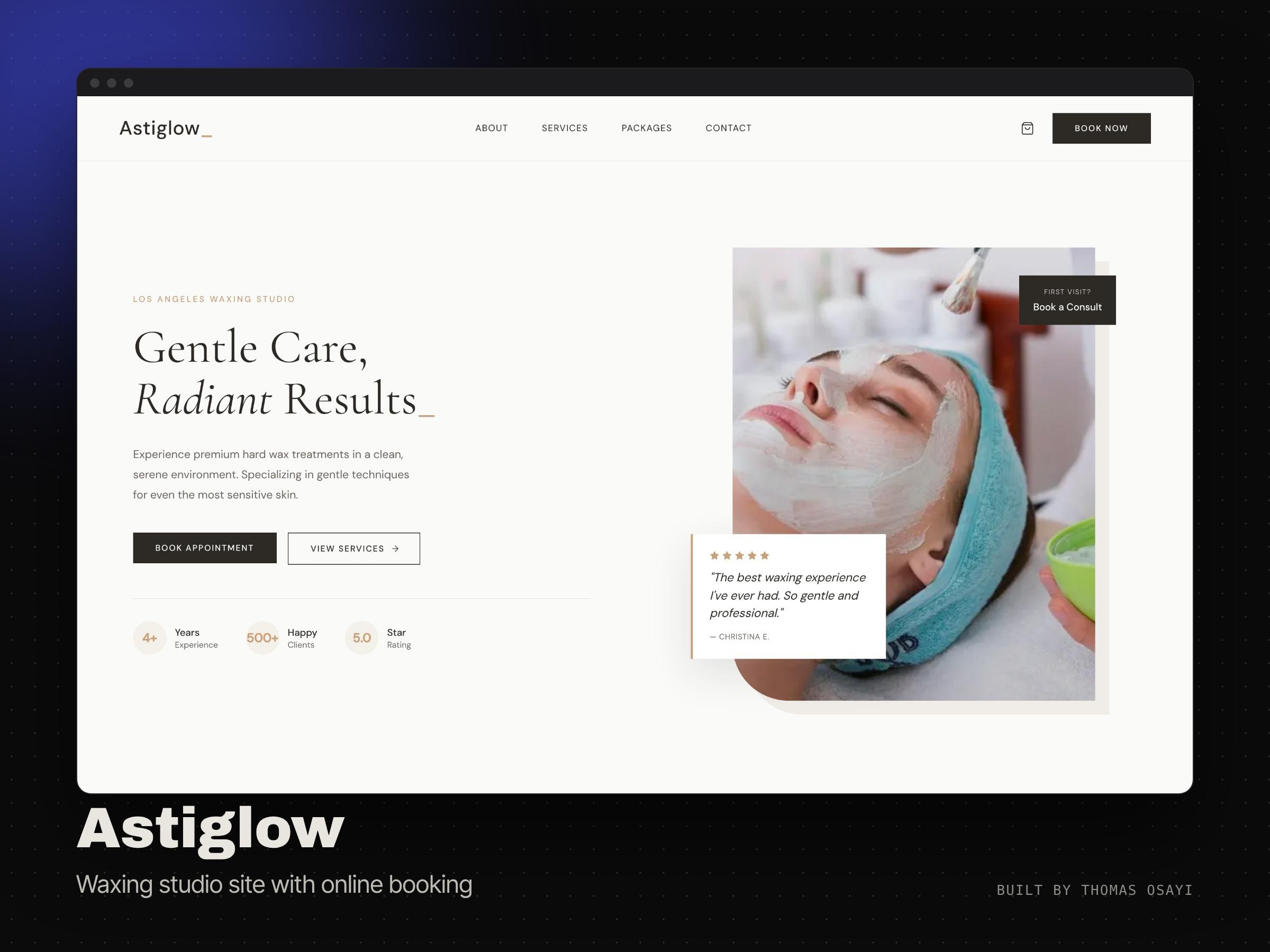
Astiglow
Website for a waxing studio with online booking and service packages.

Guardian MindCare
A therapy practice platform that matches clients with in-network therapists, with role-based portals for therapists, supervisors, trainees, clients and admins.
Pricing
A single center with program pages, tour booking, a waitlist form, tuition and licensing information fits the Business Site package. Several locations, a custom enrollment workflow or a deep integration with your childcare management software make it a Full Custom Build. See the Custom Next.js websites for businesses packages, or get a quick estimate with the website cost calculator.
What do parents look for first on a childcare website?
They look for the ages you serve, your hours and location, whether you are licensed, roughly what it costs and how to schedule a visit.
A parent comparing centers often has several tabs open and limited time, usually during a lunch break or after bedtime. The first screen should say what you are and where, such as "Infant, toddler and preschool care in Culver City, 7 am to 6 pm", with two clear actions: book a tour and join the waitlist. Below that, give each age group its own short section with ratios or group sizes you are comfortable publishing, a typical day, meals and naps, and what a parent should pack.
Staff matter as much as the building. A page that introduces your director and lead teachers, with their roles, experience and relevant training described accurately, does more for trust than any slogan. Avoid listing credentials you cannot document, and keep the page current when people leave. Safety practices belong in plain language too: how pickup authorization works, how you handle allergies and medication, and how you communicate with families during an emergency.
How should tour booking work on a daycare website?
Parents should be able to pick one of the tour times you actually offer, get an instant confirmation and receive a reminder the day before.
Tours are where most enrollment decisions happen, so the booking step should be the easiest thing on the site. Decide which slots you can offer each week, for example two weekday mornings and one late afternoon, and let the booking tool show only those. Ask for the parent's name, contact details, the child's age or due date, and the start date they are hoping for. That is enough for your director to prepare.
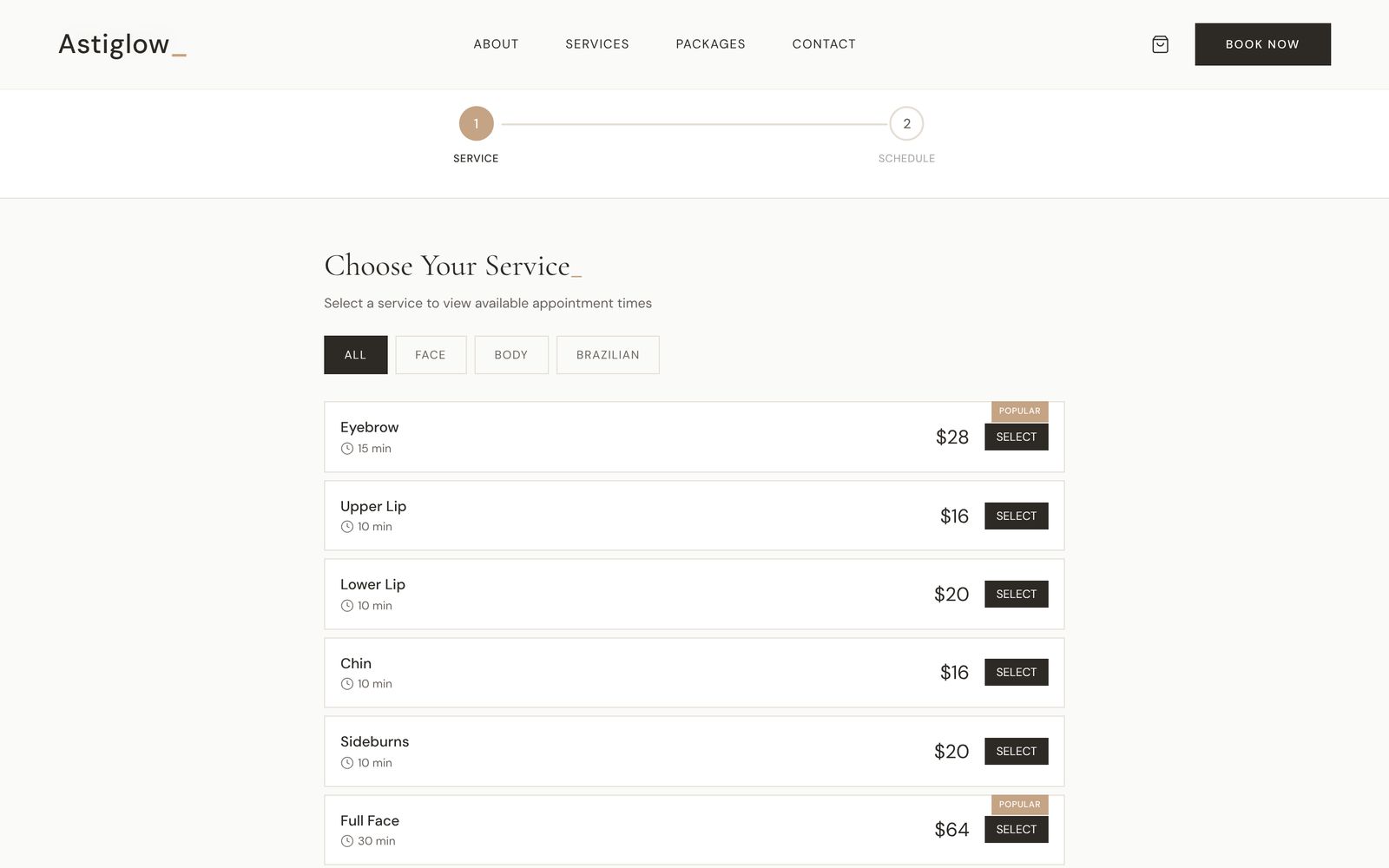
I have not built for a childcare center. The closest work I have done is the booking flow for Astiglow, a waxing studio in Los Angeles, where clients choose a service and a time without calling. Tour booking uses the same pattern: a short list of options, open times only, and a confirmation that lands in the parent's inbox.
How should enrollment and waitlist forms be built?
Keep the website form short, asking only what you need to place a family on the waitlist, and move detailed enrollment paperwork into a secure system.
A waitlist form should capture the parent's contact details, the child's first name, birth date or due date, the desired start date, the schedule they need (full time, part time, specific days) and whether a sibling is already enrolled. That lets you sort by age group and start date without collecting anything sensitive.
Medical history, allergies, immunization records, custody arrangements and emergency contacts belong in your enrollment process, not in a plain web form that emails a shared inbox. California's regulations for child care centers state that all information and records obtained from or regarding children are confidential, which is a good reason to keep those details inside software designed for them.
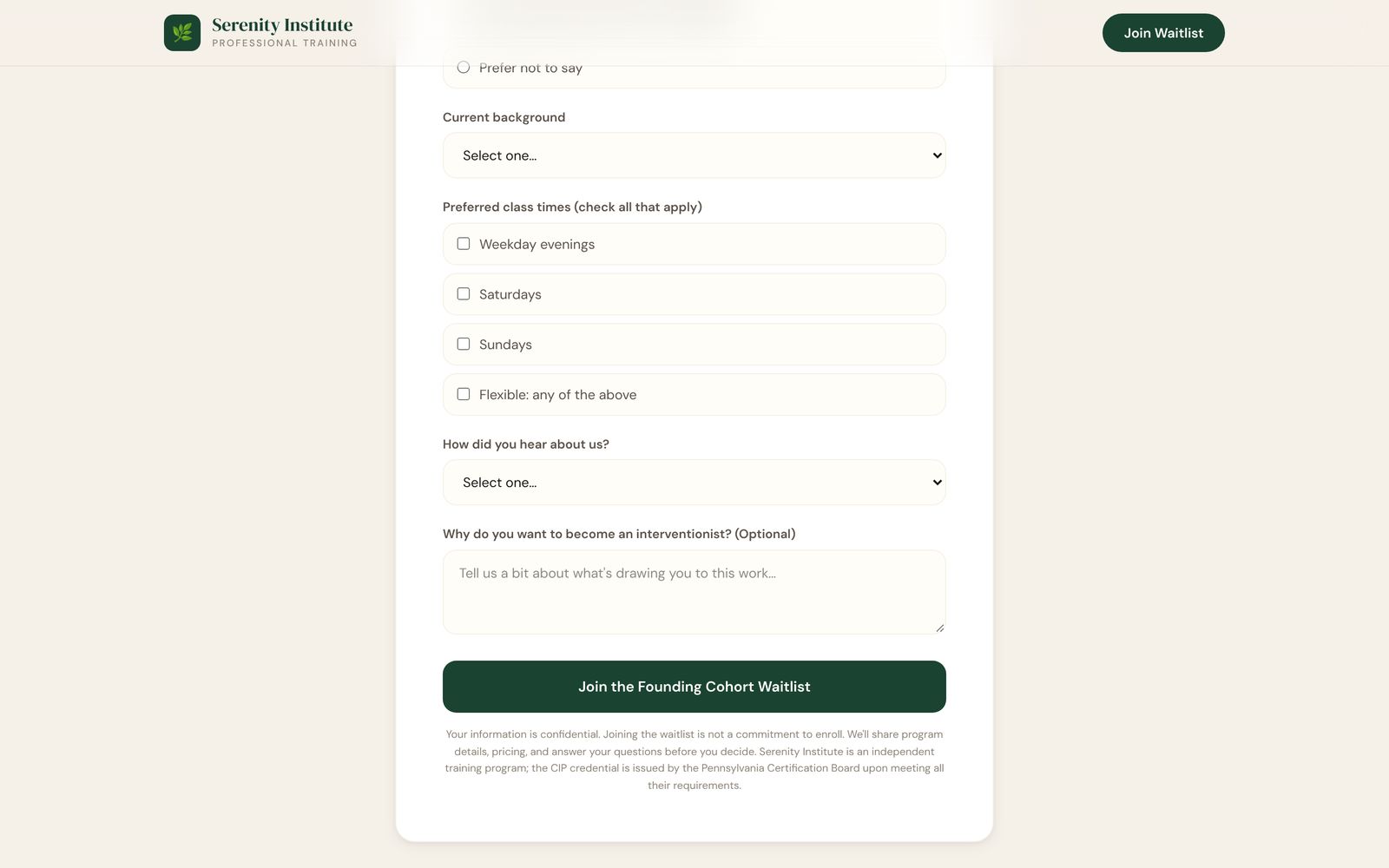
The waitlist form I built for Serenity Institute, a certification program, shows the kind of short, structured form that works here: a few clear fields, a confirmation and a list your team can sort.
How should a center show its license on the website?
State your license type, your license number and the agency that issued it, and point parents to the state's public facility search so they can check the record themselves.
In California, licensed child care centers and family child care homes are licensed by the Community Care Licensing Division of the California Department of Social Services. CDSS describes child care centers as usually located in commercial buildings and providing non-medical care for infants to school-age children in group settings for less than 24 hours. Family child care homes must be in the licensee's own home, with small homes serving up to 8 children and large homes up to 14.
CDSS runs an online facility search, and its parent resources say it includes inspection reports, violations and inspection history. Rather than paraphrasing your record, give your license number and tell parents they can look it up. That is more credible than any badge, and it keeps your site honest if a citation is ever recorded. Outside California, use your own state's licensing agency and its terms, since rules and wording differ. This is general information, not legal advice.
Should a daycare publish its tuition?
Yes, publish rates or ranges by age group and schedule, along with what they include, because price is the question almost every parent asks first.
Infant care usually costs more than preschool, and full time costs more than part time, so a small grid in plain text works well: age group, schedule, monthly or weekly rate. List registration and supply fees, sibling discounts, what meals are included, your holiday closures and how late pickup is billed. If you accept child care subsidies, say which programs and who to ask.
If you are not comfortable posting exact numbers, a starting rate per age group still filters inquiries. Parents who book a tour after seeing it are already comfortable with the price, which makes the tour a better use of your director's time.
How should a childcare website handle children's photos and privacy?
Use photos of enrolled children only with written parental permission, and design the site so no child can be identified or located from it.
Parents want to see classrooms, outdoor space and activities. You can show all of that without exposing children. Photos of empty rooms, art on the walls, hands at work and children from behind tell the story well. When you do use an identifiable photo, get written consent from that child's parent or guardian for that specific use, keep a record of it and remove the photo promptly if consent is withdrawn or the child leaves.
A few practical rules I would build into any childcare site:
- Never put a child's name, classroom or schedule next to a photo.
- Strip location data from image files before upload.
- Keep daily photos and updates for families inside a parent app, not on public pages.
This is general information, not legal advice. Your licensing consultant or an attorney can tell you what applies to your program.
Which parent portal options should the site connect to?
Link to the parent and enrollment tools your childcare management software already provides, and let the website handle tours, programs and first contact.
Platforms like brightwheel and Procare cover the daily operations side. Brightwheel lists billing with autopay, check-in, family messaging, digital daily reports with photos, and enrollment forms with waitlist decisions. Procare lists online registration, waitlists and tuition billing. Rebuilding those inside a website rarely makes sense. The better approach is a clear "Parent login" link, an enrollment button that opens your software's form when you are ready to enroll a family, and a website that does the job those tools do not: helping new families find you and decide.
The bottom line
A childcare website earns trust by being specific and careful: clear ages and hours, accurate licensing with a way to verify it, honest tuition, easy tour booking, a short waitlist form and real restraint with children's photos and data. A single center with those pieces fits the Business Site package, and the website cost calculator can give you a rough number before we talk.
Questions
Who licenses childcare centers in California?
Licensed child care centers and family child care homes in California are licensed by the Community Care Licensing Division of the California Department of Social Services (CDSS).
Can parents look up a childcare center's license and inspections?
Yes. CDSS runs a public facility search where parents can look up licensed facilities, and its parent resources say it includes inspection reports, violations and inspection history.
Can we post photos of the children on our website?
Only with written permission from each child's parent or guardian, and even then it is wise to avoid names, close faces and anything that reveals where a specific child is each day. This is general information, not legal advice.
Should a daycare website list tuition?
Listing rates or ranges by age group and schedule saves time for both sides, and parents who still inquire already know the price fits.
Can our website connect to brightwheel or Procare?
Usually the best approach is linking to the enrollment and parent tools those platforms already provide, while the website handles tours, program information and the first inquiry.
What does a childcare center website cost?
Thomas Osayi builds childcare center sites on the Business Site package from $450, or a Full Custom Build from $1,200 for multiple locations or custom enrollment workflows.
Building a site for your center?
Six quick questions, then an intro call if you want one.
Start a projectOther industries
Restaurants · Therapy practices · Medical clinics · Salons and spas · Startups · Local service businesses · Dental practices · Law firms · Real estate agents · Gyms and fitness studios · Ecommerce brands · Print shops and manufacturers · Nonprofits · Coaches and consultants · Med spas · Physical therapy and chiropractic clinics · Event venues · Car washes and auto detailing · Accountants and bookkeepers · Tutoring and education businesses · Photographers · Architects and interior designers · Plumbers and HVAC companies · Roofers and general contractors · Cleaning services · Landscapers and lawn care companies · Moving companies · Pet groomers and veterinary clinics · Food trucks · Bakeries and cafes · Wedding planners and event pros · Insurance agencies · Home care agencies · Tattoo studios · Churches and faith organizations · Auto repair shops · Property management companies · Florists · Breweries and wineries · Funeral homes