Business website + quote tool
Artistic Printing
Website and quote management tool for a commercial printer, with structured client intake.
- Next.js
- TypeScript
- Firebase
Live: artisticprinting.com
The goal
Replace back-and-forth emails with a clean way for clients to request print quotes.
Artistic Printing is a commercial printer in Los Angeles, a family-owned shop on Pico Boulevard that has been printing for local businesses since 1995. A print job cannot be priced from a message that says "how much for some brochures". The shop needs to know what is being printed, how many and at what size before a number means anything. When requests arrive as loose emails, every quote starts with a round of questions, and the job waits while they are answered.
What the shop needed
- A modern website that makes the business look as capable as it is
- Pages that speak to the industries the shop serves most: healthcare, hospitality, education and automotive
- A quote request that collects the specs the shop needs the first time
- A way to manage the requests that come in, without hunting through an inbox
- Structured client intake, so the same information is captured for every client and job
- Content that answers the questions buyers ask before they order
How I approached it
The form is the product. For a service business, a website has one job: turn a search into a qualified request. A generic contact form with a name, an email and a message box produces the same vague emails the shop was already getting.
So the work starts from the shop's side. What does the person pricing the job need in front of them? Those answers become the fields, worded the way a client would say them.
The second half is what happens after someone presses submit. A request that lands in an inbox is still an email. A request that lands in a tool is a record that can be tracked.
The third piece is how buyers arrive. A hospital purchasing department, a restaurant owner and a car dealership search for very different things. Each of those buyers should land on a page that speaks their language and leads to the same quote request.
What I built
A modern website
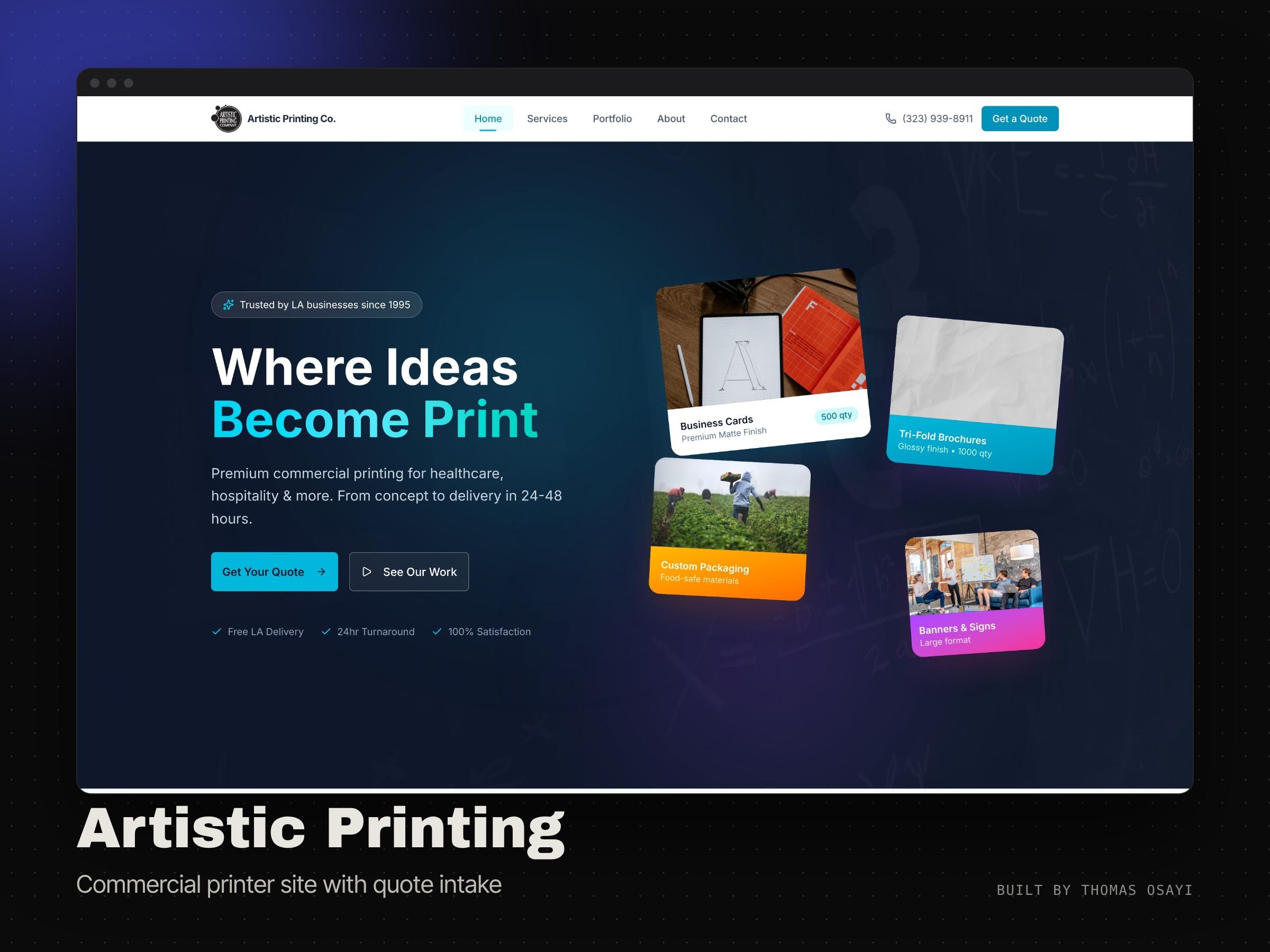
The public site presents the shop and leads visitors toward requesting a quote. The hero reads "Where Ideas Become Print", with a "Get your quote" button and the shop's three promises underneath: free LA delivery, 24-hour turnaround and satisfaction guaranteed.
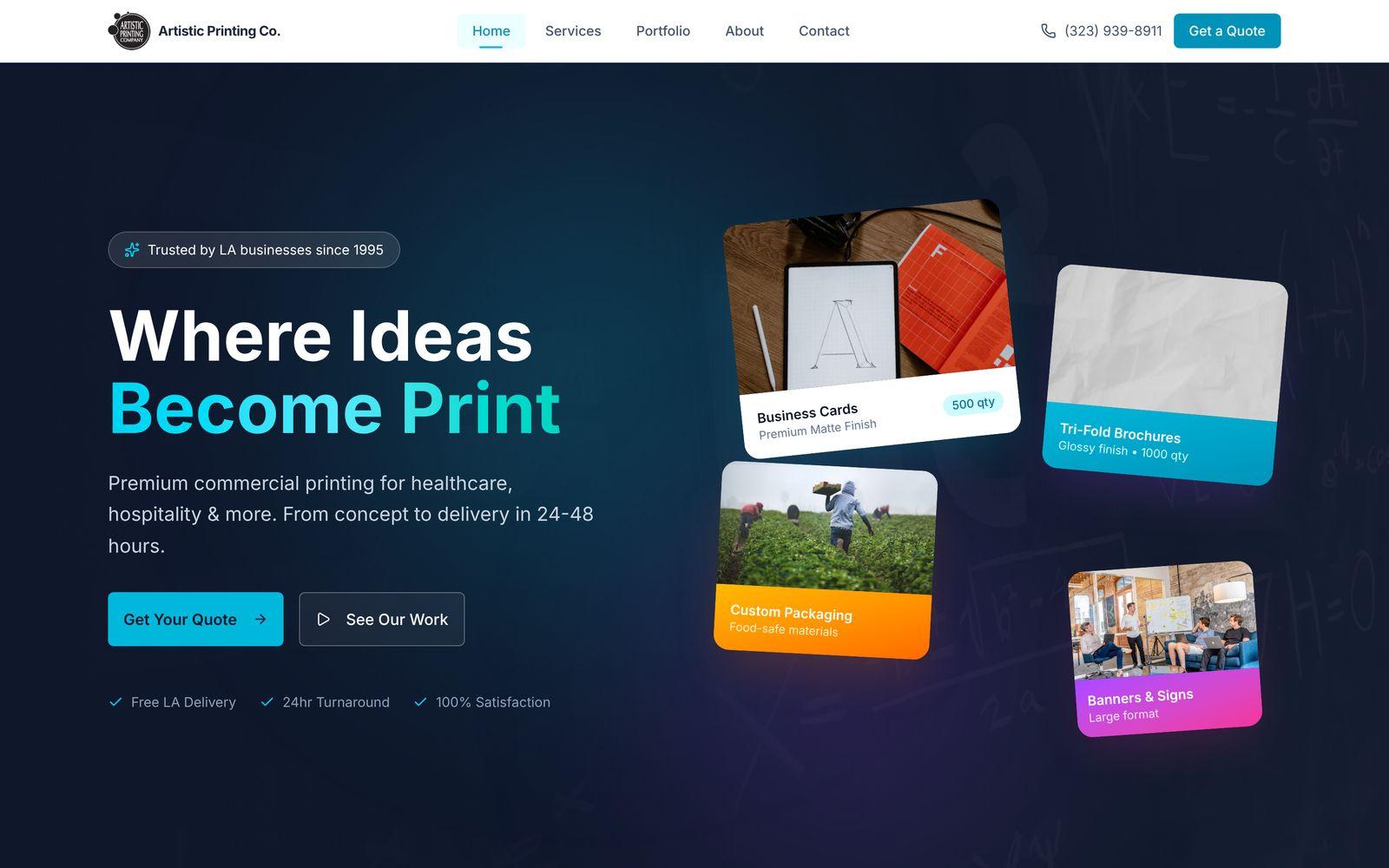
For a printer, as for any local service business, trust comes from real examples of the work, clarity about what the shop does and an easy way to get in touch from a phone. Every page carries the phone number and a "Get a Quote" button in the header, so the next step is always one tap away.
Industry pages
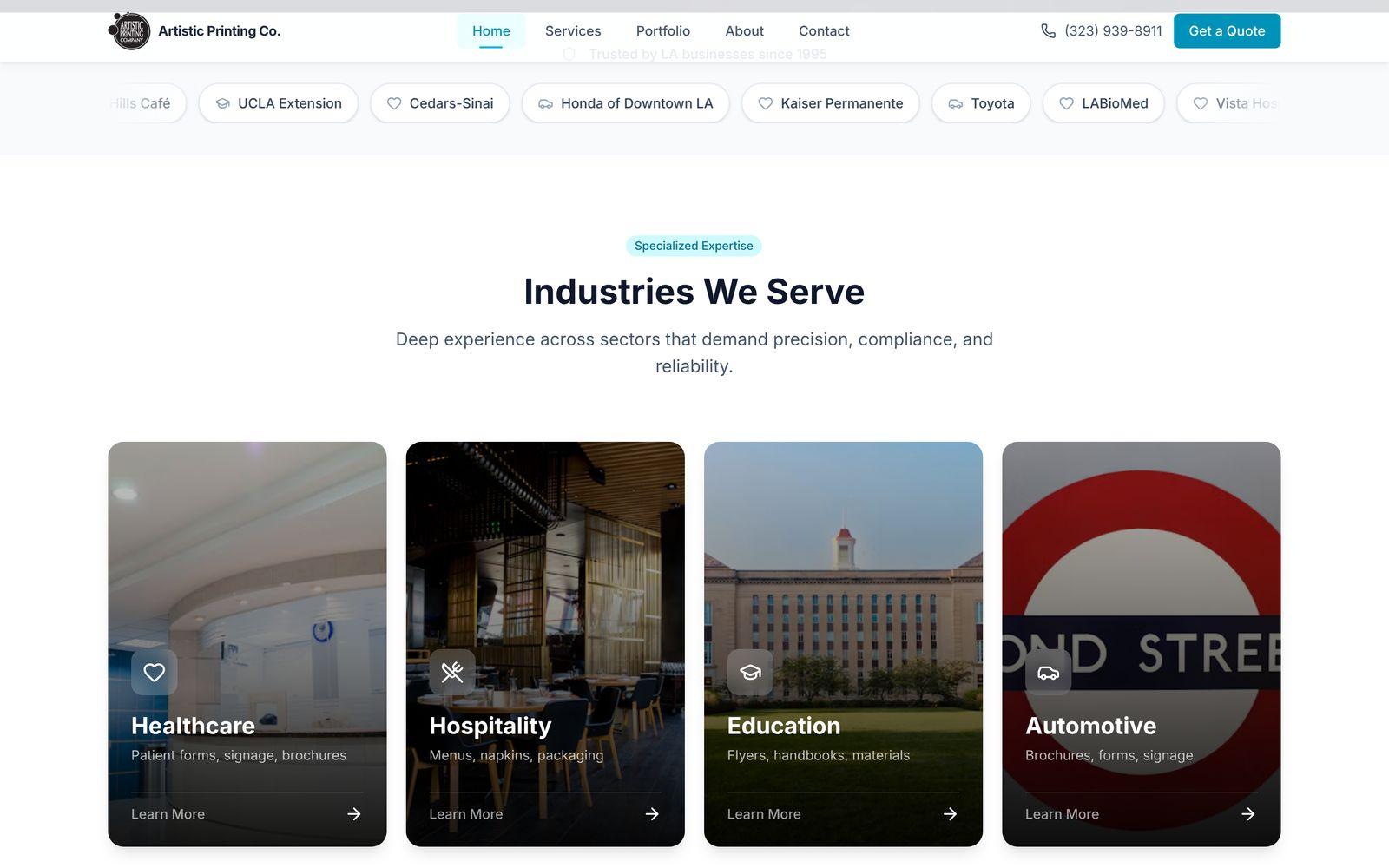
The home page introduces the four industries the shop knows best, each with the pieces it prints for them: patient intake forms and hospital signage for healthcare, menus and takeout packaging for hospitality, catalogs and handbooks for education, and sales brochures and service forms for automotive. Each industry links to a landing page of its own.
The healthcare page shows what that looks like in practice. It is written for a hospital or clinic buyer, with the things that buyer checks first: a business associate agreement available on request, bilingual English and Spanish materials, ADA-compliant typography and free delivery across LA County. It lists what the shop prints for healthcare, from intake forms and multi-part carbonless forms to discharge sheets and wayfinding signage, walks through the process from request to delivery, and answers healthcare buyers' questions in an FAQ.
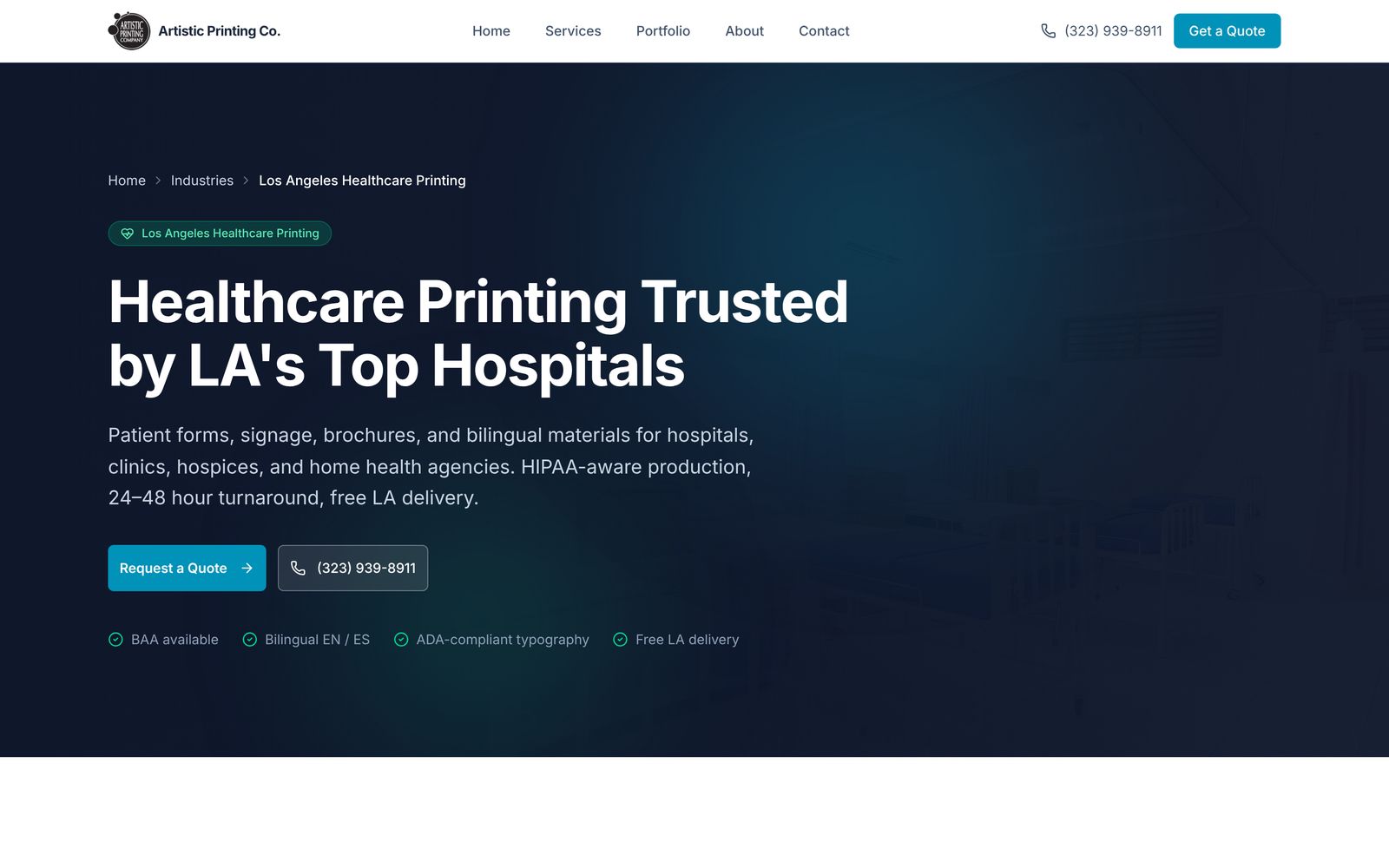
Pages like this do two jobs. They rank for the searches a specific buyer makes, such as healthcare printing in Los Angeles, and they reassure that buyer that the shop understands their constraints before the first conversation.
Services
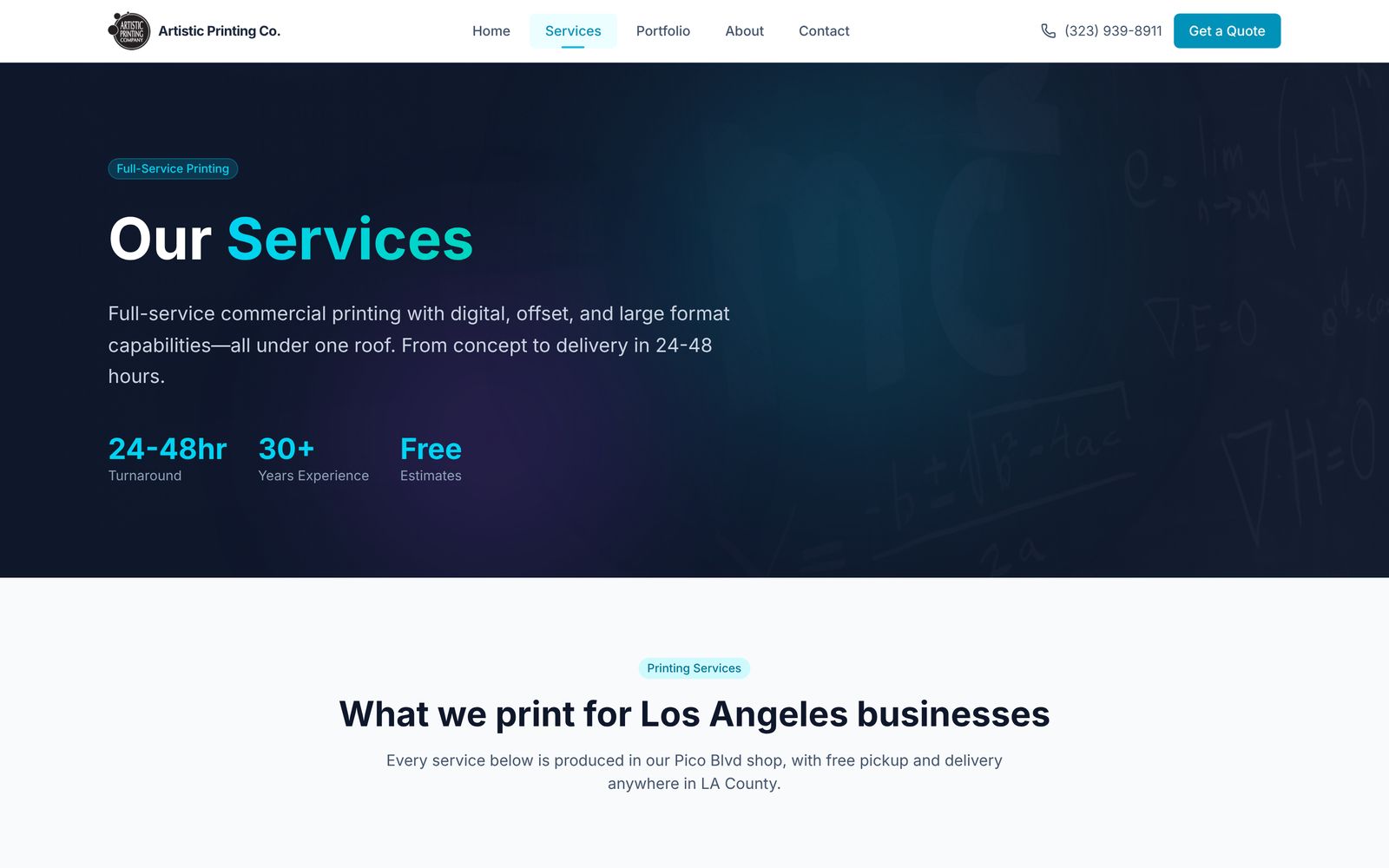
The services page sets out what the shop produces in plain categories: business cards, brochures, flyers, banners and large format, plus commercial printing, custom packaging and office forms. It lists the in-house equipment, from digital and offset printing to large format up to 44 inches wide and bindery, and explains the process in four steps: consultation, quote and proof, production, and delivery.
Printing guides
A guides section answers the questions buyers ask before they order: padded versus booked carbonless forms, how many parts an NCR form needs, business card thickness and finishes, digital versus offset printing, sign materials, banner types, what a dental office or a car dealership needs printed, and how statement printing and mailing works.
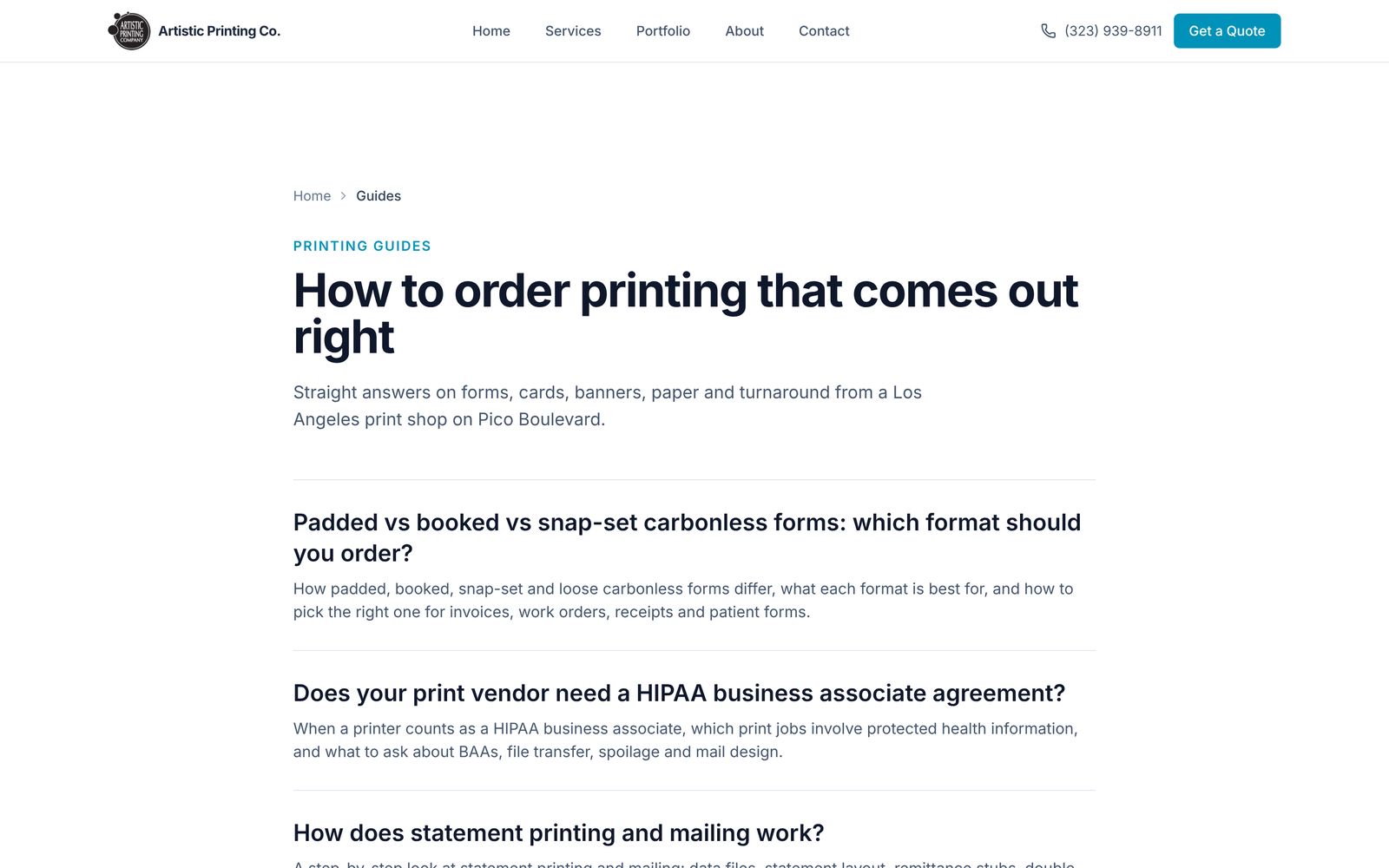
Each guide is the kind of answer the shop's staff would otherwise give on the phone. Written down, it helps a buyer order correctly, it brings in search traffic for those exact questions, and it means more requests arrive with the right specs already decided.
Structured quote intake
Every "Get a Quote" button leads to the same place: the contact page, where the quote request sits alongside the address, phone number, email and business hours. The request collects the client's name, company, email, phone and project details, and the page tells the client the shop responds within 24 hours on business days.
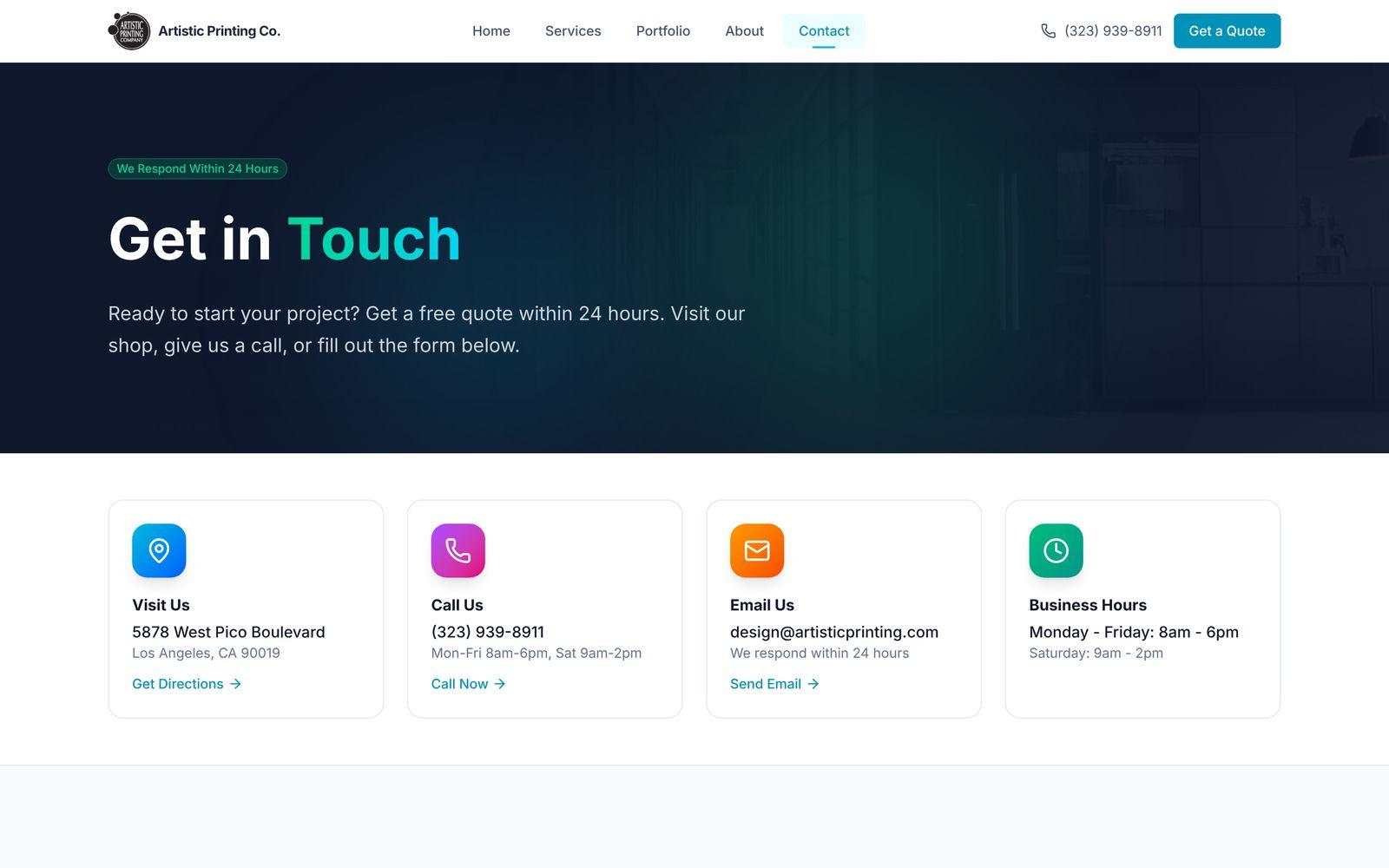
The same page answers the questions that would otherwise come back as emails: typical turnaround times for business cards, flyers, large format and rush orders, which file formats the shop accepts, minimum order quantities and whether the shop can help with design.
In general, a good print quote form asks for the kind of piece, the quantity, the size and any deadline. It uses choices instead of free text wherever the options are known, and it marks as required only what is truly needed to quote. Every extra required field loses some requests, so the skill is in asking for enough and no more.
Print work usually involves artwork. A quote form can accept file uploads, so artwork, photos or plans travel with the request and do not follow later in a separate email.
Quote management
Requests go into a quote management tool, not only into an inbox. Staff reach it through a staff login linked from the site's footer. The value of a tool over email is simple. Each request is a record with the same fields in the same place, and nothing gets buried in a thread.
A quote tool of this kind generally needs three things: a list of requests, a detail view showing everything the client submitted, and a way to mark where each request stands.
Technical decisions and why
- Next.js and TypeScript. The public site is pre-built and fast, which matters for local search, and the quote tool is a real application behind it. Next.js lets both live in one project. TypeScript is especially useful for forms: the shape of a quote request can be defined once and shared by the form, the validation and the management view, so the three cannot drift apart.
- Firebase. A quote tool needs a database for requests and sign-in for the people who manage them. Firebase provides both on one platform, along with file storage, and there is no server to maintain. That fits a small business that should not need an IT department to run its website.
- Access rules. Quote requests contain client details. In any build like this, the database rules should let the public create a request and let only signed-in staff read them. Validation belongs on the server as well as in the form, because a form in a browser can be bypassed.
Result
Quote requests come in structured and complete. Each one arrives with the details the shop needs and lands in one list that staff can work through. Buyers from each of the shop's main industries have a page written for them, and the guides answer the common questions before anyone has to pick up the phone.
What I would tell a service business planning a similar tool
Sit down with whoever prices the work and list what they ask every client. That list is your form.
Ask for the specs that matter for your work, such as sizes, quantities, addresses or photos, and resist adding fields that are only nice to have.
Use dropdowns and choices where you can. They are faster to fill in on a phone and they give you clean data.
Send the client a clear confirmation, so they know the request arrived and what happens next.
Write a page for each kind of customer you serve most, in their language. A hospital buyer and a restaurant owner should not land on the same generic page.
Turn the questions your staff answer every week into guides.
Treat the internal side as part of the project. Structured requests are half the gain. The other half is having them in one list instead of spread across inboxes.
Start with the site and the form. Internal tools such as quote management, job scheduling or calendar sync can grow out of the same site when you are ready for them.
Need something like this?
Custom Next.js websites for small businesses, clinics, restaurants and startups. Fast, SEO-ready, built from scratch with booking, ordering or quote tools. Based in Los Angeles.
Custom Next.js websites for businesses