Websites for churches and faith organizations
Church websites that welcome visitors and keep members connected
A first time visitor checks a church website before they ever walk in. They want service times, the address and parking, what to expect and whether there is something for their kids. Members visit for the livestream, the events calendar and giving. A good church site serves both, stays easy for volunteers to update and works for everyone in the congregation.
Start a projectWhat the site needs to do
Times, address, parking, what to wear, how long services run and what happens for children, all on one welcoming page.
This week's stream on the homepage when you are live, and an archive of past sermons or talks people can search.
A clear Give button linked to the giving platform you choose, with one time and recurring options.
A calendar that volunteers can update, with sign ups for classes, retreats, volunteering and youth events.
Readable type, strong contrast, captions on video and pages that work with screen readers, so everyone can take part.
Mistakes I see most
- Service times buried below announcements and slideshows
- An events calendar that nobody can update without the original builder
- Giving links that send people to a confusing or unbranded page
- Livestream video with no captions and no archive
Related work
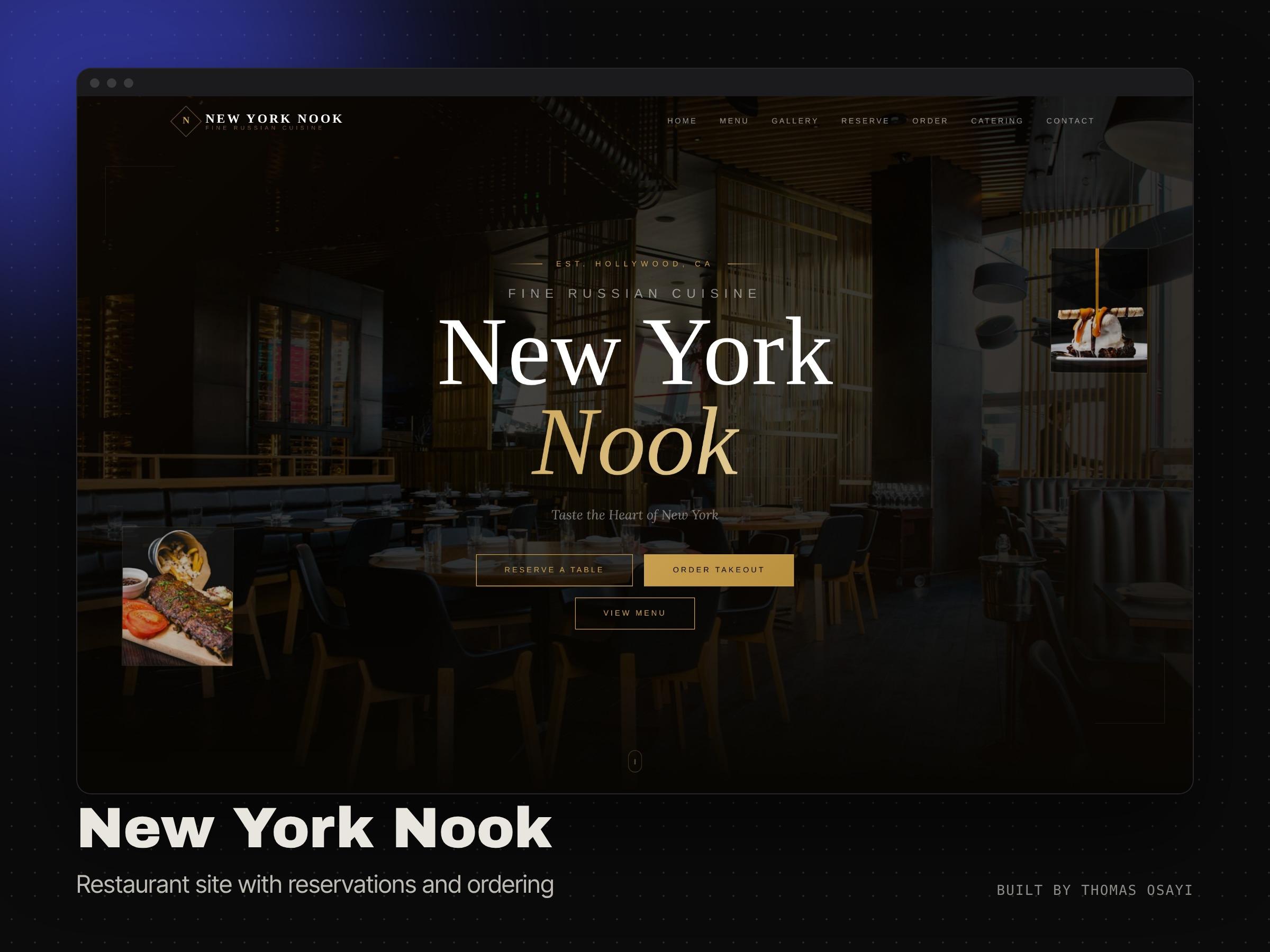
New York Nook
Restaurant website for a Russian restaurant in Hollywood with reservations and pickup ordering.

Guardian MindCare
A therapy practice platform that matches clients with in-network therapists, with role-based portals for therapists, supervisors, trainees, clients and admins.
Pricing
A single congregation fits the Business Site package. Several campuses, many ministries, event registration or a members area make it a Full Custom Build. See the Custom Next.js websites for businesses packages, or get a quick estimate with the website cost calculator.
What does a first time visitor need from a church website?
A first time visitor needs to know when and where to come, what to expect, and that they will be welcome, before anything else.
Most church homepages lead with announcements, which matter to members but mean little to a newcomer. Put service times and the address at the top, with a "Plan your visit" button. That page should answer the quiet questions people rarely ask out loud:
- Where to park and which door to use.
- How long the service lasts and what it is like.
- What people usually wear.
- What happens for children and whether they need to be checked in.
- Whether the building is accessible and where the restrooms are.
- Who to contact with questions, with a real name and photo.
A short welcome video or a few real photos of a Sunday morning do more than any paragraph. Use photos of your own congregation, with permission, rather than stock images that look like somewhere else.
How should a church handle online giving on its website?
Put one clear Give button in the header, send it to a giving page that matches your site, and offer both one time and recurring gifts.
There are two common approaches. Many churches use a dedicated church giving platform, which typically handles recurring gifts, multiple funds, text giving and year end giving statements, and often connects to church management software. Others use a simpler setup with Stripe, which can handle one time and recurring payments on a page built into the site. Fees, features and contracts vary by provider, so compare current pricing on each provider's own site before you choose.
Whichever you pick, a few things help:
- Let people choose a fund, such as general, missions or building, without too many choices.
- Show what the gift supports in a sentence or two.
- Make recurring giving easy to set up and easy to change.
- Send a clear receipt, and check with your accountant about what giving statements should include. This is general information, not tax or legal advice.
How do we add a livestream and a sermon archive?
Embed your stream from YouTube or another streaming service, show it on the homepage while you are live, and keep a searchable archive of past messages.
Most churches already stream to YouTube or Facebook. The site can embed that player so people watch on your page, where they also see the Give button, upcoming events and a way to connect. During service hours, the homepage can show the live player at the top; the rest of the week, it shows the latest message.
The archive is where long term value builds. Give each sermon or talk its own page with the title, speaker, date, scripture or topic and the video or audio. Tag messages by series and speaker so people can find a specific one. Add captions to every video. YouTube can create automatic captions, but reviewing them for names and scripture references makes them far more useful to deaf and hard of hearing members, and to anyone watching with the sound off.
How should events and sign ups work?
Use one calendar that volunteers can update from a simple editor, with registration for anything that needs a headcount.
Church calendars get busy: classes, small groups, youth nights, retreats, volunteer days, community meals. The common failure is a calendar only one person knows how to update, which goes stale within months. A good setup lets ministry leaders add events from a form, with a date, time, location, description, image and an optional sign up.
For events that need a headcount or payment, such as a retreat or a camp, registration can collect names, ages, dietary needs and emergency contacts, and take a deposit through Stripe if needed. For New York Nook, a restaurant, I built a catering and private events inquiry that gathers the date, guest count and details in one request. Church event sign ups follow the same principle: ask everything the organizer needs once, so no one chases details later.
Be careful with information about children. Collect only what the event needs, limit who can see it and remove it after the event.
How do we make a church website accessible to everyone?
Build accessibility in from the start: readable text, strong contrast, captions, alt text and forms that work with a keyboard and screen readers.
A congregation includes older members with low vision, people who are deaf or hard of hearing and people who use screen readers. Practical steps:
- Body text at a comfortable size, with strong contrast against the background.
- Real text instead of words inside images, so it can be read aloud and resized.
- Alt text on photos that describes what matters.
- Captions on video and transcripts for audio messages where you can.
- Buttons and links large enough to tap and clearly labeled.
- Forms with visible labels and clear error messages.
Also describe physical access on the visit page: ramps, elevators, accessible seating and parking, hearing loop or assistive listening if you have it. My post "Website accessibility basics for small businesses" covers the WCAG basics. This is general information, not legal advice.
How should ministries and groups be presented?
Give each ministry a short page with who it is for, when it meets, who leads it and how to join, instead of one long list.
Children, youth, young adults, small groups, outreach, music and care ministries each serve different people, and each gets searched for on its own. A page per ministry lets a parent find children's programs quickly and lets a new member find a small group. Include a contact form that goes to that ministry leader directly, so questions do not pile up in the main office inbox. If the leader changes, updating one page and one email address should be all it takes.
Can a church website support several languages or campuses?
Yes. Each language or campus can have its own pages, service times and contacts, with a simple switch in the header.
Many congregations hold services in more than one language. Full translated pages, not a machine translation widget, read naturally and rank in search for people looking in that language. My post "How to build a bilingual website in English and Spanish that ranks in both" explains the setup. For multiple campuses, each location gets its own page with times, address, staff and events, while giving and the sermon archive stay shared.
The bottom line
A church website should welcome a first time visitor with times, directions and what to expect, and give members an easy way to watch, give and get involved. Put the Give button and livestream where people expect them, let volunteers keep events current, and build accessibility in from the start. A single congregation fits the Business Site package; multiple campuses, registration with payments or a members area make it a Full Custom Build. The website cost calculator gives a quick range.
Questions
Can people give online through the website?
Yes. I connect the giving platform you choose, or build a simple Stripe giving page with one time and recurring gifts.
Can we show our livestream on the homepage?
Yes. The homepage can show the live player during services and switch back to the latest message afterwards.
Can volunteers update events and announcements?
Yes. Events, announcements and sermons can be managed from a simple editor, so no one needs to touch code.
Can the site support more than one language?
Yes. Congregations with services in several languages can have full pages in each, with a language switch in the header.
How do we make the church website accessible?
Use readable text sizes, strong color contrast, alt text on images, captions on video and forms that work with a keyboard and screen readers.
What does a church website cost?
Thomas Osayi builds church sites on the Business Site package from $450, or a Full Custom Build from $1,200 for multiple campuses, registration or a members area.
Building a site for your church?
Six quick questions, then an intro call if you want one.
Start a projectOther industries
Restaurants · Therapy practices · Medical clinics · Salons and spas · Startups · Local service businesses · Dental practices · Law firms · Real estate agents · Gyms and fitness studios · Ecommerce brands · Print shops and manufacturers · Nonprofits · Coaches and consultants · Med spas · Physical therapy and chiropractic clinics · Event venues · Car washes and auto detailing · Accountants and bookkeepers · Tutoring and education businesses · Photographers · Architects and interior designers · Plumbers and HVAC companies · Roofers and general contractors · Cleaning services · Landscapers and lawn care companies · Moving companies · Pet groomers and veterinary clinics · Food trucks · Bakeries and cafes · Wedding planners and event pros · Insurance agencies · Home care agencies · Tattoo studios · Auto repair shops · Property management companies · Florists · Daycare and childcare centers · Breweries and wineries · Funeral homes