GitHub Copilot developer
Fix and ship the app you built with GitHub Copilot
Built your app with Copilot agent mode or the coding agent and now have pull requests you cannot fully review? I review the code, fix what is broken and ship it.
Get it fixedWhat GitHub Copilot builds
GitHub Copilot works inside your own repository on any stack. Agent mode edits files and runs commands in your editor, and the coding agent (now called the Copilot cloud agent) works on a branch in the background and opens a pull request for you to review.
Where GitHub Copilot apps usually break
The coding agent opens a pull request per task. When they are merged because the preview looked right, auth checks, validation and error handling slip through.
Copilot works on one branch at a time and one pull request per task. Several parallel tasks on the same area end in merge conflicts and duplicated logic.
Agent-written tests often check that code runs, not that it is correct. They pass while the real bug ships.
In the cloud the agent needs dependencies, services and environment set up for it. Without that, it guesses, and its changes are never actually run.
Environment variables, migrations, webhooks and domains that were never part of any issue, so no agent ever set them up.
How I fix it
- Get access to the repository and hosting accounts
- Review merged and open Copilot pull requests for risk
- Fix security, data access and broken flows first
- Set up instructions, tests and CI so future agent work stays safe
- Deploy, test real flows and hand over notes
Packages
One bug or error in an app that otherwise works, fixed and explained.
Up to three fixes plus one small feature or integration.
For apps whose core features already work: fix what blocks launch and ship it to production.
Apps I have shipped
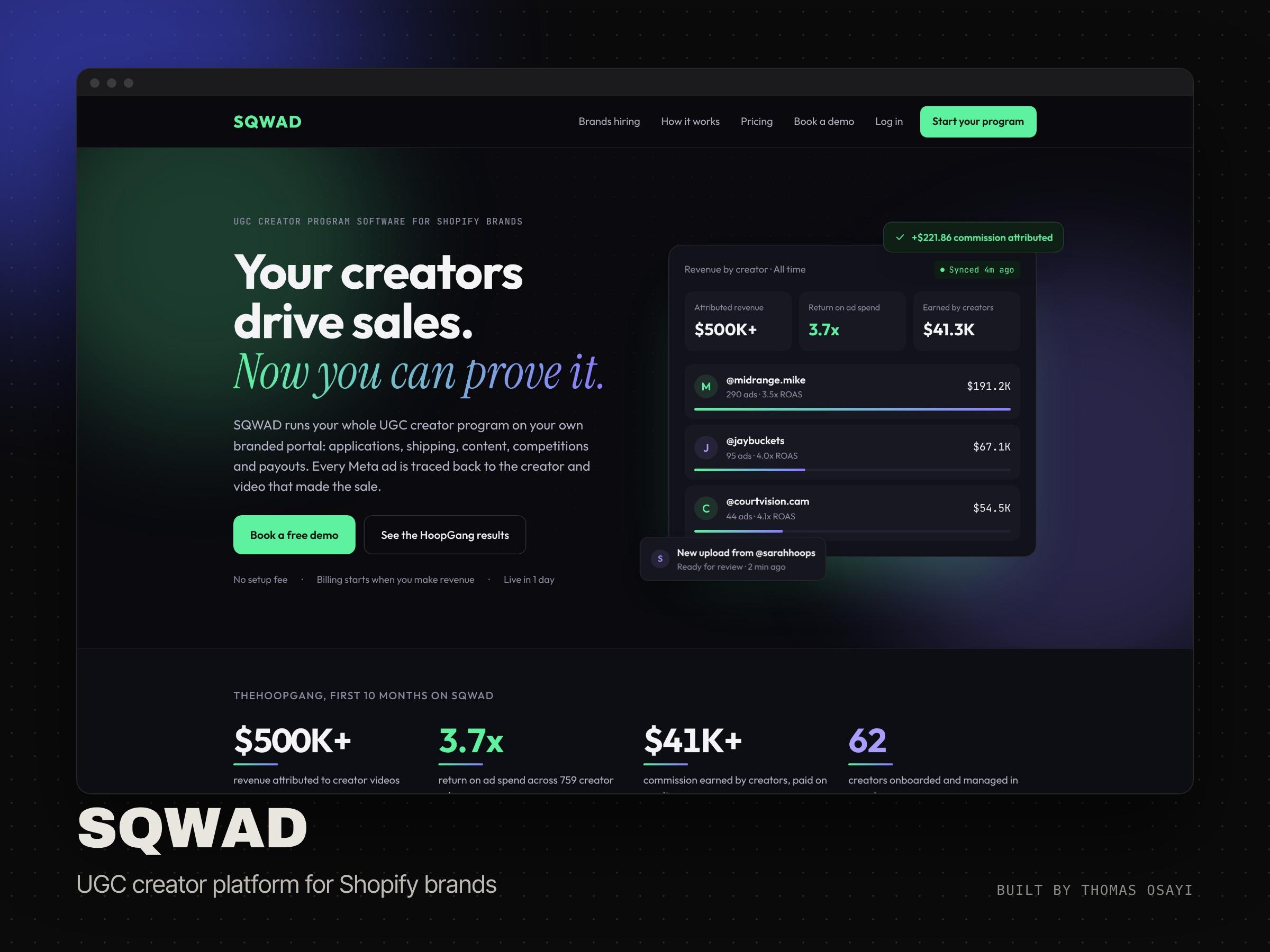
SQWAD
How I designed and built SQWAD, a SaaS platform Shopify brands use to run UGC creator programs, from applications to payouts.

Guardian MindCare
A therapy practice platform that matches clients with in-network therapists, with role-based portals for therapists, supervisors, trainees, clients and admins.

TheHoopGang
A creator portal for a basketball streetwear brand that manages 50+ creators, tracks content and runs refundable gear gifting.
Which Copilot did you build with, and why does it matter?
GitHub Copilot is now several tools, and the kind of problems you have depends on which one wrote most of your code.
- Inline suggestions: the original autocomplete. You wrote the code and accepted lines as you went, so you usually understand it.
- Agent mode in your editor: you describe a change and Copilot edits several files and runs commands locally. Faster, but changes are broader and easier to accept without reading.
- The coding agent, which GitHub now calls the Copilot cloud agent: you assign an issue or delegate a task, it works in the background on GitHub's infrastructure and opens a pull request.
Apps built mostly with the last two are the ones I get asked to look at. The code is in a normal repository on whatever stack you chose, which is good news: there is no proprietary builder to escape. The challenge is volume. An agent can produce more code in a weekend than one founder can review in a month, and the risky parts are rarely the parts you look at in the preview.
How does the Copilot coding agent work?
It takes a task, works on a single branch in a cloud environment, and opens a pull request for a person to review and merge.
According to GitHub's documentation, Copilot can only work on one branch at a time and can open one pull request per task. Sessions running on GitHub Actions have a maximum execution time of 59 minutes, and in that mode Copilot can only change the repository the task was started in. It needs write access, and branch protection rules can stop it from creating or updating pull requests. As of October 28, 2026, GitHub rolled out a newer Copilot in the cloud experience for paid plans, while Copilot Free users stay on the older chat experience.
The design assumption is clear: the agent does the typing, and a human reviews. When that review step becomes a quick glance at the preview followed by Merge, the safety model behind the whole workflow is gone.
What goes wrong in apps built mostly by Copilot agents?
The same few things, in roughly this order: missing authorization, overlapping pull requests, shallow tests and production configuration nobody set up.
Authorization that was never asked for
An issue that says "add an endpoint to update a project" gets an endpoint that updates a project. It may not check that the signed-in user owns that project, because the issue never said so. I search every API route and server action for that check.
Overlapping pull requests
Because each task is its own branch and pull request, three tasks touching the same feature become three slightly different versions of the same helper. Merged one after another, they leave duplicated logic that disagrees.
Tests that prove nothing
Agents often write tests that confirm a function returns something. They pass, the coverage number goes up and the bug still ships. My article on how to add tests to an AI-generated app explains which tests to write first.
Production gaps
Environment variables, database migrations, webhook endpoints and domain settings are rarely part of any issue, so no agent ever touched them.
How do I review a Copilot pull request properly?
Read the diff for what it changes outside the stated task, check auth and data access by hand, and run it yourself before merging.
My short checklist for any agent pull request:
- Does the change touch files that have nothing to do with the issue? Ask why.
- Does every new route or action check who the user is and what they may access?
- Are inputs validated on the server, not only in the form?
- Are secrets read from environment variables, never written into code?
- Did the tests fail before the change and pass after it, or would they pass either way?
- Does the app still build and run locally, including flows the task did not mention?
You can leave review comments on the pull request and Copilot will respond to them, which is often faster than fixing small things yourself. My article on how to review AI-generated code has the longer version.
How do I make Copilot agents more reliable in my repo?
Give them instructions, a working environment and fast feedback.
Repository custom instructions tell Copilot your conventions: which folders hold what, how auth is checked, which libraries to use, what never to touch. GitHub also lets you customize the environment the agent runs in on Actions, so it can install your dependencies and run your test suite rather than guessing. And a CI workflow that runs the build, the type checker and the tests on every pull request means the agent sees its own failures instead of handing them to you.
I set those three things up as part of a fix. They make every later task cheaper, whether Copilot, another agent or a developer does the work.
Should I keep using Copilot after a developer fixes the app?
Yes. A cleaner codebase with tests and instructions is exactly what makes the agent useful.
The practical rule is to assign Copilot well-scoped issues with acceptance criteria, such as "add a CSV export to the orders page, only for admins, with a test that a regular user gets a 403", and to keep anything involving payments, auth or permissions for careful human review. Small, specific issues produce small, reviewable pull requests.
How long does it take and what does it cost?
Most Copilot-built apps take two to ten days to review, fix and deploy, depending on how many separate problems there are.
My fix packages:
- Quick Fix, from $60, about 2 days: one bug or one bad merge, found and fixed.
- Fix Plus Features, from $200, about 5 days: up to three fixes plus one small feature, for example adding authorization checks, cleaning up duplicated logic and adding CI.
- Finish and Launch, from $600, about 10 days: for apps whose core already works, covering a review of the critical paths, security fixes, production config, deploy and handover.
If most of the product still needs building, I will say so and quote from my SaaS MVP packages instead. My article on whether to fix or rebuild an AI-built app explains how I decide.
The bottom line
Copilot's agents are built around a pull request a human reviews, and most problems start when that review is skipped. Check every route for authorization, collapse overlapping pull requests, replace tests that prove nothing, and give the agent instructions and CI so it gets feedback. Add me as a collaborator on the repo and I will tell you what it needs before launch.
Questions
Is code from the Copilot coding agent production ready?
It can be, but it arrives as a pull request precisely so a person reviews it. Treat each one like work from a new junior developer.
Can I keep assigning issues to Copilot after you fix things?
Yes. Clear repository instructions, tests and CI make the agent more reliable, because it gets fast feedback when it breaks something.
Does Copilot only work with GitHub repositories?
The cloud agent does. GitHub says it only works with repositories hosted on GitHub, and it needs write access to make changes.
Do you need my GitHub password or Copilot seat?
No. Being added as a collaborator on the repository, plus access to hosting and database accounts, is enough.
What does a fix cost?
Thomas Osayi fixes one bug from $60, up to three fixes plus a small feature from $200, and gets an app whose core already works launched from $600.
Reading
- Supabase auth redirect URL not working? Fix localhost, preview and production redirects
Supabase confirmation or magic links sending users to localhost:3000 or the wrong page? Fix the Site URL, the Redirect URLs allow list, wildcards and emailRedirectTo.
- Environment variables undefined on Vercel? Every cause and fix
Works locally, undefined on Vercel? Fix missing NEXT_PUBLIC_ and VITE_ prefixes, wrong Production or Preview scope, the missing redeploy and build-time vs runtime mixups.
- How to fix a CORS error on a Next.js API route
Blocked by CORS policy calling your Next.js API? Read the exact error, handle the OPTIONS preflight, set headers in route handlers or next.config, or proxy instead.
Built with something else?
Lovable · Bolt · v0 · Replit · Cursor · Windsurf · Claude Code · Base44 · ChatGPT · Firebase Studio · Google AI Studio · Rork · Emergent · OpenAI Codex · Figma Make · Kiro · Anything · Gemini CLI · Google Antigravity · Manus