Gemini CLI developer
Fix the code Gemini CLI wrote and finish your project
Project built with Gemini CLI that half works, broke after a yolo run or stalled when Google moved users to Antigravity CLI? I review the code, fix it and ship it.
Get it fixedWhat Gemini CLI builds
Gemini CLI is Google's open source AI agent for the terminal, released under the Apache 2.0 license. It reads and edits files in your project, runs shell commands, can search the web with Google Search grounding, connects to MCP servers and takes project instructions from GEMINI.md files. It writes code in whatever stack your project uses, so the result is your own repo rather than a hosted app.
Where Gemini CLI apps usually break
The agent renamed or moved code in some files but not others, so the build fails with missing imports. I trace every reference and finish the change consistently.
With the yolo approval mode, every file edit and shell command runs without asking. I recover what I can from git and checkpoints and repair the rest.
Instructions in a global or parent GEMINI.md file point the agent at the wrong stack or conventions. I clean up the context files and the code that followed them.
Some users have reported sessions switching from a Pro model to a Flash model after hitting quota. I review the code written after the switch with extra care.
Google moved free and Google AI Pro and Ultra users from Gemini CLI to Antigravity CLI on June 18, 2026. Your code is still yours, and I can finish it either way.
How I fix it
- Get access to the repo and any GEMINI.md and settings files
- Run the build and tests and list everything that is broken
- Fix the build, then security and data handling, then the remaining bugs
- Deploy to your host and test the real user flows
- Hand over a clean repo, an updated GEMINI.md and notes on what changed
Packages
One bug or error in an app that otherwise works, fixed and explained.
Up to three fixes plus one small feature or integration.
For apps whose core features already work: fix what blocks launch and ship it to production.
Apps I have shipped
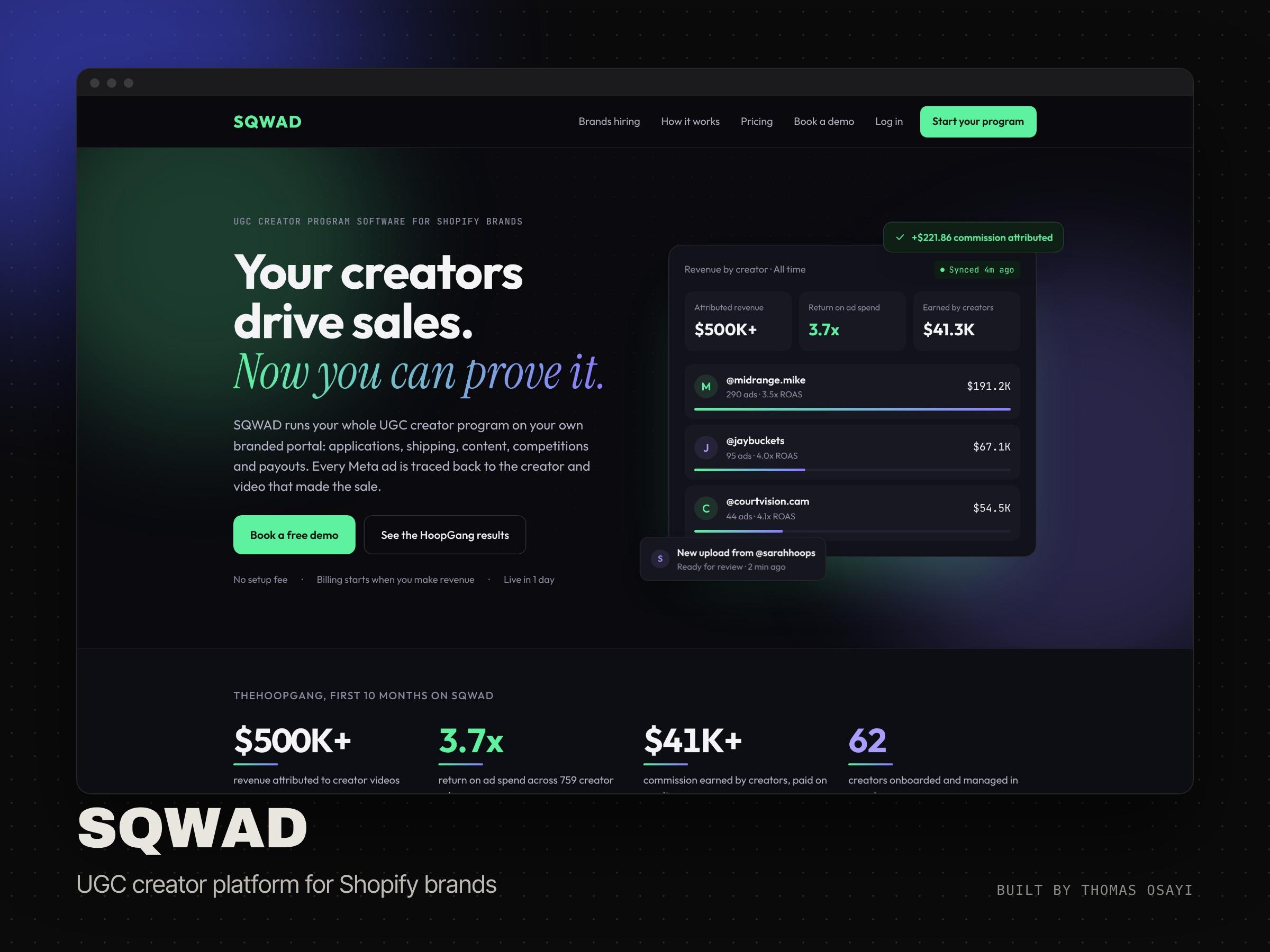
SQWAD
How I designed and built SQWAD, a SaaS platform Shopify brands use to run UGC creator programs, from applications to payouts.

Guardian MindCare
A therapy practice platform that matches clients with in-network therapists, with role-based portals for therapists, supervisors, trainees, clients and admins.
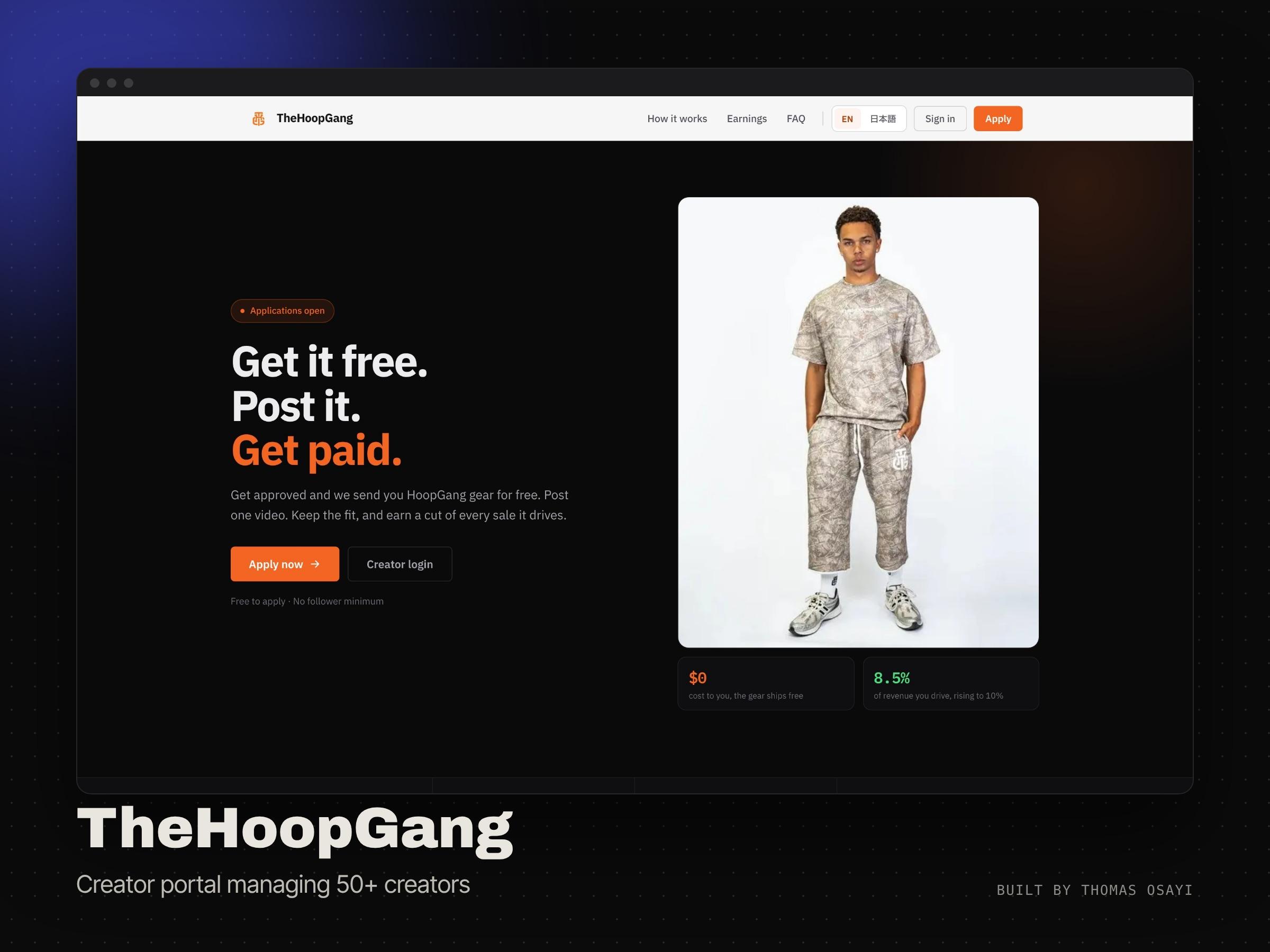
TheHoopGang
A creator portal for a basketball streetwear brand that manages 50+ creators, tracks content and runs refundable gear gifting.
What is Gemini CLI, and can I still use it?
Gemini CLI is Google's open source AI coding agent for the terminal, and since June 18, 2026 it is only available to some users.
Google launched Gemini CLI on June 25, 2025 under the Apache 2.0 license. At launch, signing in with a personal Google account gave a free allowance of 60 model requests per minute and 1,000 per day. It runs in your terminal, reads and edits files in your project, runs shell commands, can ground answers with Google Search and connects to MCP servers.
On May 19, 2026 Google announced it was transitioning Gemini CLI to a new tool, Antigravity CLI. According to Google's developer blog, from June 18, 2026 Gemini CLI stopped serving requests for Google AI Pro and Ultra subscribers and for people using Gemini Code Assist for individuals at no charge. Organizations with a Gemini Code Assist Standard or Enterprise license keep access, and Gemini CLI remains usable with paid Gemini API keys. Gemini CLI's own quota page, at the time of writing, says unpaid tier and Google One users were moved to Antigravity CLI on that date. The open source repository stays available under Apache 2.0.
None of that touches the code already in your repo. Whatever Gemini CLI wrote is ordinary code in your project, and it can be fixed and finished with any tool or by hand.
What is Gemini CLI good at, and where does it struggle?
It is good at reading a whole codebase and making broad changes quickly, and it struggles with knowing when a change is actually finished and correct.
The strengths are real. A large context window means it can take in many files at once, explain unfamiliar code and draft features across several layers. It can run your build and tests and react to the output, and in non-interactive mode it can be scripted.
The weak spots are the ones every terminal agent shares. It only knows what is in its context and what its tools return, so it can confidently edit a file based on a wrong assumption about another one. It tends to declare success after a build passes, even when no test covers the behavior you asked for. And because it acts directly on your files, a mistake lands in your project, not in a sandbox, unless you set one up.
What problems show up most in code Gemini CLI wrote?
The problems I look for first are half-finished changes, logic that compiles but is wrong, and security shortcuts taken to make an error go away.
When I review a project built with a terminal agent, these are the patterns I check:
- Refactors that touched some files and not others, leaving broken imports or two versions of the same helper.
- New dependencies added to fix one error, sometimes duplicating a library already in the project.
- Tests changed to match broken behavior instead of fixing the code.
- Validation or auth checks removed or loosened because they were causing a failing request.
- Secrets or API keys written into code or config files during debugging.
- Error handling that swallows exceptions, so failures disappear silently.
None of these are unique to Gemini CLI, but they are easy to miss because the code looks tidy and the build is green.
How does GEMINI.md shape the code it writes?
GEMINI.md files are standing instructions that Gemini CLI sends to the model with every prompt, so a wrong line in one of them steers every change.
According to the Gemini CLI docs, it reads a global file at ~/.gemini/GEMINI.md that applies to all your projects, searches your workspace folders and their parent folders for GEMINI.md files, and loads files in subfolders when a tool touches those folders. It concatenates everything it finds and sends it with each prompt. The /memory show command displays the combined result, and /init can generate a starting GEMINI.md for a project.
That is powerful and easy to forget. A global file written for a Python project can push Python habits into a TypeScript app. A parent folder's file can impose conventions from a different repo. When code keeps coming out in a style you did not ask for, run /memory show before anything else.
Why did my session switch models or get worse partway through?
Usually because a quota was reached and the session moved to a different model, or because the conversation grew too long.
The model flag defaults to auto. Some users on Google's developer forum reported in October 2025 that their sessions switched from Gemini 2.5 Pro to a Flash model after only a handful of prompts because of quota, and that sessions then failed with errors. If code quality dropped suddenly in your history, check which model was in use. The /stats command shows session and model usage, and /model lets you set the model explicitly. Long sessions also degrade, and /compress replaces the chat history with a summary to save tokens. Starting a fresh session for each task is often cleaner than compressing.
How do I recover after an auto-approved run went wrong?
Start with git, then checkpoints, and only then try to repair by hand.
Gemini CLI's approval modes are default, auto_edit, yolo and plan, and the older yolo flag is marked deprecated in favor of the approval mode setting. In yolo mode every action is approved automatically, including shell commands. The sandbox option is off by default. If checkpointing was enabled in your settings, /restore can roll project files back to before a specific tool call; the docs note it is only available when checkpointing is configured. If neither was set up, git history is your safety net, which is why I commit before every agent session.
Should I move to Antigravity CLI or get the project finished another way?
If you lost access and want to keep working with an agent, Antigravity CLI is Google's suggested path, but test it before trusting it on a project in progress.
Google says Antigravity CLI carries over agent skills, hooks, subagents and extensions, now called plugins, without one to one feature parity at launch. Check that your context files, custom commands and MCP servers behave the same after the move. If the project is close to done and you mostly need it working, it may be faster to have a developer finish it directly. A single broken flow is often a Quick Fix, and a project whose core features work but still needs cleanup, security fixes and a real deployment fits Finish and Launch.
The bottom line
Gemini CLI writes real code into your own repo, so changes in Google's plans do not strand your project. Check your GEMINI.md files, look for half-finished changes and loosened security, use git before every session, and decide on Antigravity CLI with a test run rather than a leap. If you want another set of eyes, the fix your Lovable app page explains how I review AI-built code before launch.
Questions
Is Gemini CLI still available?
For some users. Google says that on June 18, 2026 it stopped serving free Code Assist for individuals and Google AI Pro and Ultra users, while organizations with Code Assist Standard or Enterprise and people using paid Gemini API keys keep access.
Is Gemini CLI open source?
Yes. Gemini CLI launched in June 2025 under the Apache 2.0 license, and Google has said the repository remains available to the community under that license.
What is GEMINI.md?
GEMINI.md is a context file Gemini CLI reads from your home folder and your project folders, and its contents are sent to the model with every prompt as standing instructions.
Can I undo changes Gemini CLI made?
If checkpointing was enabled in settings, the /restore command can roll files back to before a tool ran. Otherwise git history is your main way back, which is why committing before each session matters.
Should I switch to Antigravity CLI?
If you lost Gemini CLI access, it is Google's suggested path, but Google says there is no one to one feature parity at launch, so test your context files and tools after moving.
What does it cost to fix a project built with Gemini CLI?
Thomas Osayi fixes one bug from $60, handles up to three fixes plus a small feature from $200, and takes a project whose core already works to launch from $600.
Reading
- Supabase auth redirect URL not working? Fix localhost, preview and production redirects
Supabase confirmation or magic links sending users to localhost:3000 or the wrong page? Fix the Site URL, the Redirect URLs allow list, wildcards and emailRedirectTo.
- Environment variables undefined on Vercel? Every cause and fix
Works locally, undefined on Vercel? Fix missing NEXT_PUBLIC_ and VITE_ prefixes, wrong Production or Preview scope, the missing redeploy and build-time vs runtime mixups.
- How to fix a CORS error on a Next.js API route
Blocked by CORS policy calling your Next.js API? Read the exact error, handle the OPTIONS preflight, set headers in route handlers or next.config, or proxy instead.
Built with something else?
Lovable · Bolt · v0 · Replit · Cursor · Windsurf · Claude Code · Base44 · ChatGPT · Firebase Studio · Google AI Studio · GitHub Copilot · Rork · Emergent · OpenAI Codex · Figma Make · Kiro · Anything · Google Antigravity · Manus