Google Antigravity developer
Fix the code Google Antigravity wrote and ship your project
Project built with Google Antigravity agents that half works, broke after a Turbo run or stalled at a quota limit? I review the code, fix it and ship it.
Get it fixedWhat Google Antigravity builds
Google Antigravity is Google's agentic development platform, released in public preview in November 2025 and expanded at Google I/O 2026 into a desktop app, a CLI and an SDK. Agents plan and write code across the editor, the terminal and a browser, report their work as Artifacts such as task lists, plans, screenshots and browser recordings, and connect natively to Google AI Studio, Firebase and Android. It writes code in whatever stack your project uses, so the result is your own repo rather than a hosted app.
Where Google Antigravity apps usually break
Two agents edited the same files from different plans, so the build fails or features contradict each other. I untangle the changes and make the code consistent again.
Antigravity's docs say the Turbo preset gives terminal commands unrestricted, full filesystem access. I recover what git can recover, repair the rest and set safer permissions.
A screenshot or browser recording shows the happy path working. I test the empty states, errors, signed-out users and real data the agent never tried.
The agent stopped halfway through a change when the plan limit hit, leaving imports and types broken across files. I finish the change by hand.
Security rules left open, keys in client code and auth checks only in the UI. I lock down the data before real users arrive.
How I fix it
- Get access to the repo and your Antigravity project and permission settings
- Run the build and tests and list everything that is broken
- Fix the build, then security and data handling, then the remaining bugs
- Deploy to your host and test the real user flows
- Hand over a clean repo, safer agent settings and notes on what changed
Packages
One bug or error in an app that otherwise works, fixed and explained.
Up to three fixes plus one small feature or integration.
For apps whose core features already work: fix what blocks launch and ship it to production.
Apps I have shipped
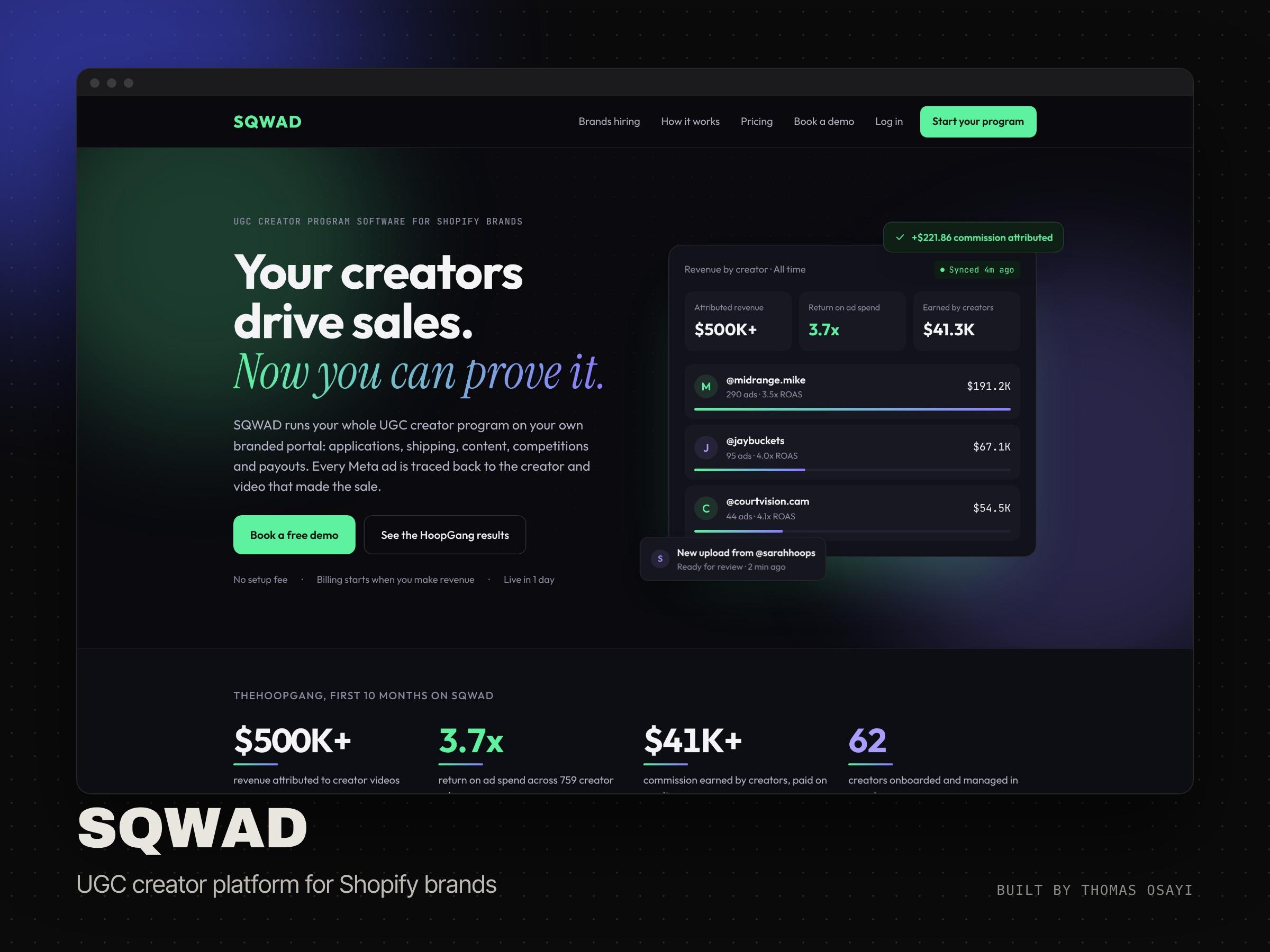
SQWAD
How I designed and built SQWAD, a SaaS platform Shopify brands use to run UGC creator programs, from applications to payouts.

Guardian MindCare
A therapy practice platform that matches clients with in-network therapists, with role-based portals for therapists, supervisors, trainees, clients and admins.
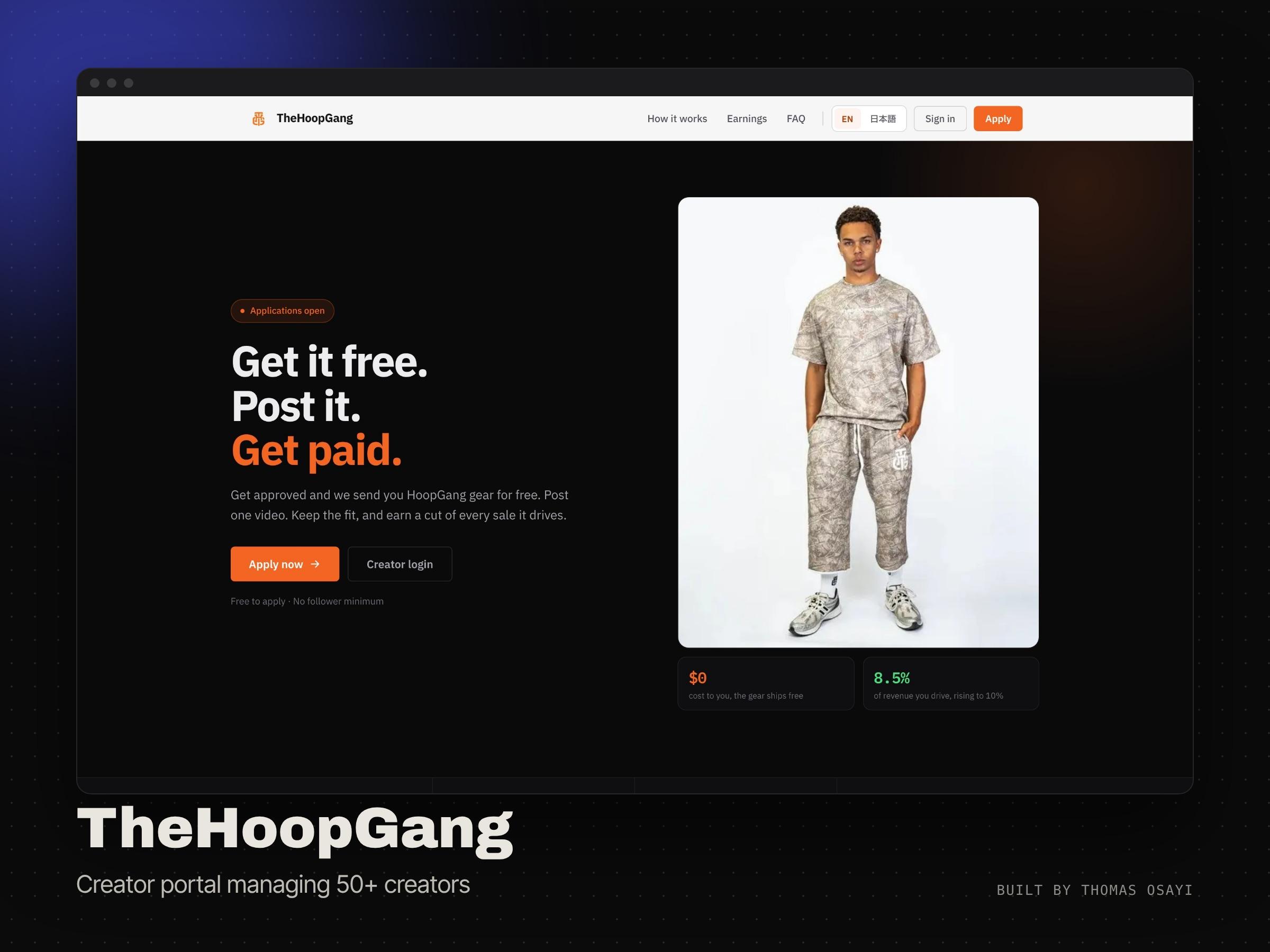
TheHoopGang
A creator portal for a basketball streetwear brand that manages 50+ creators, tracks content and runs refundable gear gifting.
What is Google Antigravity, and what does it actually build?
Google Antigravity is an agentic development platform where AI agents plan, write, run and test code in your own project, so what it builds is a normal repo you deploy yourself.
Google released Antigravity in public preview on November 20, 2025. Its launch post describes two surfaces: an Editor view that works like an AI-assisted IDE, and a Manager surface for starting and watching several agents working at once. Agents act across the editor, the terminal and a browser, so an agent can write a feature, start the app and click through it. Instead of long logs, agents report their work as Artifacts: task lists, implementation plans, screenshots and browser recordings you can comment on.
At Google I/O in May 2026, Google expanded it into Antigravity 2.0 with a desktop app for running agents in parallel, a CLI and an SDK, plus native connections to Google AI Studio, Firebase and Android. Projects started in AI Studio can be brought into a local Antigravity setup.
That matters when something breaks. There is no hosted black box. There is a folder of code in whatever stack the agent chose or you asked for, usually with git history, and that is fixable.
Why does my Antigravity project half work?
Because agents can each finish their own task without anyone checking that the pieces fit together, and the Artifacts show the path the agent tested rather than every path a user takes.
Running several agents in parallel is Antigravity's headline feature, and it is also where many messy projects come from. One agent restructures the data model while another builds a page against the old one. Each reports success with a tidy plan and a screenshot. The combined result fails to build, or builds and quietly shows the wrong data.
The fix is to stop adding features and read the code. Run the build and the type checker and start from the first error, not the last. Look at the git log to see which agent changed what and in which order. Then test the paths an agent rarely tries: a brand new user with no data, a signed-out visitor, a slow network, a form submitted twice, a phone screen.
What happens if the agent ran in Turbo mode?
In Turbo mode, terminal commands run without asking and with full filesystem access, so a wrong command can change or delete files outside your project.
Antigravity's permission docs list four presets. Request Review prompts for every terminal command and limits file access to the workspace. Default runs commands in a sandbox limited to the workspace and temp folders, with no network access by default, and prompts for anything outside it. Auto also uses the sandbox but lets the agent judge which outside commands are risky enough to prompt. Turbo turns the sandbox off and is unrestricted.
That last setting is the one behind the worst stories. In December 2025, The Register reported a developer whose D drive was wiped while Antigravity was in Turbo mode, after the agent targeted the root of the drive instead of a project cache folder, and Google said it was investigating. Similar reports appear on Google's developer forum.
If something like this happened to you, stop the agent first, then see what git can restore and what your backups hold. Afterwards, set the preset to Default under Settings, General, Global Permissions, and add deny rules for destructive commands. For the CLI, rules live in a settings.json file under the antigravity-cli folder in your home directory.
Is the code Antigravity wrote secure?
Not automatically, because an agent optimizing for a working demo rarely adds the checks that keep data private.
The audit is the same one I run on any AI-written project. Search the code for API keys and secrets that ended up in client code or committed files. Check every server route or function for an auth check that runs on the server, not just a hidden button in the UI. If the project uses Firebase, which Antigravity connects to natively, read the Firestore and Storage security rules, since rules left open during development are a common problem in Firebase projects. Finally, check the dependencies the agent added, remove the ones nothing uses and update the ones with known issues.
What should I do when I hit a quota limit mid-project?
Commit what works, note exactly what the agent was doing, and avoid restarting a large change from scratch on a fresh quota.
At the time of writing, Antigravity's plans page says the free and Google AI Plus tiers get a quota refreshed weekly, Google AI Pro gets a higher quota refreshed every five hours until a weekly limit is reached, and Google AI Ultra has the highest limits. Pro and Ultra users can buy AI credits for extra usage, with a setting that decides whether credits are used automatically. The Register reported in March 2026 that users protested tighter effective limits, and that extra credits cost $25 for 2,500.
The practical risk is a change that stops halfway: renamed functions in half the files, a migration written but not applied. Before any big task, commit, so a stopped agent leaves you with a clean point to return to.
Can I bring a project from Gemini CLI or Google AI Studio into Antigravity?
Yes, and Google points users in that direction, but test the move rather than assuming everything carries over.
Google ended consumer access to Gemini CLI on June 18, 2026 and suggested Antigravity CLI as the path forward, which the fix the code Gemini CLI wrote page covers in more detail. AI Studio projects can also be exported to a local Antigravity setup. In both cases, run the build and the full set of user flows after the move, because environment variables, project instructions and tool connections are the parts most likely to change.
When is hiring a developer cheaper than more agent runs?
When the same bug survives several agent attempts, or each fix breaks something else, a developer reading the code directly is usually faster and cheaper.
A single bug in an otherwise working project is often a Quick Fix. Several broken flows plus one missing feature fit Fix Plus Features. A project whose core works but needs security, deployment and the last stretch of polish is what Finish and Launch is for.
The bottom line
Antigravity gives you real code in your own repo, which means a stuck project is usually recoverable. Keep agents in separate parts of the code, commit before every large task, use the Default permission preset rather than Turbo, test the paths the Artifacts did not show, and lock down auth and data before launch. If you would rather hand it over, I can take the repo from where the agents left it.
Questions
What is Google Antigravity?
Google Antigravity is Google's agentic development platform, where AI agents write, run and test code across an editor, a terminal and a browser, launched in public preview on November 20, 2025.
Does Antigravity host my app?
No. Antigravity writes code in your own project, and you deploy it to a host you choose, such as Firebase, Vercel or your own server.
Which Antigravity permission preset is safest?
Antigravity's docs list Request Review, Default, Auto and Turbo, and Default runs terminal commands in a sandbox limited to the workspace and temp folders, while Turbo is unrestricted with full filesystem access.
Why did my Antigravity agent stop working partway through a task?
Usually a quota limit. At the time of writing, Antigravity's plans page says free and Google AI Plus quotas refresh weekly, while Google AI Pro refreshes every five hours until a weekly limit is reached.
Can I keep using Antigravity after you fix my project?
Yes. I work in the same git repo, so you can keep prompting afterwards, ideally with a safer permission preset and a commit before each large task.
What does it cost to fix a project built with Antigravity?
Thomas Osayi fixes one bug from $60, handles up to three fixes plus a small feature from $200, and takes a project whose core features already work to launch from $600.
Reading
- Supabase auth redirect URL not working? Fix localhost, preview and production redirects
Supabase confirmation or magic links sending users to localhost:3000 or the wrong page? Fix the Site URL, the Redirect URLs allow list, wildcards and emailRedirectTo.
- Environment variables undefined on Vercel? Every cause and fix
Works locally, undefined on Vercel? Fix missing NEXT_PUBLIC_ and VITE_ prefixes, wrong Production or Preview scope, the missing redeploy and build-time vs runtime mixups.
- How to fix a CORS error on a Next.js API route
Blocked by CORS policy calling your Next.js API? Read the exact error, handle the OPTIONS preflight, set headers in route handlers or next.config, or proxy instead.
Built with something else?
Lovable · Bolt · v0 · Replit · Cursor · Windsurf · Claude Code · Base44 · ChatGPT · Firebase Studio · Google AI Studio · GitHub Copilot · Rork · Emergent · OpenAI Codex · Figma Make · Kiro · Anything · Gemini CLI · Manus