Creator portal
TheHoopGang
A creator portal for a basketball streetwear brand that manages 50+ creators, tracks content and runs refundable gear gifting.
- Next.js
- TypeScript
- Prisma
- Postgres
Live: thehoopgang.xyz
The problem
The brand was gifting gear to dozens of creators with no reliable way to track who posted, what they posted and whether the gift paid off.
TheHoopGang is a basketball streetwear brand, and creators are how people see the gear being worn. Gifting works, but it is easy to lose track of. A package goes out, and nobody is sure whether the videos were ever posted.
The cost of that uncertainty grows with the program. With a handful of creators, someone on the team can keep it in their head. With dozens, the questions pile up in DMs: did my package ship, did you see my video, what happens next. Every one of those messages is a status question the team has to answer by hand.
What the brand needed
- One place for creators to apply and for the team to approve or deny them
- A record of which product and size each creator chose and where the package is
- A way for creators to submit content and for the team to see who has delivered
- A gifting flow where the gear is refunded once the creator posts
- A view of the whole program at a glance
- Terms a creator can read before applying, so the offer is clear from the first screen
How I approached it
The program is modelled as a pipeline with one status per creator: application received, approved, shipped, delivered, content completed. Every screen in the portal is a view of that status, for one creator or for all of them. Because the creator's dashboard and the team's dashboard read the same record, they cannot disagree about where things stand.
The second principle was to show the creator the same pipeline the team sees. If a creator can open a page and see that their package was delivered and their video is due, they do not need to send a message asking. Most of the work of running a creator program is answering status questions, and the cheapest way to answer one is never to receive it.
What I built
Landing page and application
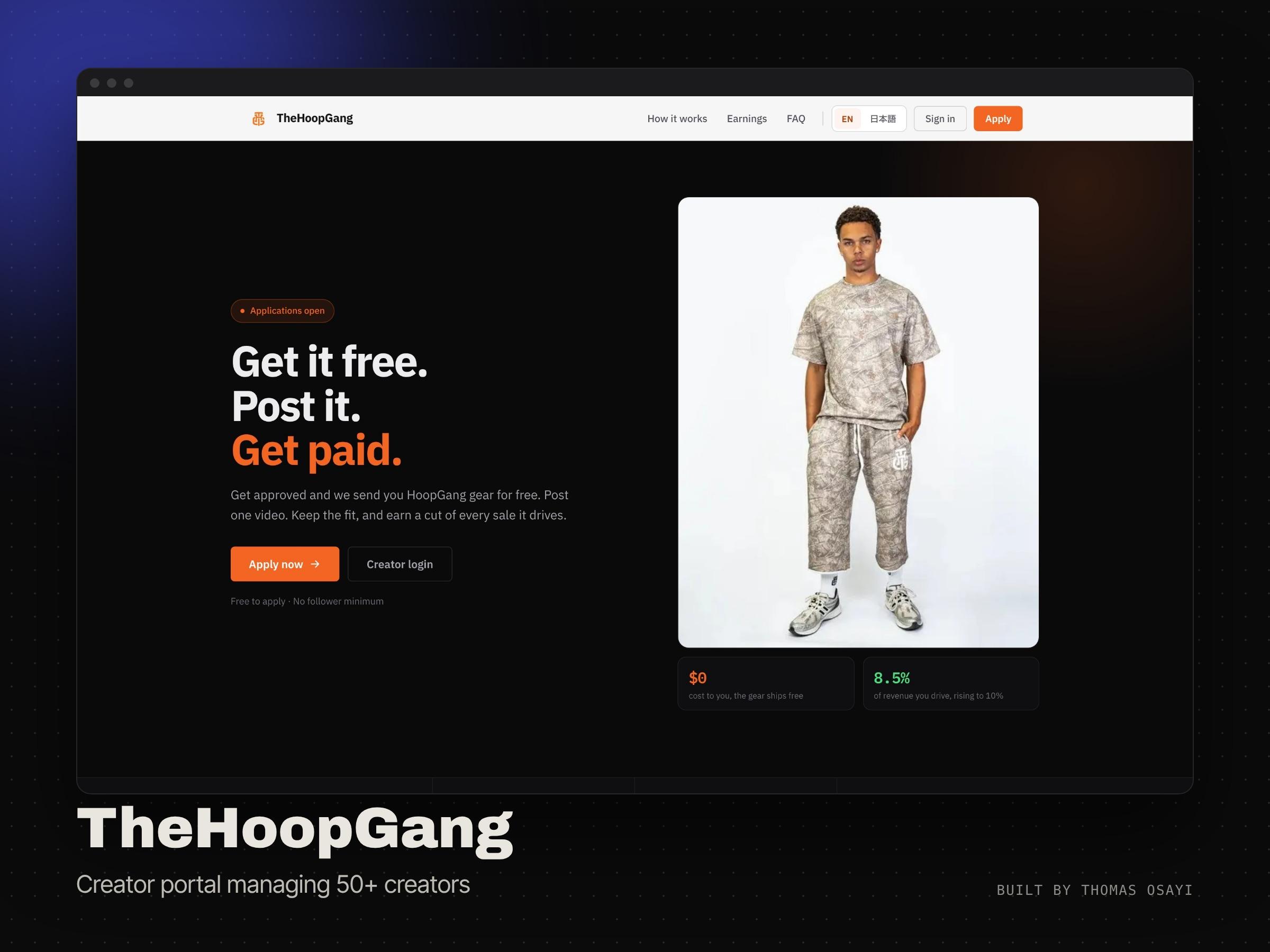
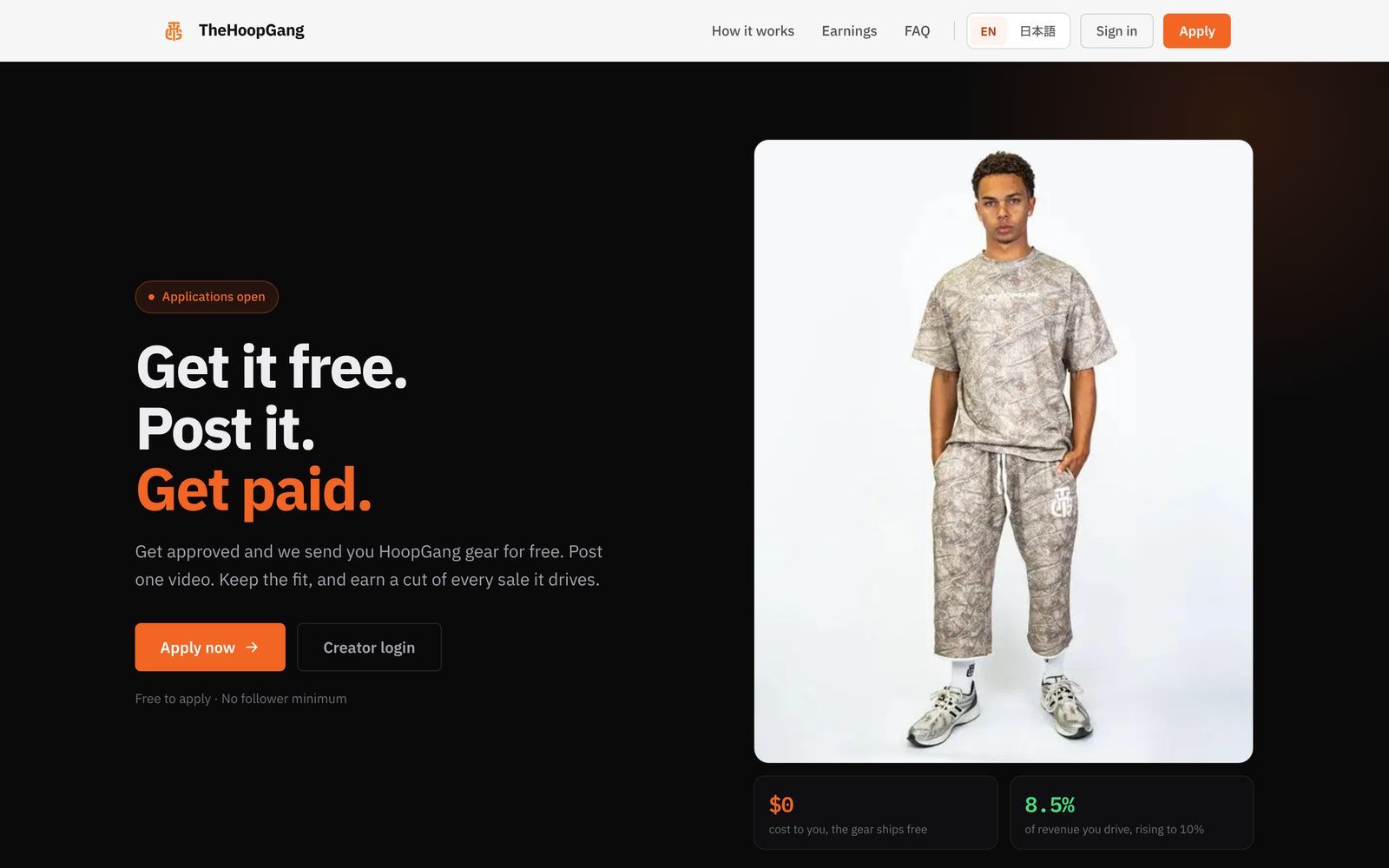
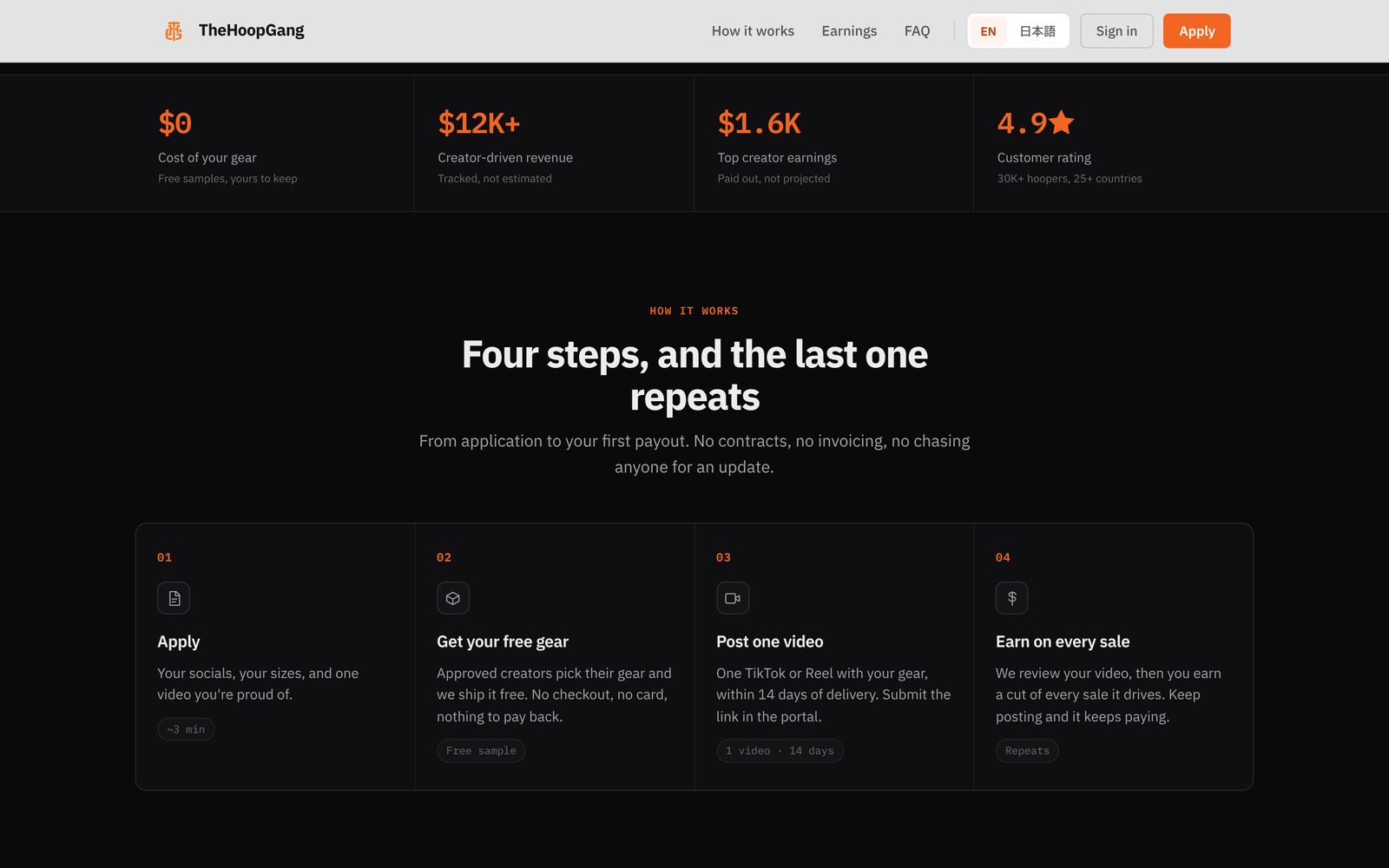
The portal opens with a landing page that explains the offer and gives two actions: apply, or log in as an existing creator. The headline is "Get it free. Post it. Get paid." Under it, the page states the terms plainly: free to apply, no follower minimum, the gear ships free, and creators earn 8.5% of the revenue they drive, rising to 10%.
The next section breaks the program into four steps, and the last one repeats: apply with your socials, your sizes and one video you are proud of; get your gear; post one TikTok or Reel within 14 days of delivery and submit the link in the portal; then earn a cut of every sale the video drives. Laying it out this way answers the questions a creator would otherwise ask in a DM before they have even applied.
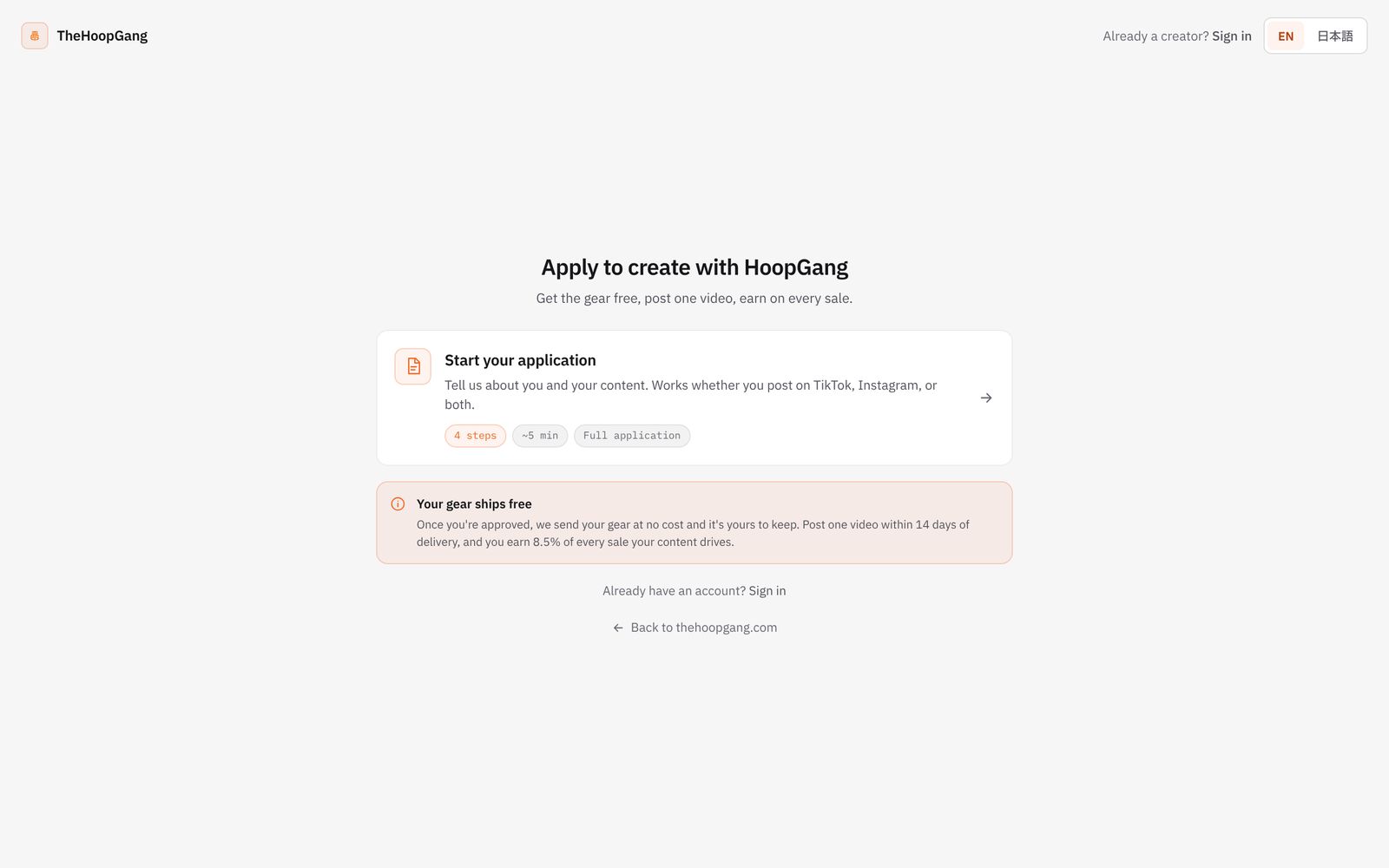
The application starts from a verified email. It then asks for Instagram and TikTok handles, follower counts, a link to the creator's best content and the product they want. The start screen sets expectations: four steps, about five minutes, and it works whether the creator posts on TikTok, Instagram or both. The portal also has a Japanese version, which matters for a brand expanding into Japan.
Application review
Each application opens in a review panel for the team. It shows the creator's reach, both social accounts, the content sample, height and weight so the team can recommend a size, and the shipping address, with buttons to approve or deny.
Creator dashboard
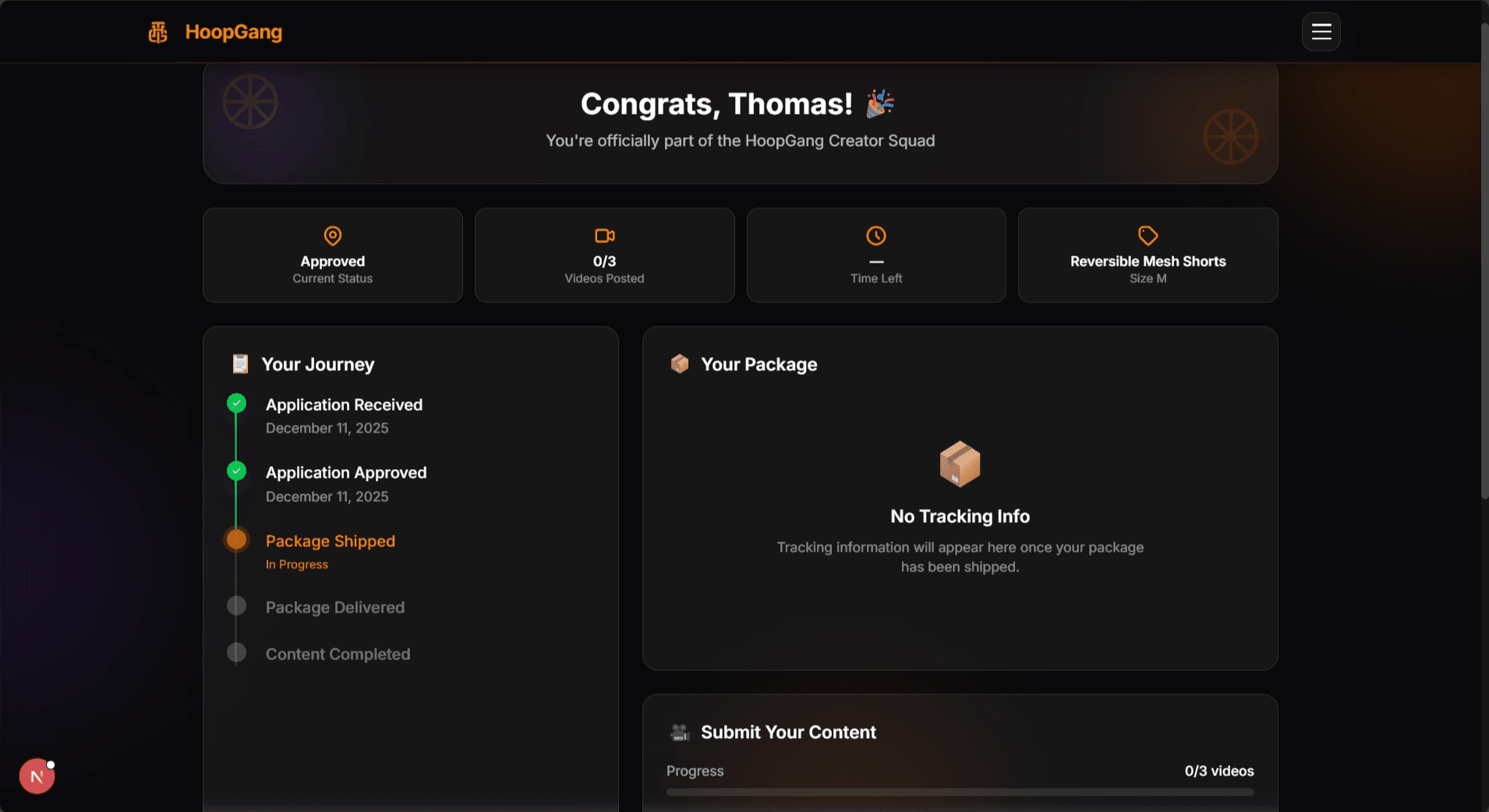
An approved creator gets a dashboard with their current status, how many videos they have posted, the time left, and the product and size they chose. A timeline walks through the journey from application received to content completed. A package panel shows tracking once the gear ships, and a submission area is where content is handed in.
Earnings creators can see
The homepage previews what the dashboard shows once a creator is earning: revenue per video, updated daily, next to the actual clip. Creators can request a payout once they have $50 or more, through Venmo, Cash App, Zelle or PayPal, and competitions, milestone rewards and product drops stack on top of what they already earn. The figures in that preview on the homepage are illustrative.
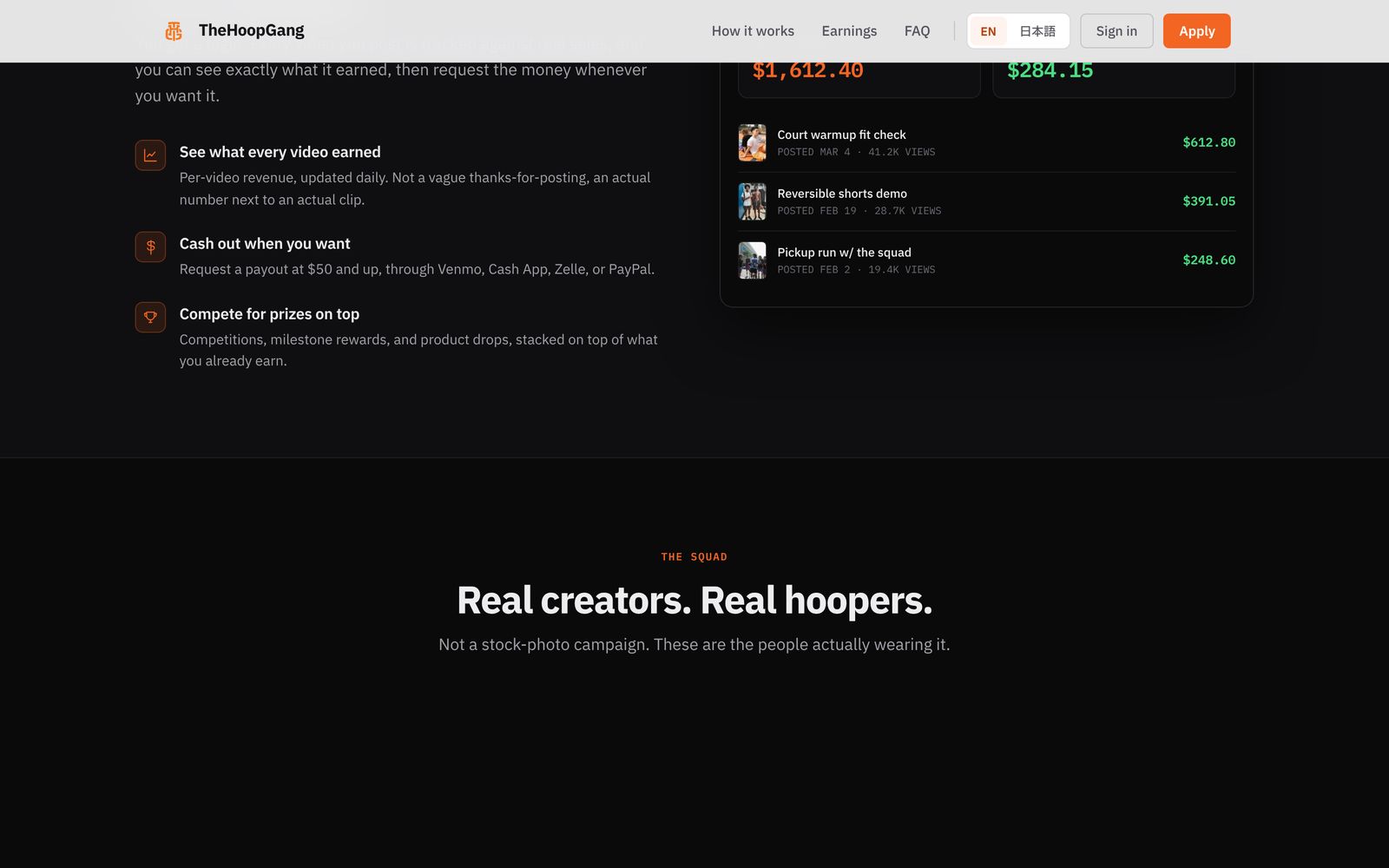
Showing earnings per video does two jobs. It tells a creator their work counted, with a number instead of a thank-you. And it tells them which of their videos sold, which is the most useful brief a brand can give.
Admin dashboard
The team's home screen counts total applications, applications pending review, active collaborations, completed ones and a ghost rate. Below that is a table of every creator with their TikTok handle, followers, status, product, tracking number, content progress and rating. It can be filtered by status, searched by name or handle, and narrowed by minimum followers.
Each row opens a creator page where the team changes the creator's status and adds the tracking number for their shipment.
Refundable gear gifting
Creators claim gear, submit their content and get refunded once they post. Tying the refund to the content means the creator knows exactly what earns it, and the brand is not giving away gear that never turns into posts.
The public page today frames the offer as free gear shipped to approved creators, with one video due within 14 days of delivery. Either way the principle is the same: the gift is tied to a post, and the portal tracks whether the post happened.
Answers before anyone asks
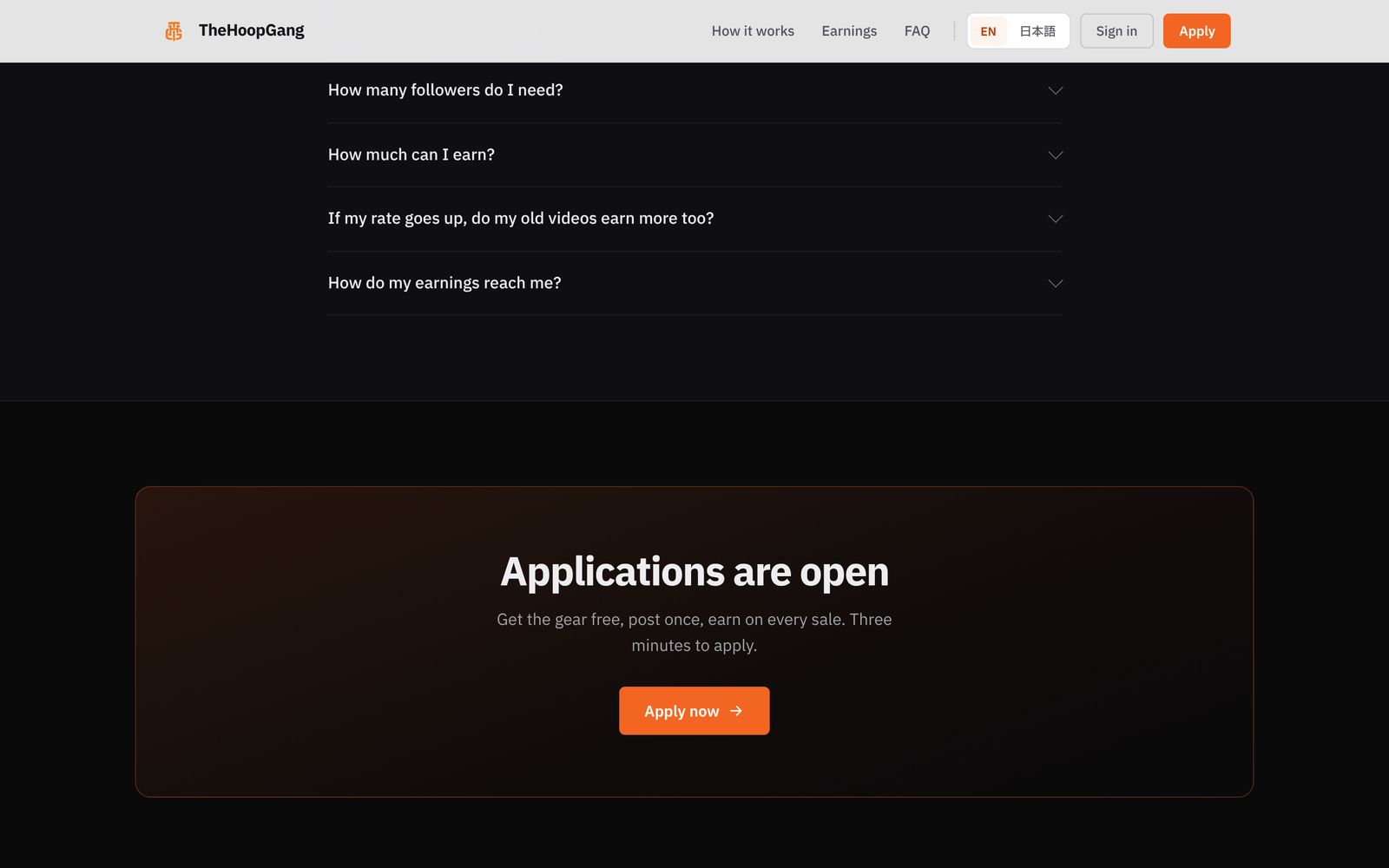
The bottom of the homepage is an FAQ built from the questions creators actually ask: is the gear really free, what if I don't post, how fast it ships, how many followers are needed, how much a creator can earn, whether old videos earn more when a rate goes up, and how earnings reach them. It ends with the same call to action as the top of the page: applications are open.
Technical decisions and why
- Postgres. I built this portal on Postgres because its data is relational. A creator has an application, an application has a product and a size, a shipment has a tracking number, and content belongs to a creator. A question like "which approved creators have a delivered package and no videos" is a join and a filter, which is what a relational database is for.
- Prisma. Prisma sits between the app and Postgres. The schema is declared in one file, changes go through migrations, and the generated client is typed, so a query that asks for a field that does not exist fails at build time instead of in front of a user.
- Next.js and TypeScript. The public pages, the creator area and the admin area run as one Next.js app, and the same types describe a creator in the database, on the server and in the component.
- One status per creator. Every creator sits at exactly one stage of the pipeline, so the counts on the admin dashboard and the timeline on the creator's dashboard describe the same thing. One status is easier to keep consistent than several overlapping flags.
From one portal to SQWAD
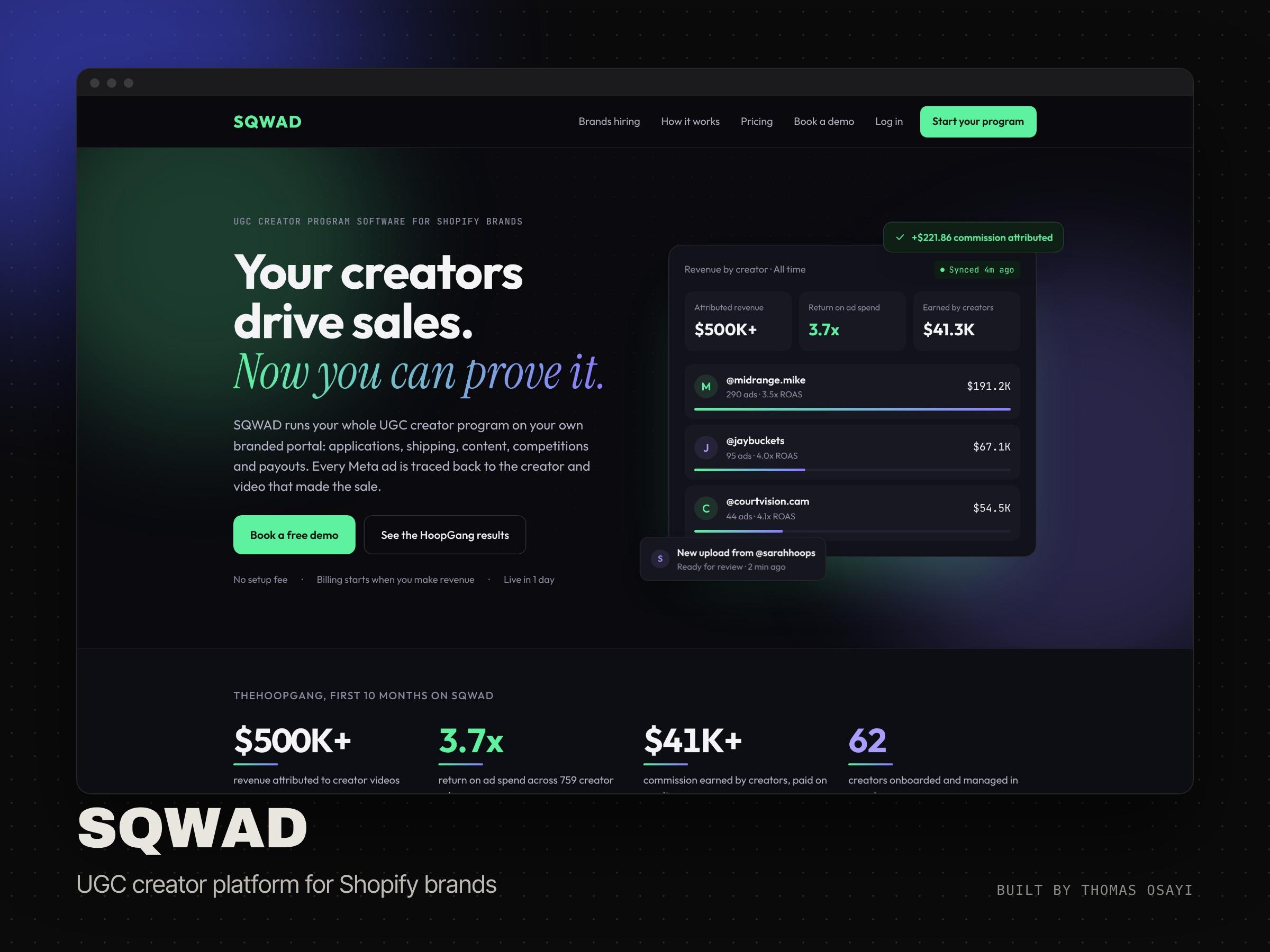
Building this portal is what showed me how much of a creator program repeats from brand to brand: applications, shipping, content, payment. It also showed me the question the portal could not answer on its own, which is which creator's content actually made a sale.
That became SQWAD, the creator program software I now build and run. TheHoopGang's program runs on SQWAD today, and the portal's footer says so: "Creator program powered by SQWAD". The SQWAD case study covers what the program has tracked since then.
Result
The portal manages 50+ active creators in one place. Applications, shipping, content and status live in one system, and creators can see their own status, deadline and earnings without messaging the team.
What I would tell a brand planning a similar portal
Most brands should start with existing creator program software, because applications, product seeding, content tracking and payouts are already built. A custom portal is worth it when your rewards, approvals or integrations are unusual enough that standard tools force workarounds.
If you do build, define the stages first and show them to the creator. Most of the messages a program generates are status questions.
Publish the terms on the first screen. Free gear, one video, a deadline and a commission rate are easier to agree to when nobody has to ask for them.
Collect what you need to ship correctly inside the application, such as size and address, so an approval can lead straight to a shipment.
Give the team one table they can filter, so finding the creators who have not posted takes seconds.
Show creators what their videos earned. A number next to a clip is the strongest reason to post the next one.
Need something like this?
I build SaaS MVPs and full-stack web apps in Next.js, TypeScript and Firebase or Postgres: auth, dashboards, payments, roles and admin tools. Founder of SQWAD.
SaaS MVP and full-stack web app development