Figma Make developer
Fix your Figma Make app and take it to a real repo and host
Built something in Figma Make that will not run locally, shows a blank page or needs real auth? I move it to GitHub, fix the code, add a backend and deploy it on your domain.
Get it fixedWhat Figma Make builds
Figma Make is a prompt to app tool that turns prompts and Figma designs into functional prototypes and web apps. It generates React code you can edit in a built in code editor, publishes to a figma.site address or a custom domain, can push code one way to GitHub or download it as a zip, and can connect to Supabase for a backend.
Where Figma Make apps usually break
Some users on Figma's forum have reported zip downloads without a package.json or build config. I rebuild the project setup around the code so it installs, builds and runs on any machine.
A runtime error, a missing secret or a failed backend call can stop a React app from rendering at all. I read the browser console and network requests, then fix the actual cause.
Figma AI credits are monthly per seat and do not roll over, so a long prompt loop can stall a project until the reset. Fixing the code directly stops the burn.
The app looks finished but saves nothing, or every visitor sees the same data. I add proper auth, a database schema and access rules, on Supabase or another backend.
The GitHub push from Make is one way, so changes made in the repo are replaced by the next push. I set up a clear workflow so nobody loses work.
How I fix it
- Get the code out of Make through the GitHub push or the Download code zip
- Add the missing project setup and get a clean local build
- Fix the blank page, data and login issues and lock down the backend
- Deploy to Vercel or your preferred host on your domain
- Hand over the repo with notes on how to keep working
Packages
One bug or error in an app that otherwise works, fixed and explained.
Up to three fixes plus one small feature or integration.
For apps whose core features already work: fix what blocks launch and ship it to production.
Apps I have shipped
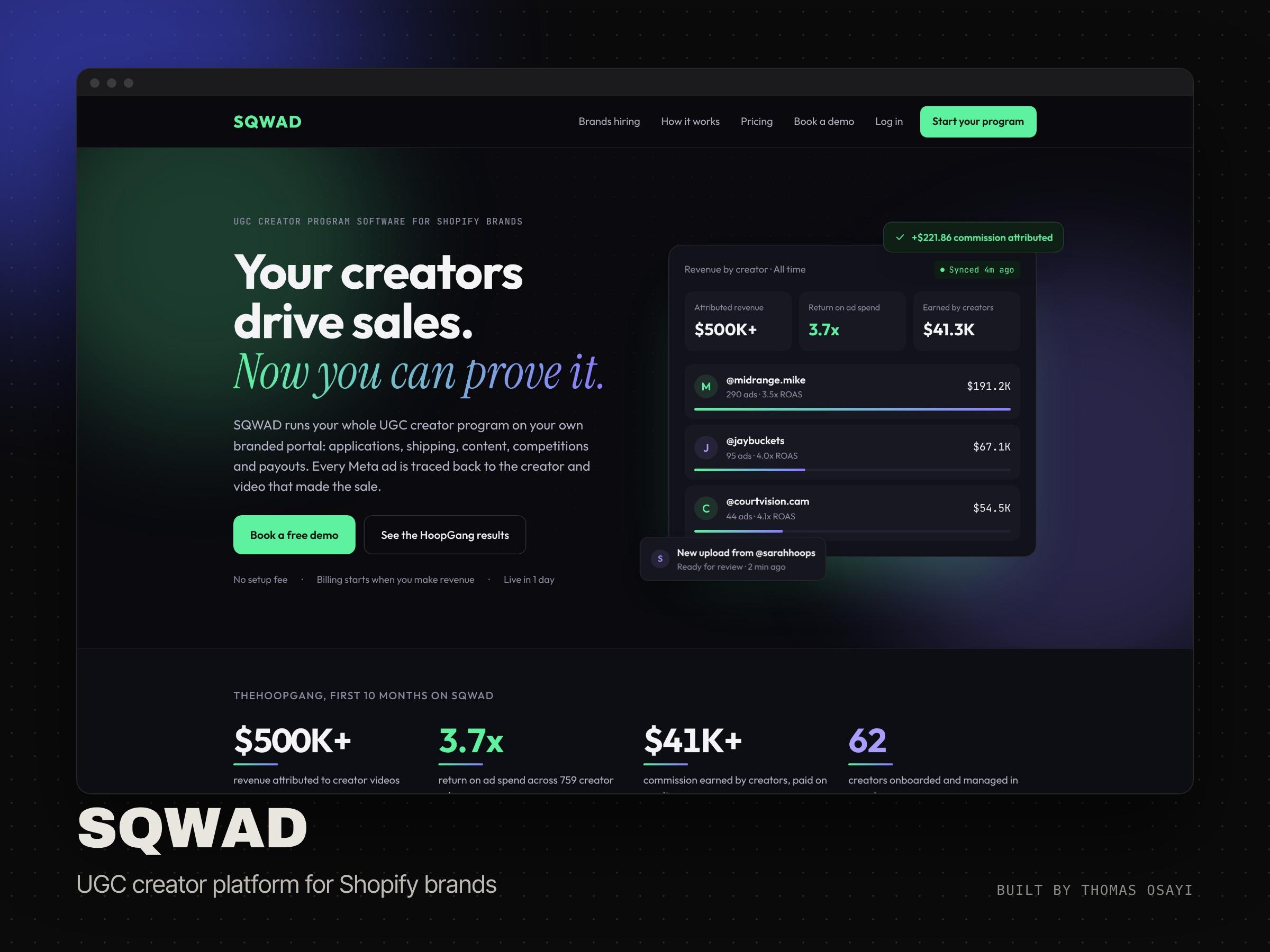
SQWAD
How I designed and built SQWAD, a SaaS platform Shopify brands use to run UGC creator programs, from applications to payouts.

Guardian MindCare
A therapy practice platform that matches clients with in-network therapists, with role-based portals for therapists, supervisors, trainees, clients and admins.
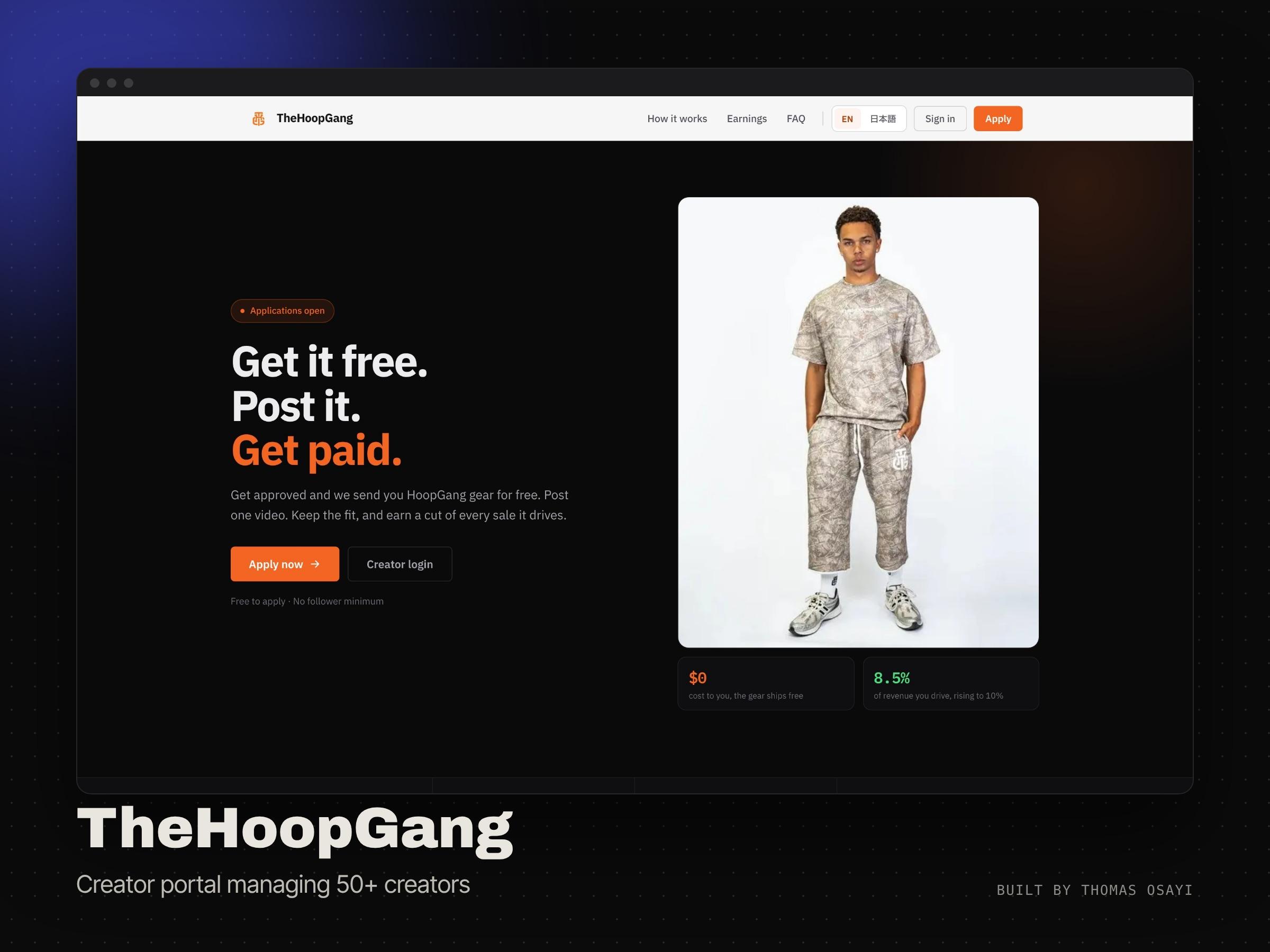
TheHoopGang
A creator portal for a basketball streetwear brand that manages 50+ creators, tracks content and runs refundable gear gifting.
What does Figma Make actually build?
Figma Make builds a React web app from your prompts and Figma designs, with code you can open and edit inside Make.
That is the most useful fact to know if you are stuck. A Make project is not a picture of an app, it is real front end code. Figma's help center describes Make as a prompt to app tool that turns ideas and designs into functional prototypes and web apps, and its React generator page says the generated code is compatible with frameworks including Next.js, Remix and Vite. Inside Make, the Files tab lets people with a Full seat explore and edit the code, and a guidelines.md file can steer how the AI writes it.
What Make gives you, then, is a strong front end: screens that match your design, components, navigation and some interactivity. What it does not automatically give you is everything behind the screens: a properly designed database, sign in that protects data, server logic for payments or email, tests, and a deployment you control. Those gaps are what usually bring people to me.
Why does my published Figma Make app show a blank page?
A blank page almost always means the React app hit an error before it could render, usually from a runtime error, a missing secret or a backend call that failed.
When a React app crashes during its first render, the browser shows nothing at all, which looks like a publishing problem but is a code problem. The browser developer console tells you which. Common causes I look for:
- A component that expects data from Supabase and crashes when the response is empty or an error.
- A secret or key that exists in one environment but not in the published one.
- An import that worked in Make's preview but fails in a real build.
- A route that only works when you start from the home page.
Also check that you actually updated the published version. Figma's help center says edits in Make only go live after you open the Publish modal and click Update, so the live site can lag behind what you see in the editor.
Why can I not run my Figma Make code locally?
Usually because the download is missing the project setup a normal React app needs, such as package.json and the build configuration.
Figma's help center says Download code, under File actions in the Files tab, gives you a zip of all the files in your Make file, and that viewing and downloading code needs a Full or Dev seat. Some users on Figma's community forum have reported that their zip had no package.json, tsconfig.json or vite.config file, which means npm install has nothing to install and there is no command to start the app. Whether your download includes them can depend on when and how you exported, so check first.
The fix is not complicated, but it is fiddly: create a fresh Vite or Next.js project, move the source files in, install the exact libraries the code imports, set up Tailwind or whatever styling it relies on, and fix the import paths until the build passes. That is often the first thing I do on a Make project, because nothing else can be fixed reliably until the code builds outside Make.
Should I use the GitHub push or the zip download?
Use the GitHub push if you plan to keep editing in Make for a while, and the zip if you are moving off Make for good, but know that the GitHub push is one way.
Figma's help center describes pushing from Make to GitHub as a one way push. The first push creates a repository, later pushes update the default branch, and edits made directly in GitHub do not come back into Make and are overwritten by the next push. That is fine while you are still designing in Make. It becomes a problem the moment a developer starts fixing code in the repo, because one more push from Make can wipe those fixes.
My usual recommendation is to do a final push or download, then treat the repository as the source of truth. If you want to keep exploring designs in Make, use it for new screens and have the developer bring them across on purpose.
Does Figma Make give me a real backend and login?
It can connect to Supabase for a backend, but what it sets up is usually a starting point, not a production data model with proper access rules.
Figma's help center says Supabase provides compute, secret storage and a Postgres database for Make files, and also that Make currently uses key value stores rather than setting up a full SQL database. Supabase's own announcement says Make can wire up email and password, magic link and social logins and use Edge Functions. That is enough for a working prototype. For a real product you typically need proper tables with relationships, row level security so each user only sees their own records, and server side checks for anything involving money or private data.
When I take over a Make app, I design the tables around what the app actually does, migrate any data worth keeping out of the key value store, write and test access policies as different users, and move secrets to the right place. My post "Is your Lovable or Bolt app leaking data? Check Supabase row level security" covers the same checks, and they apply here too.
How do Figma Make credits affect fixing bugs?
Credits are a monthly allowance per seat that does not roll over, so a long prompt loop on one bug can use up your month before the bug is gone.
At the time of writing, Figma's help center lists monthly AI credits per Full seat of 500 on Starter, 3,000 on Professional, 3,500 on Organization and 4,250 on Enterprise, with a daily limit of 150 credits for Starter users and View seats. Credits are shared across Figma's AI features and reset monthly. When they run out, paid AI actions stop until the reset or until an admin buys more.
That changes the maths on stubborn bugs. If the same problem has survived three or four prompts, it is usually cheaper to have someone read the code than to keep spending credits on it.
How do you take a Figma Make app to a real repo and host?
I get the code into a GitHub repository you own, make it build cleanly, fix the backend and security, then deploy it to a host like Vercel on your domain.
The steps:
- Push to GitHub or download the zip, and agree that the repo is now the source of truth.
- Add the missing project setup and get a clean production build.
- Fix the blank page and data issues, add proper auth and access rules.
- Set environment variables on the host, connect your domain and test real sign ups.
- Hand over a short write up of what changed and how to keep working.
Make's own publishing to figma.site or a custom domain is fine for a prototype. A real host gives you preview deployments, logs and server functions, which you need once the app handles payments or private data.
The bottom line
Figma Make is very good at turning designs into a working React front end, and a weaker fit for the database, security and deployment a real product needs. Get the code into GitHub, make it build outside Make, then fix the backend and deploy it properly. Quick Fix starts from $60, Fix Plus Features from $200, and Finish and Launch from $600 for apps whose core already works. If the prototype is mostly screens, I will say so and quote from my SaaS MVP packages instead.
Questions
What code does Figma Make generate?
Figma Make generates React code, and Figma says it is compatible with frameworks including Next.js, Remix and Vite.
Can I export my Figma Make code?
Yes. People with a Full or Dev seat can choose Download code from File actions in the Files tab to get a zip, or push the project to a GitHub repository.
Can I keep editing in Figma Make after a developer works on the code?
Be careful. The GitHub push is one way, so the next push from Make overwrites changes made in the repo. Pick one place to edit from once a developer is involved.
Does Figma Make support a real database?
It can connect to Supabase, but Figma's help center says Make currently uses key value stores rather than setting up a full SQL database, which is often what needs upgrading for a real product.
Can I use my own domain?
Yes. Published Make apps get a figma.site address, and you can assign a custom domain within your plan's limits, or move the code to your own host.
What does it cost to fix a Figma Make app?
Thomas Osayi fixes one bug from $60, up to three fixes plus a small feature from $200, and takes a Make app whose core already works to a real launch from $600.
Reading
- Supabase auth redirect URL not working? Fix localhost, preview and production redirects
Supabase confirmation or magic links sending users to localhost:3000 or the wrong page? Fix the Site URL, the Redirect URLs allow list, wildcards and emailRedirectTo.
- Environment variables undefined on Vercel? Every cause and fix
Works locally, undefined on Vercel? Fix missing NEXT_PUBLIC_ and VITE_ prefixes, wrong Production or Preview scope, the missing redeploy and build-time vs runtime mixups.
- How to fix a CORS error on a Next.js API route
Blocked by CORS policy calling your Next.js API? Read the exact error, handle the OPTIONS preflight, set headers in route handlers or next.config, or proxy instead.
Built with something else?
Lovable · Bolt · v0 · Replit · Cursor · Windsurf · Claude Code · Base44 · ChatGPT · Firebase Studio · Google AI Studio · GitHub Copilot · Rork · Emergent · OpenAI Codex · Kiro · Anything · Gemini CLI · Google Antigravity · Manus