November 17, 2026 · 10 min read · Thomas Osayi
What to send a web developer before your project starts
A checklist of the content, access and decisions a developer needs from you, so your website launches on time and on budget.
Most website delays happen before any code is written. A developer can build a five-page site in two weeks, but only if the logo, the words and the photos exist on day one. When they arrive in pieces over a month, the project takes a month plus two weeks, and it costs more attention from everyone.
This is what I ask every client for before I start, roughly in order of importance. You do not need all of it to be perfect. You do need to know which pieces are ready, which are rough, and which do not exist yet, so we can plan around the gaps instead of discovering them halfway through.
Why does preparation change the timeline so much?
Because the build is the predictable part of a website project and the content is the unpredictable part.
My package timelines are about 7 days for a one-page site, 14 days for a business site of up to five pages, and 21 days for a full custom build. Those numbers assume I am not waiting on anything. Every missing item turns into a placeholder, and every placeholder turns into a second pass later: the layout was designed around three short service descriptions, the real ones arrive at four times the length, and the section has to be redone.
Preparation also improves the result. A design built around your actual photos and your actual wording fits the business. A design built around stock images and sample text has to be bent to fit afterwards, and it usually shows.
Preparation does not mean writing a long formal brief. A single shared folder and a one-page document cover almost everything in this article.
What is the first thing your developer needs to know?
The goal of the site, in one sentence: what should a visitor do?
Book a call. Request a quote. Reserve a table. Order pickup. Buy a product. Pick one primary action. Every page decision follows from it: what the main button says, what goes at the top of the home page, which pages exist at all, and what gets measured after launch.
It helps to add two more lines:
- Who the visitor is, in plain terms, such as "homeowners in the South Bay who need a repair this week"
- What they need to believe before they act, such as "this company is licensed, nearby and answers quickly"
If you have two goals, rank them. A restaurant may want both reservations and pickup orders, and that is fine, but one of them gets the first button. A site that asks visitors to do five things equally usually gets none of them done.
Which pages do you need, and what goes on each?
Most small businesses need four or five pages: home, services, about, contact, and sometimes pricing or a gallery.
Write the list, and under each page write one line on what it must say or do. That line is more useful than a detailed outline. For example:
- Home: what we do, who for, proof, and the main button
- Services: each service with a short description and a starting price
- About: who runs the business and why customers trust them
- Contact: phone, address, hours, a form and a map
Then note any feature that needs logic: a booking form, a quote request with specific fields, online ordering, a gallery you update yourself. Features affect price and time more than page count does, so they need to be on the list from the start.
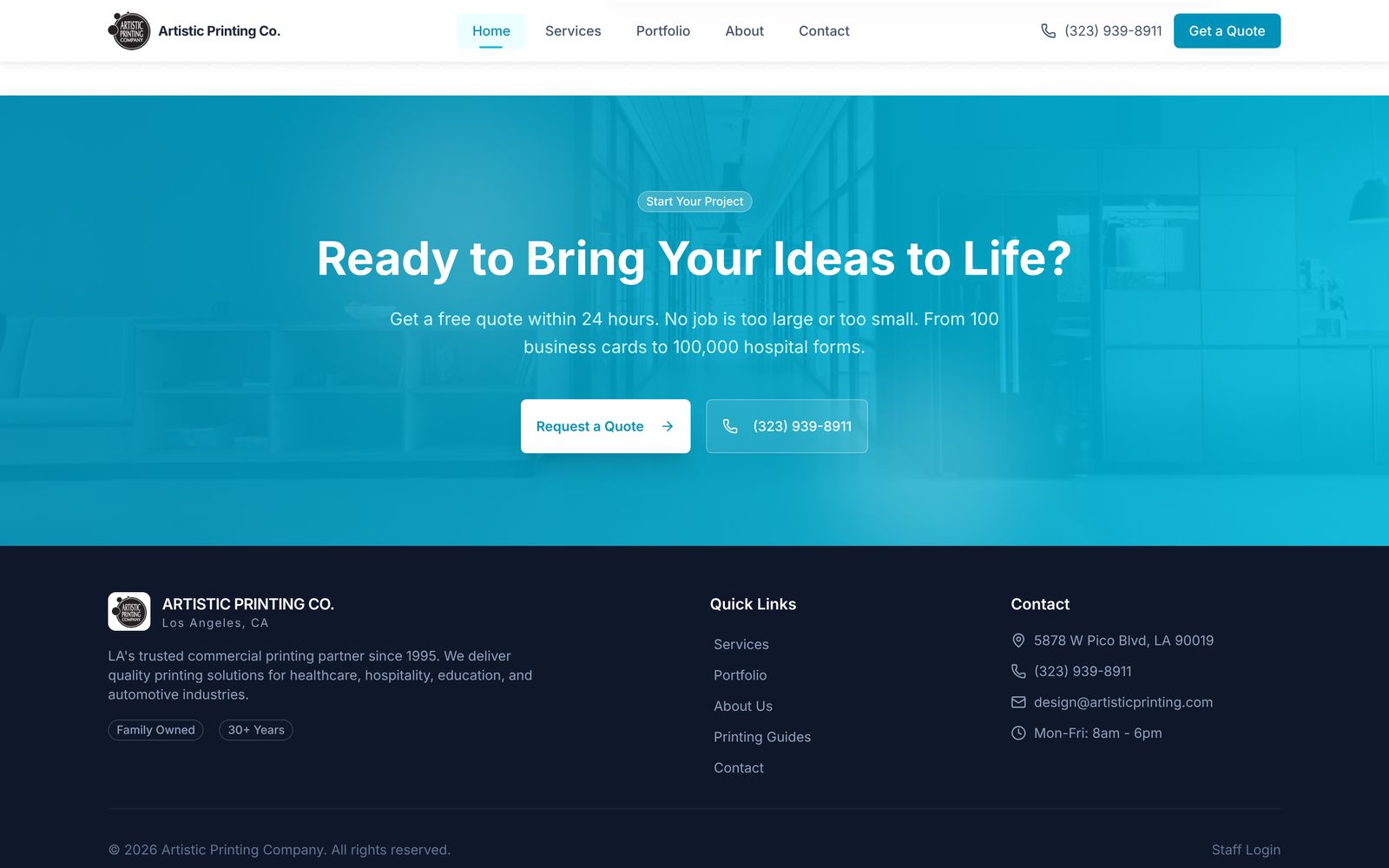
Think about the form fields as well. Artistic Printing, a commercial printer I built a site and quote tool for, needed every quote request to arrive with the specs the shop requires, and that only works when the fields are decided before the form is built. Knowing what you need to be told by a customer is part of the page list.
What brand assets should you send?
Send your logo in the best format you have, your brand colors if they exist, and the names of any fonts you already use.
Logo
An SVG is ideal, because it stays sharp at every size. If you do not have one, ask whoever designed the logo for the original vector file, which may be an AI, EPS or PDF file. Failing that, send the largest PNG you have with a transparent background. A logo cropped from a screenshot or a business card photo will look soft on a large screen. If you have light and dark versions, send both.
Colors and fonts
Exact color codes help, such as a hex value like #1A3C6E. If you only know "the blue on our van", send a photo and I will match it. Name any fonts used on your signage or print materials so the site feels like the same business.
If you have no brand yet
Say so. That is common for new businesses and it is fine. Tell me three words you want people to feel, such as calm, premium, friendly, and point to a couple of sites whose look you like. A simple, consistent color and type system can be set as part of the build.
How much of the text do you have to write?
You have to supply the facts; the wording can be shaped later.
Nobody else knows these, so they have to come from you:
- Each service or product, with what is included
- Prices, or starting prices, if you publish them
- Hours, address, phone, email and service area
- How the process works for a customer, step by step
- What makes you different, in specifics: years in business, licenses, guarantees, turnaround time
- The questions customers ask most on the phone, with your answers
- A short story of the business and the people in it
Rough notes are fine. Bullet points, a voice memo, or a long email written the way you would explain it to a customer all work. Real details beat polished generic text every time. "Family owned since 2009, same-day estimates, we clean up before we leave" does more than a paragraph about commitment to excellence.
Two warnings. Do not copy text from a competitor's site; it is theirs, and search engines can tell. And if a tool drafts text for you, check every fact in it, because it will state things about your business with confidence that are not true.
What photos work, and how should you send them?
Send your best real photos of the work, the space, the team or the product, as original full-size files.
Real photos are the fastest way to make a small business site feel trustworthy. Phone photos taken in good daylight are often enough. A few practical points:
- Send originals. Photos saved from Instagram or sent through a messaging app are compressed and blur when enlarged.
- Include some wide, horizontal shots. The top of a page usually needs a landscape image with room for text.
- Show people working where you can, with their permission.
- Before and after pairs are valuable for any trade or service.
- Label the files or folders, so I know which photo is which dish, job or team member.
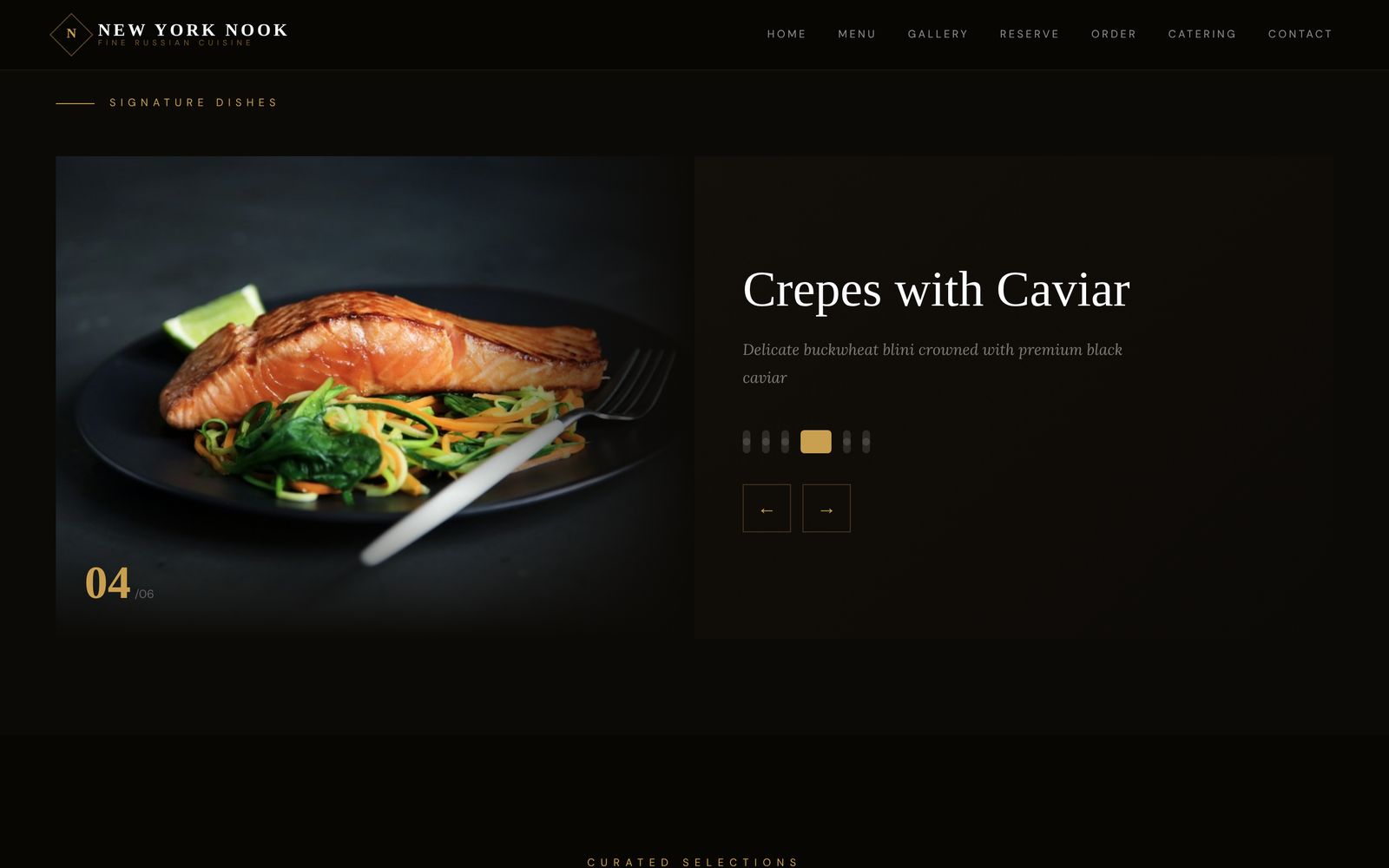
For a restaurant, the photos carry the site. New York Nook, a restaurant site I built with online reservations and pickup ordering, has a full menu with photography, and the food images do most of the persuading.
If you have no usable photos, do not hold the project for a shoot. Launch with a clean typographic design or carefully chosen stock images, and swap in real photos when you have them. Make sure you have the right to use anything you send: photos taken by a professional photographer may need their permission for web use.
Why send websites you like?
Because two or three examples with a reason for each tell a developer more about your taste than any description.
"Modern and clean" means something different to everyone. A link plus one sentence is precise: "I like how this one shows prices up front", "I like the big photos here", "I like that the booking button follows you down the page". The sites do not need to be in your industry. A dentist can like a hotel's website.
Sites you dislike are useful too, especially competitors'. "Everyone in my trade has the same dark blue template and I do not want that" is a clear instruction.
Be specific about what you are pointing at: layout, colors, tone of the writing, or a particular feature. I am taking direction from the examples, not copying them. Your site still gets designed around your content and your goal.
What access will the developer need?
Access to your domain, your Google Business Profile, and any tool the site connects to, all through accounts that you own.
- Domain registrar: the company where you bought the domain, such as GoDaddy, Namecheap or Squarespace Domains. Launch requires changing DNS records there. You can add me as a delegate, or make the change yourself with instructions I send.
- Email on your domain: tell me if you have it. DNS changes must leave your mail records alone, and I need to know they exist.
- Google Business Profile: manager access, so the website link and details match.
- Connected tools: booking, payments, email marketing, analytics. Invite me as a team member where the tool allows it.
- The current site, if there is one: a login or an export, so nothing useful is lost and old page addresses can be redirected.
Do not send passwords by email or text. Use delegate or team access, or share through a password manager, and remove my access when the project ends.
If you do not know where your domain is registered, find out early. A domain bought years ago by a former employee or a previous web designer is a common launch blocker, and recovering it can take longer than building the site.
What does a complete brief look like?
A complete brief is one page of answers plus a folder of files.
Here is a made-up example for a mobile detailing business:
- Goal: get visitors to request a booking
- Visitor: car owners in Long Beach who want detailing at home
- Pages: home, services with prices, gallery, about, contact with booking form
- Feature: booking request form asking for vehicle type, service, address and preferred day
- Brand: logo as SVG attached, black and orange, no set fonts
- Copy: notes for each page in the shared document, plus eight common questions with answers
- Photos: 30 originals in the folder, sorted into before and after, team, and van
- Sites I like: two links, with a line on each
- Access: domain is at Namecheap, delegate invite sent; no business email yet; Google profile manager invite sent
- Approval: the owner signs off, and feedback comes in one message per round
That fits on a page, and with it a five-page site can start the same day and hold a 14-day timeline.
How should feedback and approvals work?
Name one person who gives final approval, and send feedback as one combined message per round.
When three people send separate comments, some of them conflict, and the developer has to guess who wins. Collect opinions inside your business first, settle the disagreements, then send one list.
Useful feedback names the page and section, says what is wrong, and says what you want instead: "On the services page, the second service is missing its price, add from $80." Screenshots with a note work well. "Make it pop" does not give me anything to act on, so describe the problem you see instead: too plain, too crowded, hard to read.
Agree on turnaround times too. If I send a draft on Monday and comments come back the following week, the timeline moves by that week. A day or two for each round keeps a two-week project at two weeks.
The bottom line
Send the goal, the page list, your logo and colors, the facts for each page, original photos, a few sites you like and the right access, and name one person to approve the work. None of it has to be polished. It has to be real and it has to arrive at the start. That is what lets a website launch on the timeline and at the price you were quoted.
Questions, answered in one line
Do I need to write all the website text myself?
Not always; rough notes per page are enough for a developer or copywriter to shape, but the facts about your business have to come from you.
Why does a developer need my domain login?
To point the domain at the new site at launch; you can also make the DNS change yourself with their instructions.
What if I do not have photos?
Use a clean typographic design or carefully chosen stock photos at launch, then replace them with real photos later.
What file format should my logo be in?
An SVG is best because it stays sharp at any size; a large PNG with a transparent background is the next best option.
How should I send files to a web developer?
Put everything in one shared folder with a sub-folder per page, and share logins through a password manager or delegated access instead of email.
How long does a small business website take once the content is ready?
With content in hand, Thomas Osayi delivers a one-page site in about 7 days, a five-page business site in about 14 days and a full custom build in about 21 days.
Sources
- Adding & Configuring a Custom Domain Vercel
- Get started with Google Business Profile Google Business Profile Help
Related articles
- How much does a restaurant website cost in 2026?
- How to take restaurant orders online without third-party fees
- Toast vs Squarespace vs a custom website for restaurants
- Google Business Profile vs website: do you need both?
Custom Next.js websites for businesses
Custom Next.js websites for small businesses, clinics, restaurants and startups. Fast, SEO-ready, built from scratch with booking, ordering or quote tools. Based in Los Angeles.
See the service