November 25, 2026 · 9 min read · Thomas Osayi
Team accounts and invites in a SaaS app: data model, invite links, seats and ownership
How to build team accounts and invites in a SaaS app: workspaces and memberships, invite tokens that expire, email invites, seat billing, ownership transfer and removals.
The first version of most SaaS apps is built for one person. One user signs up, one user owns the data, one user pays. Then the first real customer asks the obvious question: can I add my business partner? If the data belongs to the user, the honest answer is not without a migration.
Team accounts are one of the features I most want in place before launch, because adding them later means moving every record from user ownership to team ownership while customers are using the app. This post covers the data model, how invite links should work, the email flow, seat billing, ownership transfer and removing people. It does not repeat what each role is allowed to do. That lives in "Roles and permissions in a SaaS app: a practical guide for founders", and if you are on Firestore, "Multi-tenant SaaS with Firestore: data layout, security rules and custom claims" covers the security rules side.
What data model do team accounts need?
Team accounts need three tables: organizations, memberships that connect users to organizations, and invitations for people who have not joined yet.
Call the first table organizations, workspaces or teams, whatever your users would say. It holds the name, the plan, the Stripe customer ID and the billing details. The users table stays about the person: name, email, sign-in method.
The memberships table is the join between them, with a few columns:
- organization_id and user_id, with a unique constraint on the pair so nobody is added twice.
- role, such as owner, admin or member.
- status, such as active or removed, plus created_at and removed_at.
Then every business record, every project, invoice, booking or file, gets an organization_id. Not a user_id as the owner. You can still store created_by so you know who made it, but access is decided by the organization.
This one choice is what makes everything else in this post easy. A user can belong to several organizations, an agency can manage many clients, people can leave without taking data with them, and every query filters by the current organization. I recommend doing it even if your first ten customers are solo, by creating one organization per user automatically at sign-up.
How do users belong to more than one organization?
A user belongs to several organizations by holding several membership rows, and the app tracks which one is active in the current session.
The pattern looks like this. After sign-in, load the user's active memberships. If there is one, use it. If there are several, show a workspace switcher and remember the last one used. Every request then carries the current organization ID, usually from a cookie or the URL, and the server checks that the signed-in user has an active membership in that organization before doing anything.
That last check is the important one. Never trust an organization ID from the browser on its own. A user who edits the URL to another organization's ID should get a 404, not someone else's data.
SQWAD, the creator program software I am building, is multi-brand by design, so the same creator can apply to and work with more than one brand.
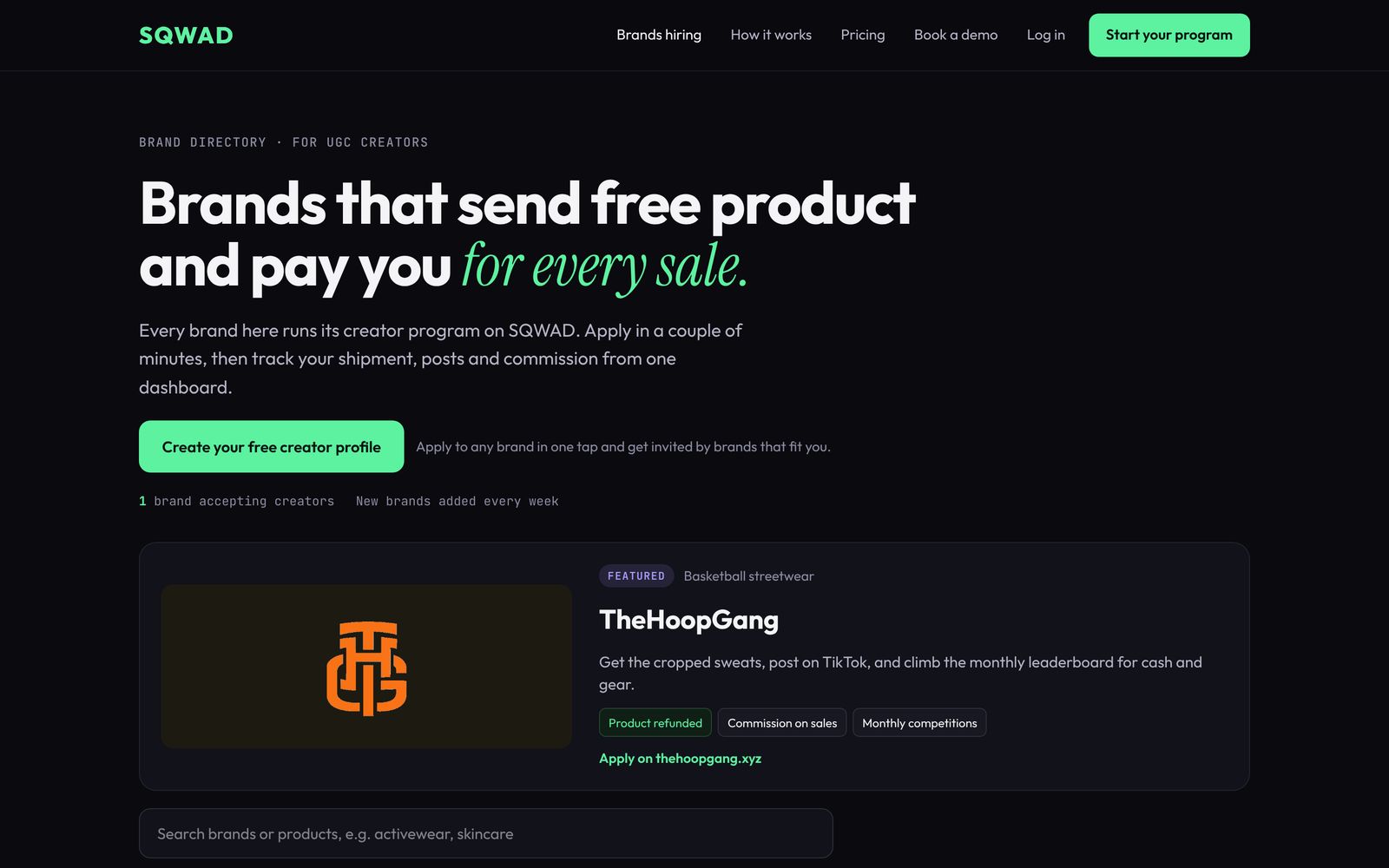
It is the same shape of problem as a person who is a member of two workspaces: one identity, many memberships, and a clear answer at every moment to the question of which one they are acting in.
How should invite links and tokens work?
An invite link should carry a long random token that is stored hashed, works once, expires after a set time and only works for the email it was sent to.
Here is the invitations table I use:
- organization_id, email (stored lowercase) and role.
- token_hash, never the raw token.
- invited_by, expires_at, accepted_at and revoked_at.
When an admin invites someone, the server generates a random token with a cryptographically secure generator, stores only its hash, and puts the raw token in the email link. When the link is opened, the server hashes the token from the URL and looks it up. This is the same thinking OWASP applies to password reset tokens: random, long enough to resist guessing, tied to one record, single use and expiring. If your database leaks, hashed tokens cannot be replayed.
On acceptance, check in this order:
- The token exists, is not expired, accepted or revoked.
- The person is signed in, or signs up, with the same email the invite was sent to.
- They are not already a member.
Then create the membership and set accepted_at in the same transaction, so a double click cannot create two members. Seven days is a sensible expiry for a team invite. Resending should revoke the old token and issue a new one.
How do email invites actually reach people?
Email invites go out through a transactional email service from your server, and the email should say who invited them, to which workspace, and when the link expires.
The flow for the person receiving it has two branches. If they already have an account, they sign in and land on an accept screen showing the workspace name and the role they will have. If they are new, they sign up first, then land on the same screen. Keep the token in the URL or a short-lived cookie through sign-up so it is not lost.
A few details save support tickets:
- Show pending invites in the team settings page, with resend and revoke buttons.
- If someone opens an invite while signed in with a different email, explain the mismatch and offer to switch accounts instead of showing a vague error.
- Rate limit invites per organization, so a compromised account cannot use your domain to send hundreds of emails.
- Set up SPF, DKIM and DMARC for your sending domain, or invites will land in spam.
Some products also offer a shareable join link for a whole domain, such as anyone with an @company.com email. It is convenient for bigger customers, but it is a separate feature with its own risks, and I leave it out of a first version.
How does seat billing work with team accounts?
Seat billing works by counting active memberships and setting that number as the quantity on the organization's Stripe subscription.
Stripe's per-seat model is a recurring price where one unit is one user, and the subscription item's quantity is the number of seats. When a member joins, raise the quantity. When one is removed, lower it. By default Stripe creates prorations when the quantity changes mid-cycle: credit for unused time and a charge for the added time, which show up on the next invoice. You can set proration_behavior to always_invoice to bill immediately, or none to skip prorations. Note that Stripe's docs say negative prorations are not refunded automatically, they become credit.
Here is an illustration. A made-up bookkeeping firm on a $15 per seat plan has 4 members. On the 10th, the owner invites a new hire, who accepts the same day. Your app adds a membership, recounts to 5, and updates the subscription quantity. The next invoice includes a prorated charge for the fifth seat for the rest of the month.
Decide early whether pending invites count as seats. I usually bill only accepted members, but block new invites once accepted members plus pending invites reach the plan's limit. And keep your app as the source of truth for the count, syncing to Stripe, rather than the reverse. "Setting up Stripe subscriptions for a SaaS MVP: what you actually need" covers the webhook side.
How do you transfer ownership of an organization?
Ownership transfer should be an explicit action by the current owner that promotes another existing member to owner and demotes the old owner to admin in one transaction.
The rule underneath is simple: every organization has exactly one owner at all times. The owner is the person who can delete the workspace, change billing and remove admins. If ownership is ever empty, nobody can do those things, and the fix becomes a support request to you.
So the transfer flow should:
- Only let the current owner start it, and only to someone who is already an active member.
- Ask for confirmation, ideally with a password or a re-authentication step, because it is hard to undo.
- Change both roles in one database transaction.
- Email both people, and write it to your audit log.
Billing is a separate question. The Stripe customer belongs to the organization, so the card on file does not change just because the owner did. Prompt the new owner to update billing details if the old one is leaving. And block the owner from leaving or deleting their own account until they transfer ownership or delete the organization.
What should happen when you remove a member?
Removing a member should end their access immediately, keep everything they created inside the organization, and lower the seat count.
In practice, removal means setting the membership status to removed with a timestamp, rather than deleting the row, so history stays readable. Then make sure access really ends. If your sessions are long-lived tokens that carry the organization ID or role, a removed member might keep access until the token expires. Either check membership on every request, which I prefer, or revoke their sessions for that organization.
Their data stays. Projects they created still have created_by pointing at them, and the interface can show "former member" next to their name. If they had assigned tasks or owned records, give admins a way to reassign them.
Two edge cases are worth handling on day one. Members should be able to leave a workspace themselves, with the same rules. And admins should not be able to remove the owner or other admins unless your roles say so, which is where "Roles and permissions in a SaaS app: a practical guide for founders" comes back in.
When should you add team accounts to your SaaS?
Add the organization data model before launch, even if the invite screens come later, because changing data ownership after customers arrive is the expensive part.
The full feature, with invites, seat billing, ownership transfer and team settings, is a meaningful chunk of work. In my packages, a single-workflow MVP from $250 usually stays single user. A SaaS MVP from $1,200 over about 21 days can include the organization model and basic invites if the scope is kept tight. Multi-role teams with admin tools, seat billing and integrations fit the Full SaaS Platform package from $3,000 over about 45 days.
What I would not do is build a single-user app and plan to retrofit teams later. The migration touches every table and every query, and it usually happens right when the first serious customer is waiting.
The bottom line
Team accounts and invites rest on a small, sturdy model: organizations own the data, memberships connect users to organizations with a role, and invitations hold a hashed, single-use, expiring token tied to an email. On top of that, seat billing is a count synced to Stripe, ownership transfer keeps exactly one owner at all times, and removing a member ends access without losing their work. Get the model in before launch and the rest can be added one screen at a time.
Questions, answered in one line
Should every user get a personal workspace?
Creating a workspace automatically at sign-up is the simplest pattern, because it lets a solo user work immediately and invite teammates later without migrating any data.
How long should a team invite link last?
Seven days is a common, reasonable default for a team invite, with a resend button that issues a fresh token and invalidates the old one.
Do pending invites count as paid seats?
That is a pricing choice, but most teams find it fairer to bill only accepted memberships and to cap pending invites so nobody can bypass the seat limit.
What happens to a removed member's data?
It stays with the organization, because the organization owns it, and the removed person simply loses access and is shown as a former member on anything they created.
Can Thomas Osayi build team accounts into my SaaS?
Yes, Thomas Osayi builds multi-role team accounts, invites and admin tools as part of the Full SaaS Platform package from $3,000 over about 45 days.
Sources
- Forgot Password Cheat Sheet (token handling) OWASP
- Set up per-seat pricing Stripe
- Prorations Stripe
Related articles
- How to scope an MVP: one workflow, three lists and the cuts that matter
- Multi-tenant SaaS with Firestore: data layout, security rules and custom claims
- Web app vs mobile app for your MVP: which to build first
- PWA vs native app in 2026: what a web app can do on iPhone now
SaaS MVP and full-stack web app development
I build SaaS MVPs and full-stack web apps in Next.js, TypeScript and Firebase or Postgres: auth, dashboards, payments, roles and admin tools. Founder of SQWAD.
See the service