November 17, 2026 · 10 min read · Thomas Osayi
Setting up Stripe subscriptions for a SaaS MVP: what you actually need
The minimum Stripe setup for a SaaS MVP: products and prices, Checkout, webhooks, the customer portal, failed payments and plan checks.
Billing is where MVPs most often overbuild or underbuild. Some founders spend three weeks on a custom billing page before they have a customer. Others ship a payment link and find out a month later that cancelled users still have full access.
The setup below is the middle path: the smallest amount of Stripe work that is still correct.
What is the minimum Stripe setup for a SaaS MVP?
You need five things: products and prices, Checkout, webhooks that write to your database, the customer portal, and a plan for failed payments.
- Products and prices: one product per plan, one recurring price per billing period
- Stripe Checkout: the hosted payment page that starts the subscription
- Webhooks: messages from Stripe to your server that tell you what changed
- The customer portal: Stripe's hosted page for changing plans, updating cards and cancelling
- Failed payment handling: retries, emails and a rule for when access stops
Everything on that list except the webhook handler is configuration or a few lines of code. The webhook handler is where the care goes, because it is the only thing that keeps your database in step with what customers have paid for.
How should products and prices be set up?
Create one product per plan and one recurring price for each billing interval, then refer to prices by ID from a single config file.
In the Stripe Dashboard, a product is the thing you sell, such as "Pro", and a price is how you charge for it, such as $29 per month or $290 per year. One product can have several prices.
Practical rules
- The amount on a price cannot be edited. To change what you charge, create a new price and archive the old one. Existing subscribers stay on the old price until you move them.
- Stripe has separate test and live modes with different IDs. Keep price IDs in environment variables or one config module, with a test set and a live set.
- Give each price a lookup key, such as pro_monthly, so your code can find it by name.
- Keep the free plan out of Stripe. A user with no active subscription is on the free plan.
- Put plan limits, such as seats or projects, in your own code, keyed by plan name. Stripe handles money. Your app handles what a plan includes.
Trials
You can set a trial length when creating the Checkout session. Decide whether to ask for a card up front. A trial with a card converts with no further action from the user. A trial without one gets more signups and needs a reminder before it ends. For an MVP, either is fine. Pick one and keep it simple.
How do I start a subscription with Stripe Checkout?
Create a Checkout session on your server in subscription mode, attach your user's ID to it, and redirect the browser to the URL Stripe returns.
The session needs:
- mode set to subscription
- line_items with the price ID and a quantity
- customer set to the user's existing Stripe customer ID, if they have one
- client_reference_id set to your own user or organization ID
- success_url and cancel_url pointing back to your app
One customer per account
Create a Stripe customer the first time a user starts checkout, save its ID on your user or organization record, and reuse it every time after. If you let Stripe create a new customer on each checkout, one person ends up with several customer records, and their invoices and subscriptions are scattered across them.
Who is the customer
In a product for teams, the subscription belongs to the organization, not the person who clicked the button. Store the Stripe customer ID on the organization. Otherwise the plan is tied to one employee and becomes a problem when they leave.
The success page is not proof
The success_url is only a page the browser lands on. A user can reach it by typing the address, and a real payer can close the tab before it loads. Do not grant access there. Show a "setting up your account" message and wait for the webhook to update the database, which usually takes a second or two.
Which webhooks do I need, and how do I handle them safely?
Handle four to six events, verify the signature on every one, and make each handler safe to run twice.
The events
- checkout.session.completed: the first payment went through. Read client_reference_id and save the customer ID and subscription ID against your user.
- customer.subscription.created and customer.subscription.updated: plan changes, renewals, trials ending, cancellations scheduled. Copy the status, price and period end into your database.
- customer.subscription.deleted: the subscription has ended. Set the account back to free.
- invoice.paid: a renewal succeeded. Useful for extending access and for receipts.
- invoice.payment_failed: a charge failed. Flag the account and email the user.
Verifying the signature
Anyone can send a POST request to your webhook URL, so every request must be checked. Stripe signs each event, and the library function stripe.webhooks.constructEvent verifies it using the raw request body, the Stripe-Signature header and your endpoint's signing secret, which starts with whsec_.
The classic bug is passing a parsed body. In a Next.js App Router route handler, read the body with request.text() and pass that string through. If the JSON has been parsed and turned back into a string, verification fails with the error "No signatures found matching the expected signature for payload".
Duplicates and ordering
Stripe keeps retrying a webhook when your endpoint does not answer with a 2xx status, and it does not guarantee that events arrive in order. Two habits deal with both. First, store the ID of each processed event and skip any you have seen. Second, treat the event as a signal, then fetch the current subscription from Stripe and save that, so an old event can never overwrite newer state.
What should my database store about a subscription?
Store enough to answer "what can this account do right now" without calling Stripe.
On the user or organization record:
- stripeCustomerId
- stripeSubscriptionId
- plan, as your own name for it, mapped from the price ID
- status, copied from Stripe: trialing, active, past_due, canceled, unpaid or incomplete
- currentPeriodEnd, the date the paid period runs out
- cancelAtPeriodEnd, true when the user has cancelled but still has time left
Checking access
Every protected feature reads this record on the server. A typical rule: allow access when status is active or trialing, and allow a short grace period when it is past_due. Never accept a plan value sent from the browser, and do not store the plan somewhere the user can write to. In Firebase, that means the subscription fields are written only by the server through the Admin SDK, and security rules deny client writes to them.
Calling Stripe on each page load to check the plan is slow, runs into rate limits as you grow, and breaks your app whenever that call fails. The webhook-fed copy in your own database is what the app reads.
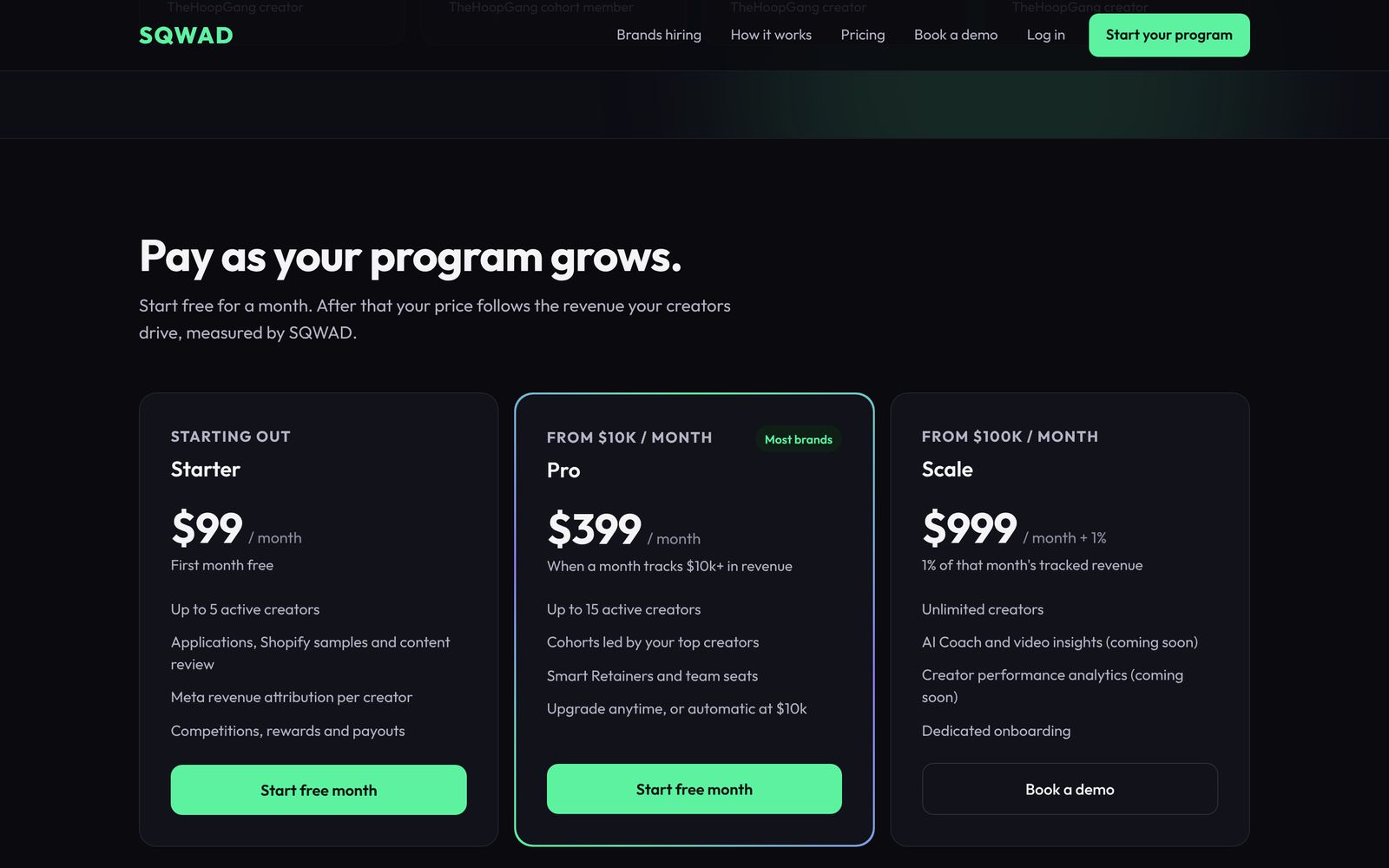
SQWAD, my own SaaS for Shopify brands, is built on Next.js, Firebase and Stripe, so Stripe is something I run in my own product and not only something I set up for clients.
How do users upgrade, downgrade or cancel?
Send them to the Stripe customer portal, which handles plan changes, card updates, invoices and cancellation without any billing pages of your own.
Setting it up
In the Dashboard, open the customer portal settings and choose what customers may do: which prices they can switch between, whether they can update payment methods, view invoices and cancel. Then add a "Manage billing" button to your settings page. Its server route creates a portal session with the customer ID and a return_url, and redirects to the session URL.
What happens behind the button
- A plan switch fires customer.subscription.updated, and your webhook copies the new price into the database
- Plan changes are prorated by default, so the customer is charged or credited for the difference
- Cancellation can be immediate or at the end of the period. End of period is kinder: cancel_at_period_end becomes true, the status stays active, and customer.subscription.deleted arrives when the time runs out.
Show the cancelled-but-active state in your app, with the end date, so users are not surprised either way.
One permissions point for team products: only an owner or billing admin should be able to open the portal. Check the role on the server before creating the session, since the session URL gives control of the subscription.
What happens when a payment fails?
Stripe retries the charge on a schedule, the subscription moves to past_due, and your app decides how long access continues.
Cards fail all the time for dull reasons: expired, replaced, over the limit. Most failures are fixed by a retry or by the customer updating the card, as long as someone tells them.
What to configure in Stripe
- Turn on Smart Retries, or set a retry schedule, in the Billing settings
- Turn on Stripe's emails for failed payments and expiring cards, which link to a page for updating the card
- Choose what happens after the final retry: cancel the subscription, mark it unpaid or leave it past due
What to do in your app
- On invoice.payment_failed, show a banner with a link to the customer portal
- Keep access on during the retry window. Locking someone out on the first failure punishes paying customers for a bank hiccup.
- When the subscription is finally cancelled, the customer.subscription.deleted event downgrades the account through the same code path as a normal cancellation
Do not delete data on downgrade. Limit what the account can do and keep the data, so coming back is one click.
How do I test billing before launch?
Run every path in test mode with the Stripe CLI and test cards, then repeat the main path once in live mode with a real card.
Local setup
The Stripe CLI forwards events to your machine with the command stripe listen --forward-to localhost:3000/api/webhooks/stripe. It prints a signing secret for local use, which goes in your local environment file. The command stripe trigger fires sample events.
Paths to run
- Subscribe with the test card 4242 4242 4242 4242 and confirm the database updates
- Upgrade and downgrade through the portal
- Cancel at period end, and confirm access remains until then
- Fail a payment using one of Stripe's decline test cards
- Advance time with a test clock, to see a renewal and a trial ending without waiting a month
- Send the same event twice and confirm nothing breaks
Going live
- Create the products and prices again in live mode, or copy them over
- Add a live webhook endpoint in the Dashboard and put its signing secret in the production environment variables
- Swap test keys for live keys in production only
- Check the endpoint's delivery log after the first real payment
The most common launch-day failure I see in apps I am asked to fix is a webhook that worked locally and was never registered in live mode. Payments succeed, and no account is ever upgraded.
What can wait until after the MVP?
Skip everything your first customers have not asked for.
- Usage-based or metered billing
- Per-seat pricing with automatic seat counts, unless seats are your pricing model
- A coupon engine. Stripe promotion codes in Checkout cover early discounts.
- Custom invoice layouts
- Multiple currencies
- A custom billing page that reproduces the portal
- Tax automation, depending on where you sell. Stripe Tax exists for when you need it, and tax is worth a conversation with an accountant before you have customers in many regions.
- Annual plans, if you would rather learn from monthly churn first
This is the billing setup I include in the SaaS MVP package, from $1,200 and about 21 days, alongside auth, a dashboard and the database. If you already have an app where payments do not fire or plans do not update, that is repair work: Fix Plus Features starts at $200 and takes about 5 days.
The bottom line
Use Stripe's hosted pieces for everything a customer sees, Checkout and the customer portal, and spend your own effort on the webhook handler and the subscription fields in your database. Verify signatures, handle duplicates, read access from your own records, and test the unhappy paths before launch. The rest can wait for real customers.
Questions, answered in one line
Which Stripe webhook events matter for subscriptions?
At minimum checkout.session.completed, customer.subscription.updated, customer.subscription.deleted and invoice.payment_failed.
Do I need to build a billing page?
Not for an MVP; Stripe's hosted customer portal lets users change plans, update cards and cancel.
Where should I check if a user has paid?
In your own database, updated by webhooks, not by calling Stripe on every page load.
Why does Stripe webhook signature verification fail?
Usually because the request body was parsed before verification; Stripe needs the raw body, the Stripe-Signature header and the correct signing secret for that endpoint.
Should I grant access on the Checkout success page?
No. Anyone can open that URL, so grant access only when the verified webhook has updated your database.
What should happen when a subscription payment fails?
Let Stripe retry the charge and email the customer, keep access on during the retry window, and downgrade only when the subscription is finally cancelled.
Sources
Related articles
- How to scope an MVP: one workflow, three lists and the cuts that matter
- Multi-tenant SaaS with Firestore: data layout, security rules and custom claims
- Web app vs mobile app for your MVP: which to build first
- PWA vs native app in 2026: what a web app can do on iPhone now
SaaS MVP and full-stack web app development
I build SaaS MVPs and full-stack web apps in Next.js, TypeScript and Firebase or Postgres: auth, dashboards, payments, roles and admin tools. Founder of SQWAD.
See the service