November 17, 2026 · 10 min read · Thomas Osayi
Roles and permissions in a SaaS app: a practical guide for founders
How to design user roles, team accounts and permissions in a SaaS MVP without overbuilding, with examples from real multi-role platforms.
Roles look simple on a whiteboard: admins can do everything, members can do some things. Then the first customer asks for a contractor who can see one project, or a manager who can approve but not pay, and the simple picture stops matching the code.
You do not need to build for all of that up front. You do need a foundation that can absorb it later without a rewrite. I have built that foundation for my own SaaS and for a healthcare platform with five roles, and the same few decisions matter every time.
What roles does a SaaS MVP actually need?
Most MVPs need three: an owner, a member, and an internal admin for your own team.
- Owner: created the account, manages billing, invites and removes people, can delete the organization
- Member: uses the product day to day, cannot touch billing or membership
- Internal admin: you and your support staff, able to look up any account to help a customer
That covers the questions an early product has to answer. Who pays? Who can add people? Who can see the data?
A common fourth role is admin, sitting between owner and member: can manage people and settings, cannot delete the organization or change billing. Add it when a customer has a real person in that position.
It helps to be clear about what a role is. A role is a named bundle of abilities inside an organization. A plan, such as Free or Pro, is not a role. It limits what the whole organization can do. Keep the two separate in code. "Can this person export data?" has two parts: does the plan include exports, and does this person's role allow it.
Why start with organizations, even if each account has one user?
Because most B2B products end up serving teams, and moving data from "belongs to a user" to "belongs to an organization" later is a painful migration.
The rule is simple. When someone signs up, create two records: the user and an organization, also called a workspace, team or account. Everything the product creates, projects, invoices, files, belongs to the organization through an organizationId field. The user is connected to the organization through a membership.
On day one this looks like extra work. Every organization has one member and the interface never mentions teams. The payoff comes when a customer says "can I add my colleague?" and the answer is an invite form, not a data migration.
It also settles billing cleanly. The Stripe customer and subscription attach to the organization. When the person who signed up leaves the company, the account, its data and its plan stay with the company.
Where should a user's role be stored?
On a membership record that links a user to an organization, not on the user.
The data model
- users: id, email, name
- organizations: id, name, plan, stripeCustomerId
- memberships: userId, organizationId, role, status, createdAt
- every other table or collection: an organizationId field
One person can then be an owner of their own company's workspace and a member of a client's, with one login. If the role lives on the user record, that is impossible, and you find out the day an agency or consultant signs up.
The active organization
When a user belongs to several organizations, the app needs to know which one they are working in. Put it in the URL, such as /org/acme/projects, or in the session. I prefer the URL, since links can be shared and the back button behaves.
Roles in the auth token
With Firebase Auth you can put custom claims in the user's token, and other providers let you add fields to the session. It is tempting to store the role there. Be careful. Tokens are cached, so a role change does not apply until the token refreshes, and one token cannot easily describe different roles in different organizations. I use token claims for things that are global and rarely change, such as the internal admin flag, and read organization roles from the membership record.
Internal admin
Keep your own staff access separate from customer roles: a flag set only from the server, plus a log of what staff viewed or changed. Do not make your team "owners" of customer organizations to get access.
How do I keep one customer's data separate from another's?
Put an organization ID on every record, filter every query by it, and have the database itself refuse cross-organization reads.
This is what multi-tenant means: one app and one database serving many customers, with each customer's data walled off. That wall is the most important permission in the product. A member seeing an admin button is a bug. One customer seeing another customer's data is the kind of incident that ends contracts.
In Firebase
Firestore security rules run on every read and write from the client. A rule for an organization's documents checks that a membership document exists for the signed-in user in that organization, using the exists function on the membership's path. Storing memberships under a predictable ID, the organization ID and user ID joined together, makes that lookup a single document read. Queries must also filter by organization, because rules reject a query that could return documents the user may not read.
In Postgres
Row level security does the same job. You enable it per table and write a policy that compares the row's organization ID with the organizations the current user belongs to. Supabase is built around this. With Prisma and a plain Postgres database, the usual approach is to scope every query by organization in one shared data access layer, so no route can forget the filter.
The server bypass
Server code using the Firebase Admin SDK or a Supabase service role key skips these rules entirely. That is intended, and it means every server route must do its own check. A server route with admin credentials and no membership check is an open door.
Where do permission checks have to happen?
In three places: the interface, the server and the database, and only the last two count as security.
Interface
Hide or disable what a role cannot do. A member should not see a "Delete workspace" button. This is for clarity. Anyone can open the browser's developer tools and call your API directly, so the interface protects nobody.
Server
Every API route and server action that changes something follows the same steps: identify the user from the session, load their membership for the organization in the request, check that the role allows the action, then act. Confirm the organization against the membership you loaded, and never trust an organization ID or role sent in the request body.
Database
Rules or policies, as described above, are the last line. If a server check is missed, the database still refuses.
One permission function
Do not scatter role comparisons through the code. Write a single function, something like can(membership, 'invoice.create'), backed by a small map from each role to its allowed actions. Routes and components both call it. When you add a role, you edit one map. When a customer later needs custom permissions, you swap the map for stored data and nothing else changes.
How do invitations and role changes work?
An invitation is a pending membership tied to an email address, accepted by a signed-in user whose email matches.
The flow:
- An owner enters an email and picks a role
- The server creates an invitation record with the organization, email, role, a random token and an expiry date
- An email goes out with a link containing the token
- The recipient signs up or signs in, and the server checks the token, the expiry and that the email matches
- The invitation becomes a membership and is marked used
Details that prevent trouble:
- Only owners and admins can invite, and nobody can grant a role higher than their own
- Tokens are single use and expire, with a week being typical
- An organization must always have at least one owner, so block the last owner from leaving or demoting themselves
- Ownership transfer is its own action, with a confirmation
- Removing a member takes effect immediately on the server, not when their session happens to expire
- If the plan charges per seat, check the seat limit when the invitation is accepted
Role changes and removals are worth logging: who changed what, and when. It costs one extra record per change and answers the question every customer eventually asks after something goes wrong.
What do real multi-role platforms look like?
They look like the same foundation with more roles on top, each role seeing its own version of the product.
Guardian MindCare is a therapy practice platform I built with five roles: therapists, supervisors, trainees, clients and admins. Each has its own portal, and permissions make sure each role sees only what it should. In a healthcare product, that separation is the core requirement.

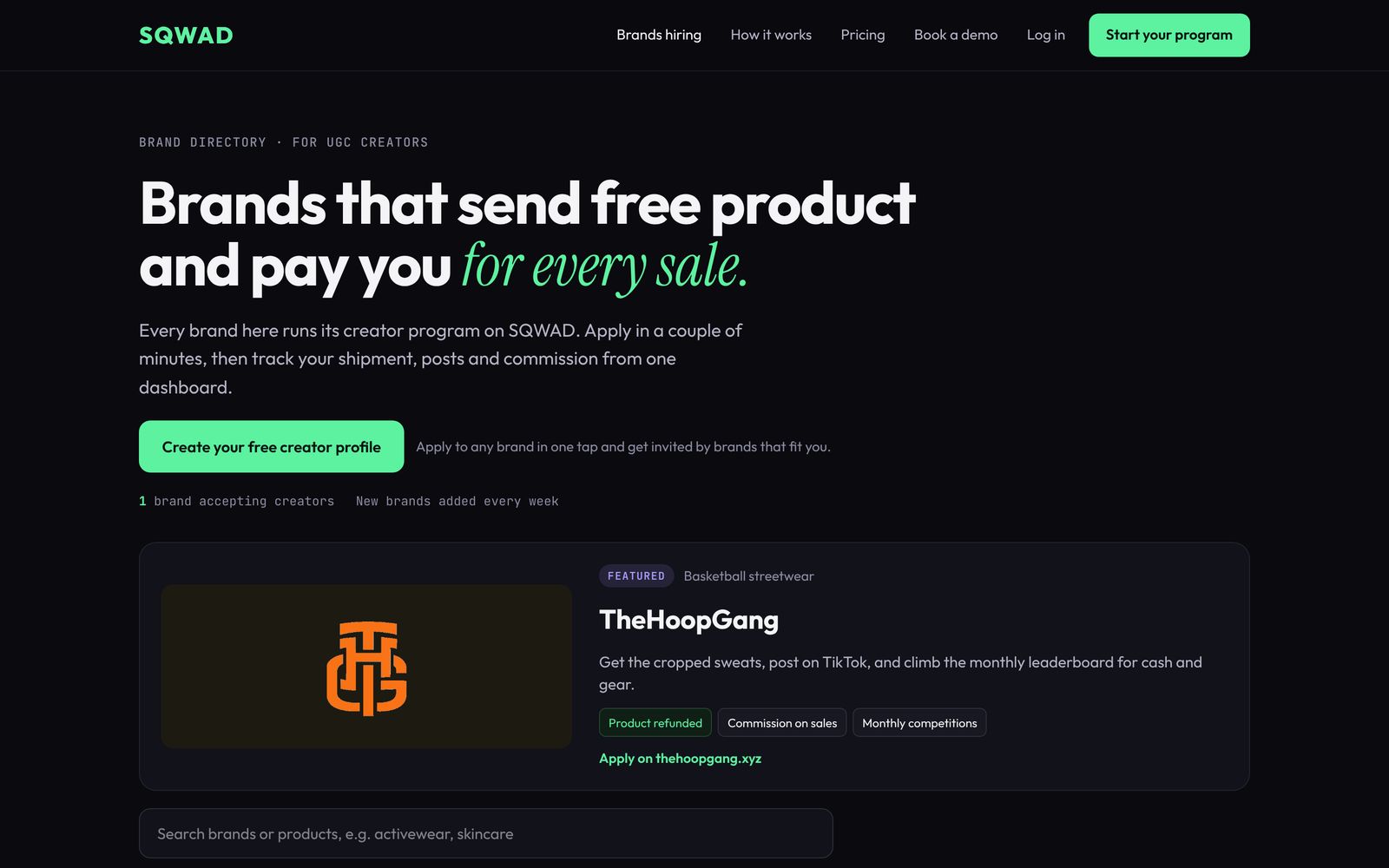
SQWAD, my own SaaS, has two kinds of separation. Brands are the tenants, each with its own team members and a branded portal, and each brand's data is isolated from every other brand's. Creators are a different kind of user, who apply to a brand's program and see only their own side of it.
TheHoopGang portal is a smaller version of the same shape: each creator has a dashboard for their own gear and content, and the brand's staff work from an admin side that covers all 50+ creators.
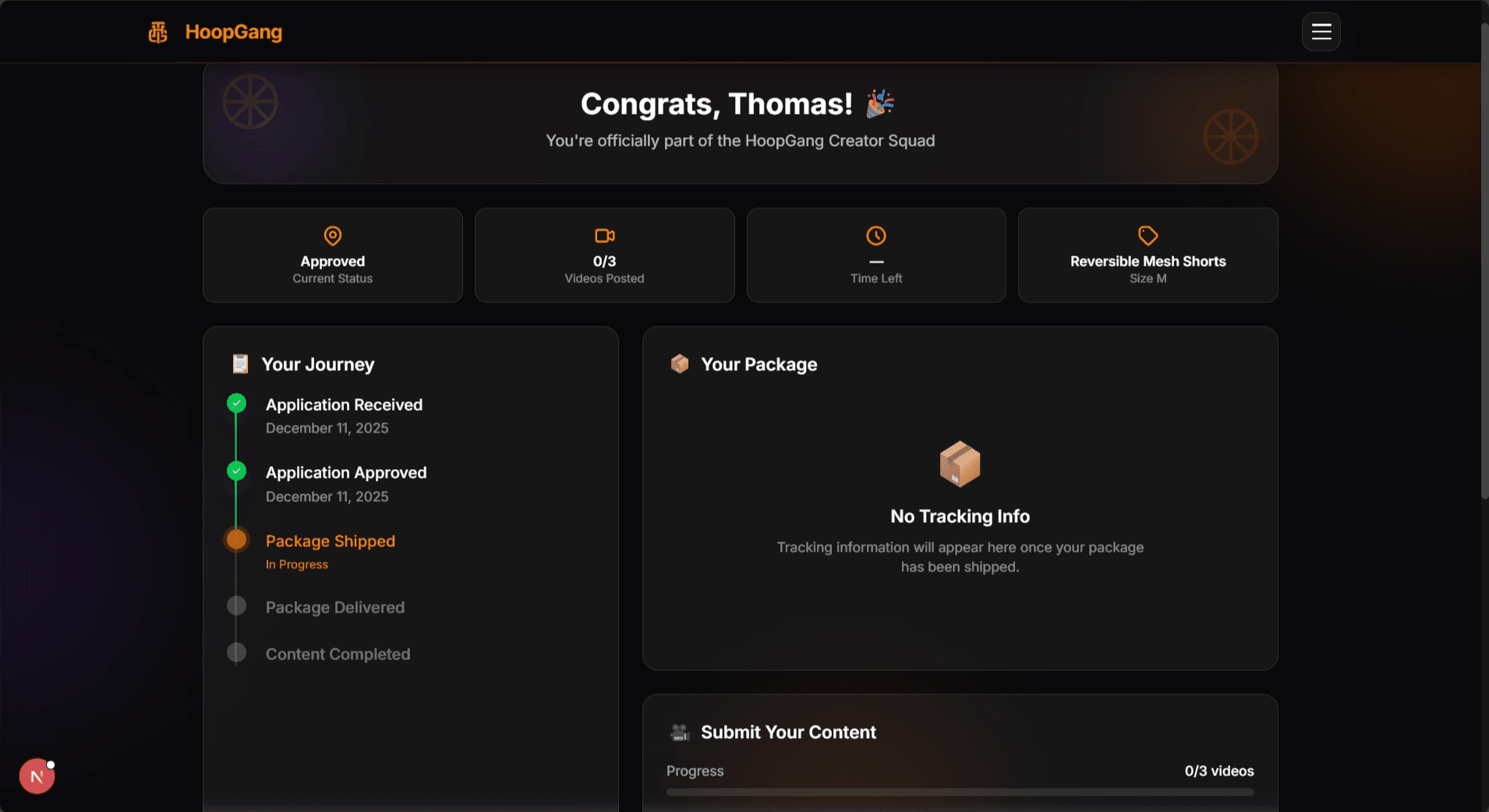
The lesson from all three is that roles with very different jobs deserve separate interfaces, not one interface with buttons hidden. A creator dashboard and an admin dashboard share data and almost no screens.
When should I add more roles or custom permissions?
Add a role when a paying customer has a real person who fits none of the existing ones, and add custom permissions only when new roles keep multiplying.
The usual order of growth:
- Owner and member
- Admin, when teams get bigger
- A read-only or viewer role, often for clients, accountants or executives
- A billing-only role, when finance wants invoices without product access
- Guest access to a single project or record
- Custom roles, where the customer builds their own from a list of permissions
Each step is a bigger build than the one before. A named role is a new entry in the permission map. Guest access to one record means permissions on individual resources, with a second table linking users to specific items. Custom roles need a permissions editor, stored role definitions per organization and far more testing.
Many products never need the last step. When a large prospect asks for custom roles, ask what the person needs to do. Often one new named role answers it.
What mistakes cause rewrites?
The expensive mistakes are structural ones made in the first week.
- Storing the role on the user instead of the membership
- Attaching data to users instead of organizations
- Checking permissions only in the interface
- Trusting an organization ID or role sent from the browser
- Letting the client write its own role, because the security rules allow users to edit their whole profile document
- Comparing role names all over the code instead of asking one permission function
- Giving your support team owner access to customer accounts with no log
- Building a custom permission editor before anyone has asked for one
- Leaving security rules in test mode, open to everyone, after the prototype stage
The fifth one comes up in AI-generated apps I am asked to fix. The role sits in a profile document the user can edit, so anyone can make themselves an admin from the browser console.
For scale: a launchable MVP with auth, a dashboard, a database and payments is my SaaS MVP package, from $1,200 and about 21 days. A platform with several distinct roles, admin tools and integrations is the Full SaaS Platform, from $3,000 and about 45 days.
The bottom line
Create organizations from day one, store roles on memberships, enforce access on the server and in the database, and route every check through one permission function. Start with an owner, a member and an internal admin. Add roles when customers show you the need, and leave custom permission editors until the same request has come up several times.
Questions, answered in one line
What is multi-tenant SaaS?
One app serving many customer organizations, where each organization's data is kept separate from the others.
Should permissions be checked in the frontend?
Hide buttons in the frontend for clarity, but always enforce permissions on the server and in the database.
How many roles should an MVP have?
Usually two or three, plus an internal admin role for your own team.
Where should a user role be stored in a SaaS app?
On a membership record that links the user to an organization, so one person can hold different roles in different organizations.
What is the difference between a role and a plan?
A role limits what one person can do inside an organization, and a plan limits what the whole organization can do.
When should a SaaS add custom roles?
Only after several customers have asked for access that no named role can cover, because a permission editor is a much larger build than adding one more role.
Sources
- Control Access with Custom Claims and Security Rules Firebase
- Row Security Policies PostgreSQL Documentation
- Row Level Security Supabase
Related articles
- How to scope an MVP: one workflow, three lists and the cuts that matter
- Multi-tenant SaaS with Firestore: data layout, security rules and custom claims
- Web app vs mobile app for your MVP: which to build first
- PWA vs native app in 2026: what a web app can do on iPhone now
SaaS MVP and full-stack web app development
I build SaaS MVPs and full-stack web apps in Next.js, TypeScript and Firebase or Postgres: auth, dashboards, payments, roles and admin tools. Founder of SQWAD.
See the service