November 22, 2026 · 8 min read · Thomas Osayi
Realtime in a web app: Firestore listeners vs Supabase Realtime vs websockets vs polling
Firestore onSnapshot, Supabase Realtime, your own websocket server, or polling and SSE: how each works, what it costs per read or message, and which to pick.
Realtime is one of those features founders ask for by name. The dashboard should update by itself. The leaderboard should move while you watch. The admin should see a new order without hitting refresh. All reasonable, and there are at least four ways to build it, each with a different cost curve and a different amount of code to own.
I built SQWAD on Firebase partly because creator portals need realtime updates, so I have lived with Firestore listeners in production. Here is how they compare with Supabase Realtime, a websocket server of your own, and plain polling or server-sent events.
What are your realtime options?
You can let your database push changes to the browser, run your own socket server, or have the browser ask for changes on a timer, and each approach fits a different kind of feature.
Firestore listeners (onSnapshot)
Best for: apps already on Firebase where users watch documents or small, filtered queries change.
Cost range: billed per document read; free up to 50,000 reads a day, then cents per 100,000 reads at the time of writing.
Pros: no server to run, offline support and latency compensation built in, and security rules apply to listeners exactly as they do to reads.
Cons: costs scale with how many documents change times how many people are watching, and complex queries are limited by Firestore's query model.
Supabase Realtime
Best for: Postgres apps on Supabase that need live table changes, presence or broadcast messages.
Cost range: included quotas on Free and Pro, then per million messages and per peak connections.
Pros: works with relational data, offers broadcast and presence as well as database changes, and respects row level security for Postgres changes when configured.
Cons: message counts grow with subscribers per change, and listening to busy tables can hit quotas or performance limits faster than expected.
Your own websocket server
Best for: multiplayer editing, games, live cursors, chat at scale, or anything sending many small messages per second.
Cost range: the price of a host that runs a persistent process, from a few dollars a month to much more under load, plus your time.
Pros: full control over protocol, latency and message shape; no per-read or per-message vendor pricing.
Cons: you own reconnects, authentication, scaling across instances and monitoring, which is a lot of plumbing for an MVP.
Polling and server-sent events
Best for: dashboards, order lists and status pages where a few seconds of delay is fine.
Cost range: ordinary API requests on your existing host.
Pros: simplest to build, cache and debug; works through any proxy; server-sent events stream updates over plain HTTP.
Cons: polling wastes requests when nothing changed, and neither approach suits two-way, high-frequency interaction.
How much does a Firestore listener actually cost?
A Firestore listener costs one read per document in the initial result set, at least one read per query, and one more read every time a document in the result set is added or changed.
At the time of writing, Firestore Standard in us-central1 charges $0.03 per 100,000 document reads, $0.09 per 100,000 writes and $0.01 per 100,000 deletes, after a free daily quota of 50,000 reads, 20,000 writes and 20,000 deletes. Free quotas reset around midnight Pacific time.
The billing rules for listeners, from Firebase's documentation:
- Each document in the first result set is a read, with a minimum of one read per query even if it returns nothing.
- Each later add or update of a document in the result set is a read. A document leaving the result set because it changed is also a read. Deleting a document is not.
- With offline persistence enabled, a listener disconnected for more than 30 minutes is billed as a new query when it reconnects. Without persistence, every reconnect is a new query.
- Security rules that call get() or exists() bill the extra documents they read.
So the formula is roughly: initial results per viewer, plus changes times viewers. A dashboard with 50 documents watched by 20 staff costs 1,000 reads to load, then 20 reads for every single document change. That is tiny. A public page that listens to a 5,000-document collection for every visitor is not.
How is Supabase Realtime priced?
At the time of writing, Supabase Free includes 2 million Realtime messages and 200 peak connections, and Pro includes 5 million messages and 500 peak connections, with overage at $2.50 per million messages and $10 per 1,000 peak connections.
Messages count each delivery, so one database change sent to 100 subscribers counts far more than once. Peak connections count simultaneous clients, which matters for a page left open in many tabs.
Supabase Realtime has three modes worth separating:
- Postgres Changes, which streams inserts, updates and deletes from tables you enable. Convenient, but with row level security on, every change is checked against each subscriber's access, so busy tables with many subscribers get expensive in processing.
- Broadcast, which sends messages between clients through a channel, good for cursors, typing indicators and app events you publish yourself.
- Presence, which tracks who is online in a channel.
For heavy fan-out, broadcasting from the server is usually the more scalable pattern than streaming raw table changes to everyone. If you are still choosing the database itself, I compared the two platforms in "Firebase vs Supabase for your MVP: how to choose".
When is a websocket server worth building?
A websocket server is worth building when your feature sends many small messages per second between users and you need control over latency, ordering and cost at that volume.
Think collaborative document editing, a multiplayer whiteboard or a live auction with bids every second. Per-read or per-message pricing gets painful there, and you need logic between messages, such as conflict resolution, that a database stream will not do.
What you take on:
- A host that runs persistent processes. Serverless functions are designed for short requests, so long-lived socket connections usually need a container, a VM or a platform built for them.
- Authentication on connect, usually by verifying the same session token your API uses, plus authorization on every message.
- Reconnect logic and missed-message recovery on the client.
- Scaling across more than one instance, which means a pub/sub layer such as Redis so a message reaches users connected to other servers.
- Monitoring of open connections and memory.
That is easily a week or more of careful work before your feature exists. For most MVPs it is the wrong place to spend it.
When is polling or server-sent events good enough?
Polling or server-sent events are good enough whenever a delay of a few seconds is invisible to the user and updates flow mostly from server to browser.
An admin order list that refreshes every 10 seconds feels live to the person using it. With a library like SWR or TanStack Query, polling is one option on a hook, and requests can be cached and conditional, so unchanged data costs almost nothing. Polling also survives every network, proxy and corporate firewall.
Server-sent events sit between polling and websockets. The browser opens one HTTP connection and the server streams messages down it. It is one-way, which is exactly what most dashboards need, and it is plain HTTP, so it is easy to debug. The same hosting caveat applies as with sockets: very long-lived connections need a host that allows them.
A useful pattern: poll every 15 to 30 seconds, and refetch immediately when the window regains focus. Users rarely notice the difference from true realtime.
A worked example
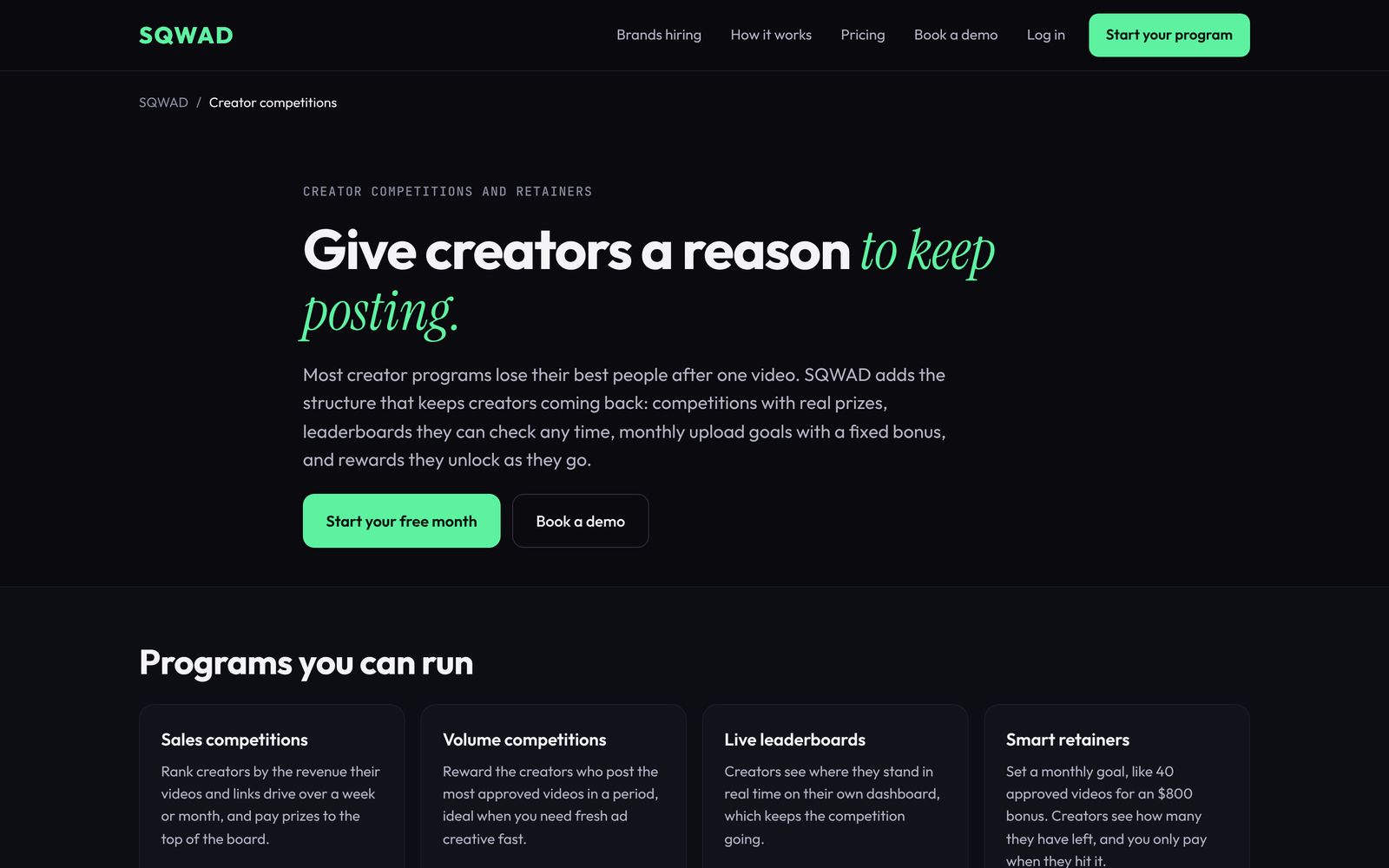
SQWAD runs creator competitions with live leaderboards, and Firebase's realtime updates are a big reason I chose it: when a creator submits content or a status changes, the brand sees it without refreshing.
Here is cost math for an illustration, not SQWAD's real numbers. A leaderboard is a single document per competition holding the top 20 creators, updated each time a sale is credited. During a busy day it changes 300 times, and 200 creators keep the page open. Listener cost: 200 initial reads plus 300 changes times 200 viewers, about 60,200 reads. Even past the free daily quota, that is a few cents.
The same feature built badly, with each viewer listening to the full collection of 2,000 sale documents, costs 400,000 reads just to load, then a read per new sale per viewer. Same feature, same tool, very different bill. The data shape decides the cost, not the product.
What mistakes make realtime slow or expensive?
The most common mistakes are forgotten unsubscribes, unbounded queries, and listening where a one-time read would do.
- Not unsubscribing. In React, onSnapshot returns an unsubscribe function. Return it from your effect. Leaked listeners keep billing and keep updating state on screens that are gone.
- Unbounded queries. Always add where clauses and a limit. A listener on a whole collection is a cost and performance problem waiting for growth.
- Realtime everywhere. Settings pages, invoices and profiles rarely need live updates. Use one-time reads and save listeners for data people watch.
- Expensive security rules. Rules that look up other documents add reads for every listener evaluation.
- Ignoring reconnects. Mobile users flip networks constantly; know how your tool bills a reconnect.
These mistakes are easy to make in AI-built apps, where a generated query can quietly become a listener. "Why is my Lovable app slow? How to find and fix it" covers the performance side.
Which should you choose?
Choose the realtime option that matches the database you already have, unless the feature is truly high-frequency or truly not urgent.
- Firebase app with live dashboards, statuses or leaderboards: Firestore listeners on small, filtered queries.
- Supabase app needing live rows, presence or notifications: Supabase Realtime, with broadcast for heavy fan-out.
- Collaborative editing, games or chat at scale: a dedicated websocket server or a managed realtime service.
- Admin lists, reports and order boards: polling or server-sent events, with refetch on focus.
On my packages, a first working version of one realtime workflow fits MVP Starter from $250, and a SaaS MVP with auth, dashboard, database and payments starts from $1,200.
The bottom line
Realtime is a cost and complexity decision disguised as a feature. Use the listener or realtime channel your database already offers, keep each listener narrow, and do the math of viewers times changes before launch. Reach for your own websocket server only when messages fly many times a second, and do not be shy about polling when a few seconds of delay changes nothing for the user.
Questions, answered in one line
Is Firestore onSnapshot expensive?
Usually not for small apps, because you pay one read per document returned and per document that changes, but listening to large unfiltered collections or reconnecting often can multiply reads quickly.
Does Firestore use websockets?
The Firestore client SDKs keep a persistent connection to the backend and push changes to your listeners, so you get realtime updates without running or managing a socket server yourself.
Can I run a websocket server on Vercel?
Serverless functions are designed for short requests, so a long-lived websocket server is usually hosted on a platform that runs persistent processes, or replaced by a managed realtime service.
When is polling better than realtime?
Polling is better when data changes every few minutes, when a few seconds of delay is acceptable, or when you need simple caching and the fewest moving parts.
Who can add realtime features to my MVP?
Thomas Osayi builds a first working version of one realtime workflow from $250 and full SaaS MVPs with auth, dashboard, database and payments from $1,200.
Sources
- Firestore pricing Google Cloud
- Understand Cloud Firestore billing Firebase
- Realtime Pricing Supabase
Related articles
- How to scope an MVP: one workflow, three lists and the cuts that matter
- Multi-tenant SaaS with Firestore: data layout, security rules and custom claims
- Web app vs mobile app for your MVP: which to build first
- PWA vs native app in 2026: what a web app can do on iPhone now
SaaS MVP and full-stack web app development
I build SaaS MVPs and full-stack web apps in Next.js, TypeScript and Firebase or Postgres: auth, dashboards, payments, roles and admin tools. Founder of SQWAD.
See the service