November 22, 2026 · 9 min read · Thomas Osayi
Outlook calendar integration in a web app: Microsoft Graph, OAuth, webhooks and sync
How to add Outlook calendar sync to a web app with Microsoft Graph: app registration, OAuth scopes, calendarView, subscriptions, delta queries and sync pitfalls.
Field teams, clinics and agencies that run on Microsoft 365 do not want another calendar. They want your app's jobs and appointments to show up in Outlook, and changes they make in Outlook to show up in your app. That sounds like one feature. In practice it is five: sign-in, reading events, writing events, change notifications and recovery when notifications go missing.
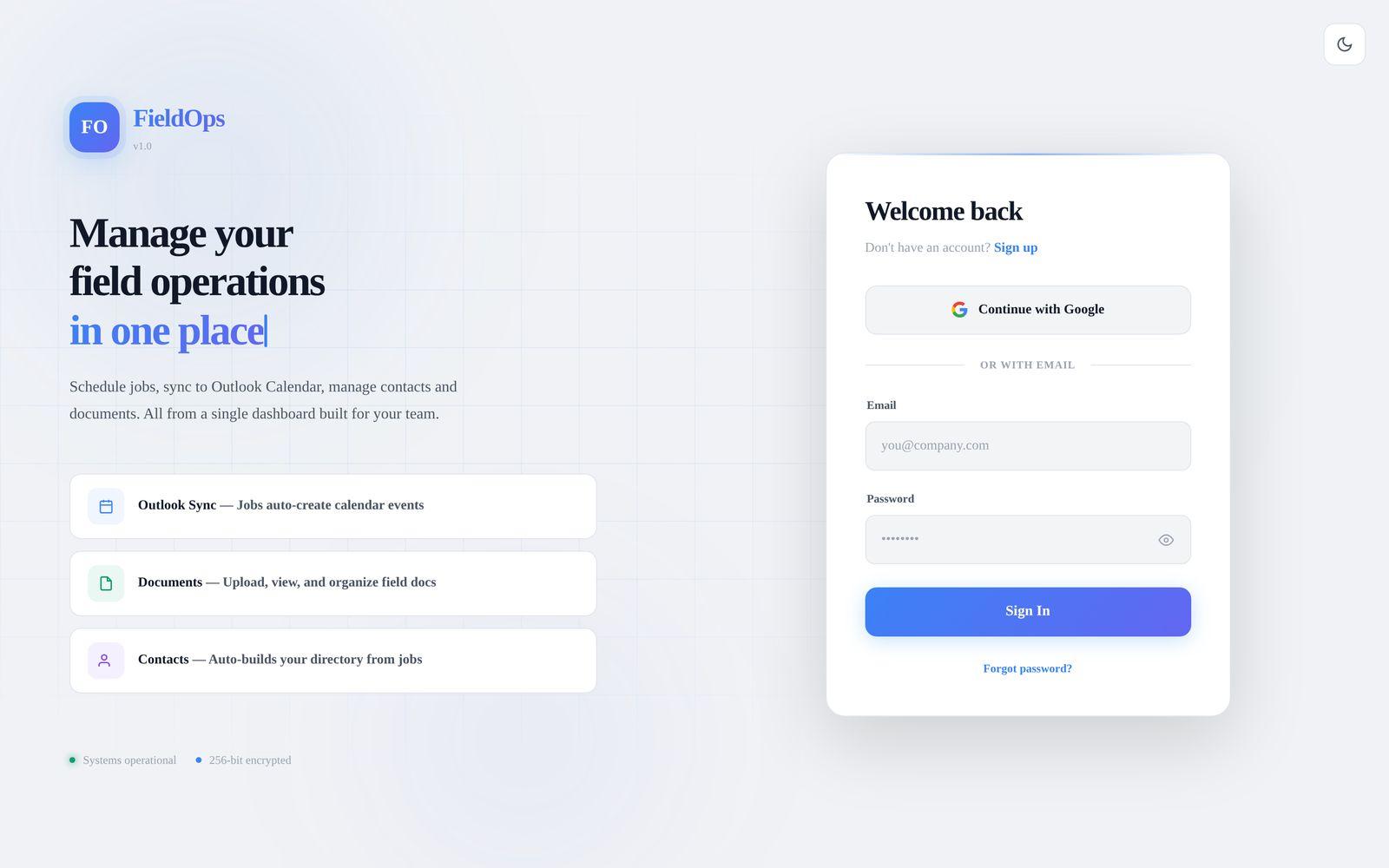
FieldOps, a job scheduling app I built for field teams, has Outlook Calendar sync as one of its headline features, so this is the path I know. Here is how it fits together with Microsoft Graph, what each step expects, and where syncs usually break.
What does an Outlook calendar integration involve?
It involves an app registration in Microsoft Entra, OAuth sign-in with calendar scopes, Microsoft Graph calls to read and write events, and a subscription that notifies your server when the calendar changes.
Microsoft Graph is the single API for Microsoft 365 data, including Outlook calendars for work or school accounts and personal Outlook.com accounts. You do not talk to Exchange directly. Every call goes to graph.microsoft.com with a bearer token for the signed-in user.
The moving parts:
- An app registration with redirect URIs and a client secret or certificate for your server.
- A sign-in flow that returns an access token and a refresh token.
- A store for tokens per user, encrypted at rest.
- Read and write code against calendarView and events.
- A public HTTPS endpoint that receives change notifications.
- A background job that renews subscriptions and runs delta syncs.
The first four get a demo working in a day. The last two are what make it trustworthy a month later.
How do you register the app and pick OAuth scopes?
Register the app in the Microsoft Entra admin center, choose which account types can sign in, add your redirect URIs, and request only the delegated calendar scopes your features need.
For a product sold to many organizations, choose accounts in any organizational directory, and add personal Microsoft accounts if Outlook.com users matter to you. Add one redirect URI per environment, for example your production callback and your local development callback, because a mismatch produces the familiar AADSTS50011 redirect URI error.
For scopes, the event delta documentation lists Calendars.Read as the least privileged delegated permission, with Calendars.ReadBasic and Calendars.ReadWrite as higher ones. My usual set for a two-way sync:
- Calendars.ReadWrite, because the app creates and updates events.
- offline_access, so the token response includes a refresh token and the sync keeps working when the user is not signed in.
- User.Read, for the user's name and email.
Some organizations block users from consenting to third-party apps. Then an administrator has to grant consent, and your onboarding should say so plainly instead of showing a raw error. Application permissions, which read every mailbox in a tenant without a user, are powerful and need admin consent; for most products delegated access per user is the right call.
How do you read events correctly?
Read events with calendarView and an explicit start and end date, because it returns each occurrence of recurring meetings exactly as the user sees them in Outlook.
The plain /me/events endpoint returns single events and series masters. A weekly meeting appears once, as a master with a recurrence pattern, and your app would have to expand the pattern and apply every exception itself. That is a lot of logic to get wrong. GET /me/calendarView?startDateTime=...&endDateTime=... does the expansion for you.
Time zones come next. Graph returns start and end as a dateTime plus a timeZone. Send a Prefer header with outlook.timezone set to the zone you store, or store everything in UTC and convert at display time. Pick one rule and apply it everywhere. Mixed handling is the cause of the classic bug where every event is off by seven or eight hours for Los Angeles users.
Ask only for the fields you need with $select on normal list calls, such as subject, start, end, location, isAllDay and showAs. Smaller responses are faster and easier to cache.
How do you write events from your app?
Create events with a POST to /me/events, store the returned event ID against your own record, and update or delete by that ID when your record changes.
When a dispatcher schedules a job, the app writes an Outlook event with the job title, address in location, start and end, and a short body with a link back to the job. Graph returns the new event with its id and iCalUId. Save both. The id is what you use for later updates on that calendar.
Three habits prevent duplicate and orphan events:
- Set transactionId on creation, a value you generate per record. If a retry sends the same create twice, Graph can recognize the repeat instead of making a second event.
- Write the link between your record and the event in the same transaction as the create result, so a crash does not leave an event you cannot find.
- When a job is cancelled, delete or cancel the event, and when the user disconnects Outlook, decide whether past synced events stay or go, and tell them.
How do Microsoft Graph webhooks work for calendars?
You create a subscription that points Graph at your HTTPS endpoint, Graph validates the endpoint, and then it posts a notification each time an event in that calendar is created, updated or deleted.
The details matter, and Microsoft's docs are specific:
- Validation. When you create the subscription, Graph posts to your notificationUrl with a validationToken query parameter. You must reply within 10 seconds with 200 OK, content type text/plain and the decoded token as the body.
- clientState. Send a secret clientState when subscribing. Graph echoes it in every notification, and you discard anything that does not match.
- Speed. Graph expects a 2xx response within 3 seconds. Persist the notification, return 202 Accepted, and process it in a background job. Slow endpoints get throttled and, past a threshold, notifications are dropped.
- Expiration. At the time of writing, subscriptions on Outlook events last at most 10,080 minutes, under seven days, or 1,440 minutes when they include resource data. Renew with a PATCH that sets a new expirationDateTime well before that.
Set lifecycleNotificationUrl when you create the subscription, because it cannot be added later. Graph uses it to send reauthorizationRequired, subscriptionRemoved and missed events, each of which tells your app to renew, recreate or resync.
How does delta query keep the sync honest?
Delta query returns every event that changed since your last sync, so a notification becomes a trigger to fetch changes rather than the change itself.
A basic notification says something in this calendar changed. Instead of trusting the payload, call GET /me/calendarView/delta with a start and end date. Graph returns pages of events with an @odata.nextLink until the round ends with an @odata.deltaLink. Save that whole deltaLink URL. Next time, call it directly and you get only what changed since.
Deleted events come back with an @removed marker. Microsoft notes that removed items can include events outside your date range, so filter them against your window before deleting anything locally. Also, query parameters live inside the token, so do not add them again when following links.
Run a delta round on every notification, after every subscription renewal or recreation, and on a timer as a safety net, for example every few hours. If a deltaLink ever stops working, fall back to a full resync of the window.
What are the common Outlook sync pitfalls?
Most broken syncs fail on loops, recurrence, expired tokens and silent subscription loss rather than on the API calls themselves.
The list I check every time:
- Echo loops. Your app writes an event, Graph notifies you, your app treats it as a user edit and writes again. Track which changes you made, by event ID and a change key or timestamp, and ignore your own echoes.
- Recurring exceptions. A user moves one occurrence of a weekly job. calendarView shows it as its own instance; your app must update that one job, not the whole series.
- Refresh token failures. Users change passwords, admins revoke consent, tokens expire. Catch invalid_grant, mark the connection as needing reconnect, and email the user.
- Throttling. Graph returns 429 with a Retry-After header. Respect it and back off rather than retrying in a loop.
- Conflicting edits. Decide which side wins when a job changes in your app and in Outlook within the same minute. Usually the most recent change wins, with a log entry.
- Silent drift. A subscription expires on a weekend and nobody notices. Alert when a calendar has not synced in longer than expected.
A worked example
Here is an illustration with a made-up business, not a real client. A plumbing company with eight technicians schedules jobs in a web app, and each technician lives in Outlook on their phone.
Each technician connects Outlook once from their profile. The app stores their tokens, creates a subscription on their calendar with a lifecycle URL, and runs a first delta round for the next 60 days. When the dispatcher assigns a job, the app creates an Outlook event with a transactionId and saves the event ID on the job.
On Tuesday a technician drags a job from 2pm to 4pm in Outlook. Graph notifies the endpoint, the handler stores it and returns 202, the background job runs a delta round, sees the changed event, finds the matching job and moves it. The dispatcher's board updates. The resulting echo notification from that update is recognized and ignored. A nightly job renews every subscription that expires within 48 hours.
What does an Outlook integration cost to build?
A one-way push of your events into Outlook is a modest feature, while a reliable two-way sync with subscriptions, delta and recovery belongs in a real platform build.
On my packages, a first working version of one workflow, for example pushing bookings into a connected Outlook calendar, fits MVP Starter from $250. A SaaS MVP with auth, dashboard, database, payments and a basic calendar connection starts from $1,200. A multi-role platform with two-way sync, admin tools and other integrations starts from $3,000.
Budget for an ongoing cost too: a small always-available endpoint and a scheduled job, which most hosts handle within normal plans. If your customers are split between Microsoft and Google, plan both from the start, and if you are still choosing a suite for your own business email, "Google Workspace vs Microsoft 365 for business email" covers that.
The bottom line
Outlook calendar integration is OAuth, Graph calls and a sync loop, and the sync loop is the hard part. Use calendarView so recurrence is handled for you, request the least privileged scopes plus offline_access, answer webhooks fast and process them in the background, renew subscriptions before they expire, and treat delta query as the source of truth. Build those habits in on day one and the calendar stays right long after the demo.
Questions, answered in one line
Which API do I use for Outlook calendar integration?
Use Microsoft Graph, the current API for Outlook, Microsoft 365 and Outlook.com calendars, through endpoints such as /me/calendarView and /me/events.
Which OAuth scopes does an Outlook calendar sync need?
A two-way sync usually needs Calendars.ReadWrite and offline_access, plus User.Read for basic profile details; read-only features can use Calendars.Read instead.
How long does a Microsoft Graph calendar subscription last?
At the time of writing, a subscription on Outlook events can last up to 10,080 minutes, or 1,440 minutes if it includes resource data, so your app must renew it before it expires.
Why are recurring Outlook meetings missing from my app?
The /events endpoint returns the series master rather than each occurrence, so switch to calendarView with a date range to get every instance.
Can someone build Outlook sync into my scheduling app?
Thomas Osayi builds SaaS MVPs from $1,200 and multi-role platforms with integrations such as Outlook Calendar from $3,000, and built the Outlook sync in FieldOps.
Sources
- event: delta Microsoft Learn
- subscription resource type Microsoft Learn
- Set up notifications for changes in resource data Microsoft Learn
- Reduce missing subscriptions and change notifications Microsoft Learn
Related articles
- How to scope an MVP: one workflow, three lists and the cuts that matter
- Multi-tenant SaaS with Firestore: data layout, security rules and custom claims
- Web app vs mobile app for your MVP: which to build first
- PWA vs native app in 2026: what a web app can do on iPhone now
SaaS MVP and full-stack web app development
I build SaaS MVPs and full-stack web apps in Next.js, TypeScript and Firebase or Postgres: auth, dashboards, payments, roles and admin tools. Founder of SQWAD.
See the service