November 19, 2026 · Updated November 22, 2026 · 9 min read · Thomas Osayi
Firebase Authentication in the Next.js App Router: how to do it properly
How to set up Firebase Authentication in a Next.js App Router app: client sign-in, server session cookies, protecting routes, roles with custom claims, and the mistakes AI-generated code makes.
Firebase Authentication is one of the quickest ways to add sign-in to a product. The Next.js App Router is one of the best ways to build the product around it. Put the two together without a plan, though, and you get an app where the login button works but the server has no idea who anyone is.
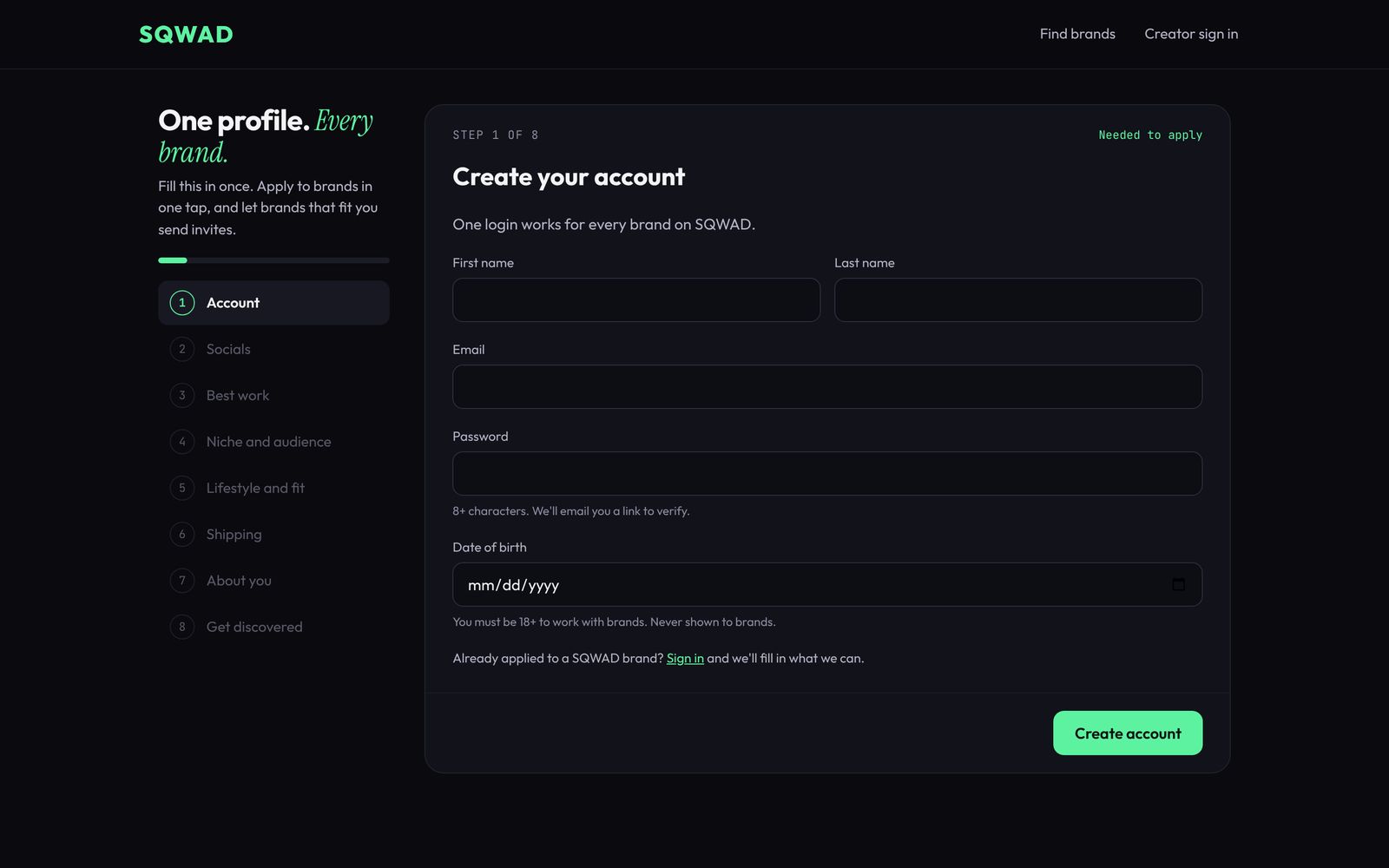
I have built two production platforms on Next.js and Firebase, SQWAD and Guardian MindCare, and I fix AI-generated apps that use the same pair. The pattern below is the one I use. It is not the only valid approach, but it holds up when you add roles, server actions and a second type of user.
Why is Firebase auth tricky in the App Router?
Because Firebase signs users in inside the browser, while the App Router renders most of your app on the server. The Firebase client SDK keeps the signed-in user in the browser's storage. Server components, route handlers and server actions run on the server and cannot see that storage.
In the old Pages Router days, many apps simply rendered everything in the browser and checked auth there. In the App Router, pages are server components by default. If a server component loads a user's invoices, it needs to know which user is asking, on the server, before it touches the database.
So every App Router app with Firebase needs a bridge: some way to carry proof of the sign-in from the browser to the server. There are two common bridges.
- Send the Firebase ID token with each request, usually in an Authorization header for API calls.
- Exchange the ID token once for a session cookie, which the browser then sends automatically with every request.
For apps with server-rendered pages, the session cookie is simpler to live with.
How does the session cookie pattern work?
The browser signs in with Firebase, sends the ID token to your server once, and the server sets an httpOnly session cookie that it verifies on later requests. Here is the flow in plain steps.
- The user signs in on a client component with the Firebase client SDK, using email and password, a magic link or Google.
- The client calls getIdToken on the signed-in user and posts that token to a route handler, for example app/api/session/route.ts.
- The route handler calls createSessionCookie from the Firebase Admin SDK with an expiry you choose, then sets the result as a cookie marked httpOnly, secure and sameSite lax.
- On each request, server code reads the cookie with the cookies function from next/headers and calls verifySessionCookie. If it is valid, you get the user's uid and claims.
- On sign out, the client signs out of Firebase and calls a route that deletes the cookie, and the server can revoke the user's refresh tokens if you want every device signed out.
Details from the Firebase documentation worth knowing
Session cookies can last from 5 minutes to 2 weeks. Firebase recommends issuing one only if the user signed in recently, by checking the auth_time on the ID token, so create the cookie right after the user signs in rather than hours later. Passing true as the second argument to verifySessionCookie also checks whether the session was revoked, at the cost of an extra lookup.
Where should you check the session?
Check it everywhere data is read or changed on the server, not only at the edge of the app. This is the part generated code most often gets wrong.
The three places that matter
- Server components that load private data: verify the cookie before querying.
- Route handlers and server actions that change data: verify again, even if the page that calls them was already protected.
- Firestore security rules: the browser can talk to Firestore directly, so the rules must check request.auth on every read and write.
What about proxy or middleware?
Next.js 16 renamed middleware to proxy, and either can redirect signed-out visitors away from private sections, which is a nice experience. Treat it as a convenience, not a lock. A redirect decides which page loads; it does not stop someone calling your server action or reading Firestore directly. Since Next.js 16, proxy runs on the Node.js runtime by default, so the Admin SDK can work there. Even so, the Next.js documentation says to verify authentication inside each server function rather than relying on proxy alone, because a matcher change can quietly remove its coverage.
I keep one helper, something like getCurrentUser, in a server-only file. It reads the cookie, verifies it and returns the user or null. Every page, action and route handler that needs a user calls it, so the check is one line and nobody forgets it.
How should you handle roles like admin, staff and client?
Store roles as custom claims set by trusted server code, and check them on the server and in security rules. Custom claims are small pieces of data attached to the user's token, set with setCustomUserClaims in the Admin SDK.
The mistake I see most in AI-generated apps is storing the role as a field in the user's own profile document, such as role: admin in users/{uid}, and then letting the user update their own profile. Anyone who opens the browser console can promote themselves. If you do store roles in Firestore, the rules must stop users from writing that field, and only server code should set it.
How roles look in a real platform
Guardian MindCare, a therapy practice platform I built, has five user roles: therapists, supervisors, trainees, clients and admins. Each role sees a different portal, and a supervisor can see their trainees' work but not other supervisors'. That kind of rule cannot live only in the interface. It is enforced on the server and in the database rules, so a client account cannot read another client's records even with a direct request.

One practical note: after you change a user's custom claims, their existing token still holds the old ones until it refreshes. Force a token refresh on the client and create a fresh session cookie, or the new role will not appear until the next sign-in.
Where do the Admin SDK credentials go?
In server-only environment variables on your host, never in code and never with a NEXT_PUBLIC_ prefix. The Admin SDK needs a service account: a project ID, a client email and a private key.
On Vercel, add them as environment variables such as FIREBASE_PROJECT_ID, FIREBASE_CLIENT_EMAIL and FIREBASE_PRIVATE_KEY. The private key contains line breaks, and pasting it often turns them into literal backslash n characters. If you see an error about failing to parse the private key, replace the escaped line breaks with real ones when you initialize the app.
The client SDK config is different. Values such as the API key and auth domain are meant to be public and can use NEXT_PUBLIC_ variables. That is safe precisely because the security rules, not the config, decide who can read data.
What mistakes does AI-generated Firebase auth code make?
A small, predictable set. Watch for these whether the code came from Lovable, Bolt, v0, Cursor or a tutorial.
- Protecting pages only with a client-side redirect, so the data is still reachable by direct request.
- Reading auth.currentUser immediately on load, getting null and signing the user out or flashing a login screen.
- Server actions that trust a userId passed from the browser instead of reading it from the verified session.
- Firestore rules left in test mode, or a rule that allows read and write if the user is signed in at all, which lets any user read everyone's data.
- Roles stored in a user-editable profile field.
- The service account JSON committed to the repository.
Each of these is quick to fix once you know where to look. My Firebase security rules checklist covers the database side in more detail.
A worked example: a client portal for a small agency
Here is an illustration with a made-up company. A small marketing agency wants a portal where clients log in to see reports, staff upload them and the owner manages everyone.
- Sign-in: email link for clients, Google for staff, both through the Firebase client SDK.
- Session: on sign-in, the client posts the ID token to the session route, which sets a 5-day session cookie.
- Roles: the owner invites staff from an admin page; a server action sets a staff claim. Clients get a clientId claim linking them to their company.
- Reports page: a server component calls getCurrentUser, then queries only reports where clientId matches the claim.
- Upload action: verifies the session and the staff claim before writing.
- Firestore rules: clients can read reports with their clientId; only staff can write; nobody can change claims from the browser.
Built this way, the agency can add a third role later, such as a contractor with limited access, by adding a claim and a few rule lines rather than rewriting the app.
How do you test that your auth actually protects data?
Test it as an attacker would, with automated tests that sign in as different users and try to read what they should not. Clicking through the app as yourself proves only that the happy path works.
Firebase provides the Local Emulator Suite and the @firebase/rules-unit-testing library for exactly this. You run Firestore and Auth locally, load your firestore.rules file, and write tests that act as a signed-out visitor, a client and a staff member. Each test calls assertSucceeds for what should work and assertFails for what should not. Nothing touches your live project.
The cases I always write, using the agency portal above as the model:
- A signed-out visitor cannot read any report.
- Client A cannot read Client B's reports, even by guessing the document ID.
- A client cannot write to the reports collection at all.
- A client cannot change their own role or clientId field.
- A staff member can upload, and loses that ability once the staff claim is removed.
For the server side, call each server action and route handler without a cookie and with another user's cookie, and confirm both return an error instead of data. Run these tests in CI on every push, so a later prompt or refactor that weakens a rule fails the build instead of reaching users.
When should you use something other than Firebase Auth?
Use something else when your data already lives in Postgres or you need enterprise sign-in features out of the box. Firebase Auth pairs best with Firestore, where the security rules read the same identity.
If your app is relational and reporting-heavy, Supabase or Postgres with an auth library can be a better fit; I compare the two in my Firebase vs Supabase guide. If you sell to large companies that require SAML single sign-on from day one, a dedicated auth provider may save time. For most MVPs with a few roles and a document-shaped data model, Firebase Auth is fast, cheap at small scale and well understood.
The bottom line
Sign in with the Firebase client SDK, carry that sign-in to the server with a verified session cookie, check the user in every server component, action and route handler that touches private data, and back it all up with Firestore security rules. Keep roles in custom claims set from the server and the Admin SDK in server-only code. If you want this set up properly in a new product, my SaaS MVP package covers auth, roles, dashboards and payments, starting at $1,200 over about 21 days.
Questions, answered in one line
Can I use Firebase Authentication with Next.js server components?
Yes, but server components cannot read the client SDK's sign-in state, so you pass a session cookie or ID token to the server and verify it with the Firebase Admin SDK.
How long can a Firebase session cookie last?
Firebase session cookies can be set to last between 5 minutes and 2 weeks, according to the Firebase Admin documentation.
Should I protect routes in middleware or in the page?
Use a lightweight check in proxy or middleware for redirects if you like, but always verify the session again in the server component, route handler or server action that returns or changes data.
How do I add admin roles to Firebase users?
Set custom claims on the user with the Admin SDK from trusted server code, then check those claims on the server and in Firestore security rules.
Why does my Firebase user show as null on first load?
The client SDK restores the session asynchronously, so code that reads currentUser before onAuthStateChanged fires sees null; wait for the first callback before deciding the user is signed out.
Can someone set up Firebase auth and roles for my Next.js app?
Thomas Osayi builds Next.js and Firebase apps with auth, roles and dashboards, with launchable SaaS MVPs starting at $1,200.
Sources
- Manage session cookies Firebase Documentation
- Control access with custom claims and security rules Firebase Documentation
- Build unit tests for Security Rules Firebase Documentation
- proxy.js file convention Next.js Docs
Related articles
- How to scope an MVP: one workflow, three lists and the cuts that matter
- Multi-tenant SaaS with Firestore: data layout, security rules and custom claims
- Web app vs mobile app for your MVP: which to build first
- PWA vs native app in 2026: what a web app can do on iPhone now
SaaS MVP and full-stack web app development
I build SaaS MVPs and full-stack web apps in Next.js, TypeScript and Firebase or Postgres: auth, dashboards, payments, roles and admin tools. Founder of SQWAD.
See the service