November 22, 2026 · 9 min read · Thomas Osayi
Meta ads attribution for creator content: tying ad data to creators and Shopify orders
How to use the Meta Marketing API insights endpoint, UTMs and Shopify order data to credit sales to the creator behind each ad, with current attribution windows.
A brand pays twenty creators for videos, turns the best ones into Meta ads, and spends real money behind them. Then someone asks the obvious question: which creators are actually making us money? Ads Manager cannot answer it, because Ads Manager does not know who a creator is. It knows campaigns, ad sets and ads.
I built SQWAD, creator program software for Shopify brands, around exactly that question. This post explains how the pieces fit together: what the Meta Marketing API gives you, which attribution windows still exist, how UTMs carry the ad into a Shopify order, and why the numbers never line up perfectly.
How does Meta ads attribution work for creator content?
Meta credits a conversion to an ad when someone clicks or views that ad and then converts within the attribution window, and creator attribution is simply those ad results grouped by the creator behind each ad.
The chain has four links. A creator makes a video. The brand uploads it, often as a partnership ad or a plain video creative. That creative runs inside one or more ads. Those ads collect impressions, clicks, purchases and purchase value, which the Marketing API reports per ad.
Only the last link comes from Meta. The first three are business facts the brand knows and Meta does not store in a reportable way. So every creator attribution system, whether it is SQWAD, another tool or a spreadsheet, does the same thing underneath: it keeps a mapping from ad to creator, pulls ad-level results, and adds them up per creator.
That is also why a homemade version breaks so easily. The moment someone duplicates an ad, swaps a creative or renames a campaign, a spreadsheet mapping goes stale. The mapping has to be stored by ad ID, which does not change, and refreshed when new ads appear.
What does the Marketing API insights endpoint give you?
The insights edge returns delivery and conversion metrics for an ad account, campaign, ad set or ad, and for creator work you want it at the ad level, broken down by day.
A typical request asks the ad account for insights with level set to ad, a date range, time_increment set to 1 for daily rows, and a field list. The fields that matter for creator reporting are:
- ad_id, ad_name, adset_id and campaign_id, so each row can be joined to your mapping table.
- spend, impressions, clicks and reach for cost and delivery.
- actions and action_values, which hold purchases and purchase value as a list of action types.
- purchase_roas if you want Meta's own return on ad spend figure.
The actions field is the one people misread. It is not a single number. It is an array of objects, one per action type, such as offsite_conversion.fb_pixel_purchase or the omni purchase type, each with a value. Pick one purchase action type, document which one, and use it everywhere, or you will double count.
You need a token with the ads_read permission for the ad account. For an app that reads accounts on behalf of brands, that means Facebook Login for Business and app review. For a single brand's internal tool, a system user token from Business Manager is the simpler route.
Which attribution windows can you still request?
At the time of writing, the insights API returns 1-day click, 7-day click, 28-day click, 1-day engaged view and 1-day view, and nothing longer on the view side.
Meta announced in October 2025 that the 7-day view and 28-day view windows would stop returning data on January 12, 2026. If an older integration still asks for 7d_view or 28d_view in action_attribution_windows, those values simply come back empty. Check your code for them.
Two other changes matter. Since June 10, 2025, Meta disregards the use_unified_attribution_setting and action_report_time parameters, so API responses follow the settings in Ads Manager. In practice that is good news: your numbers should now match what the brand sees in Ads Manager for the same date range.
The default attribution setting in Ads Manager is 7-day click and 1-day view. Engaged view is the video-specific window: someone watches a meaningful part of a video ad, does not click, and converts within a day. For creator content that window is worth showing separately, because video is the whole point.
How do you link an ad to a creator?
You link them with a table in your own database that maps each Meta ad ID to a creator and a piece of content, filled in when the ad is created or detected.
There are three reliable ways to fill that table, and good systems use more than one:
- Content matching. When a creator submits a video, store its file and metadata. When a new ad appears in the account, read its creative and match the video to a submission.
- Partnership ads. When an ad runs as a partnership ad with the creator's handle, the creator identity travels with the ad and can be read from the creative.
- A naming convention as a fallback. A creator code inside the ad name, like a short handle, is easy for a media buyer to add and easy to parse. It is the weakest method, because names get edited, so treat it as a hint rather than the source of truth.
Whatever the method, key the mapping by ad ID and creative ID, never by ad name. Keep a history too. If a creative is swapped inside an existing ad, results before the swap belong to the old creator and results after belong to the new one.
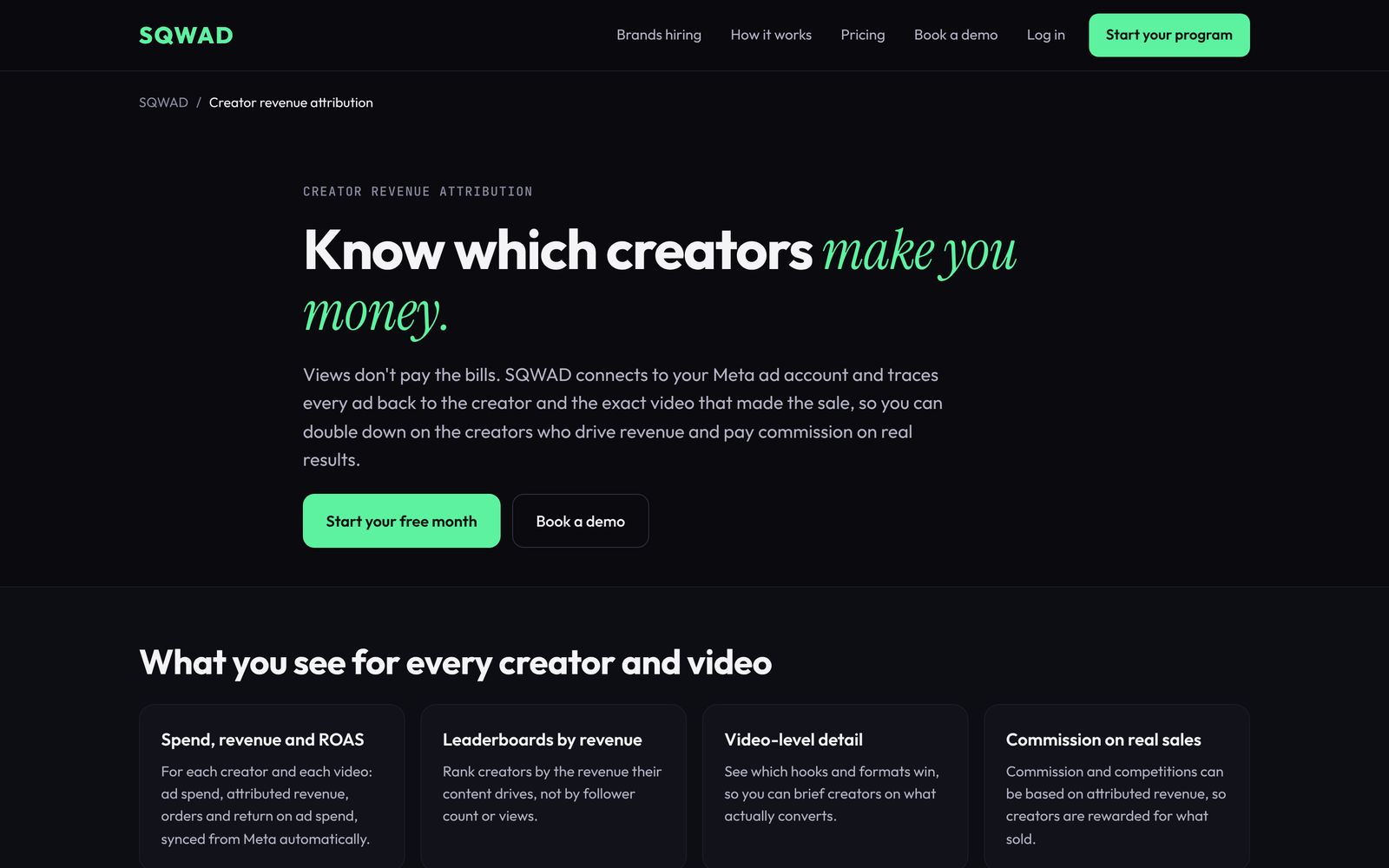
In SQWAD this mapping is the core of the product. The store knows what sold, the ad platform knows which ad ran, and the software ties the ad back to the creator behind the content.
How do UTMs connect Meta ads to Shopify orders?
UTMs connect them when every ad URL carries the ad ID in a UTM parameter, because Shopify keeps the landing page and UTM values of the visit that led to each order.
Meta supports dynamic URL parameters in the URL parameters field of an ad. A setup that works well for creator ads looks like this: utm_source=meta, utm_medium=paid_social, utm_campaign={{campaign.name}}, utm_content={{ad.id}}. Meta replaces the placeholders when someone clicks, so every visit lands on the store tagged with the exact ad ID.
On the Shopify side, the Admin API exposes an order's customer journey through the customerJourneySummary field, including the first and last visit and their UTM parameters. Pull that with each order, read utm_content, and you have an ad ID on a real order. Join it to your mapping table and you have a real order credited to a creator.
This gives you two independent views:
- Meta-reported purchases per creator, which include view-through and modeled conversions.
- Shopify orders per creator, from tagged clicks only, which undercount but are hard to argue with.
Showing both side by side is more honest than picking one. Brands quickly learn that the truth sits somewhere between them.
Why do Meta numbers and Shopify numbers never match?
They never match because they measure different events, on different dates, with different rules about who gets credit.
The common reasons, roughly in order of size:
- View-through conversions. Meta credits a purchase to an ad someone only saw. Shopify has no click to record, so that order shows up as direct or organic.
- Attribution date. Meta credits the conversion to the day of the ad interaction, not the day of the purchase. A click on Monday and an order on Thursday land on Monday in Meta and Thursday in Shopify.
- Cross-device and modeled conversions. Meta fills gaps with modeling when tracking signals are missing. Shopify only knows the device that checked out.
- Refunds and cancellations. Meta purchase value is what fired at checkout. Shopify net sales subtract returns.
- Time zones. The ad account and the store may sit in different time zones, which shifts days at the edges.
- Lost UTMs. Redirects, link shorteners and in-app browsers sometimes strip parameters.
None of these are bugs to fix. They are differences to label. A report that says Meta-attributed revenue next to Shopify-tracked revenue, with a short note, saves hours of arguments.
A worked example
Here is an illustration with a made-up brand, not a real client. A sneaker brand runs 30 creator ads in a month across three creators: Ana, Ben and Cole.
The nightly sync pulls insights at the ad level with daily rows and three windows. The mapping table says ads 1 to 12 use Ana's videos, 13 to 22 use Ben's and 23 to 30 use Cole's. Summing by creator for the month on 7-day click plus 1-day view gives Ana $9,800 in Meta-attributed purchase value on $2,400 of spend, Ben $4,100 on $2,200, and Cole $6,300 on $1,500.
Then the Shopify side. Orders whose last visit carried utm_content equal to one of those ad IDs add up to $6,100 for Ana, $2,300 for Ben and $4,700 for Cole. Each Shopify number is lower than Meta's, as expected, but the ranking holds. Cole has the best return on both views, Ben the weakest.
That ranking is what a brand acts on. Cole gets a retainer and a brief for three more videos. Ben's videos get new hooks before more spend goes behind them. Nobody needed the two systems to agree to the dollar.
How do you store and refresh the data?
Store raw daily rows per ad and per window, re-pull a rolling window of recent days on every sync, and calculate creator totals from the raw rows.
Conversions keep arriving after the ad day. With a 7-day click window, a click today can still turn into a purchase next week, and Meta will add it to today's row. So a nightly job that only fetches yesterday will undercount. I re-pull roughly the last 28 days each night and overwrite those rows, then pull older history only once.
A few practical points:
- Use asynchronous insights jobs for large accounts or long date ranges, because synchronous calls time out on big requests.
- Respect rate limits. The API returns usage headers, and a sync that hammers one account will get throttled.
- Keep totals from breakdowns separate. Meta now limits how far back some breakdowns go, while account totals remain available much longer.
- Never overwrite the mapping history. Store when each ad to creator link started and ended.
What does it cost to build, and when should you buy instead?
A focused version, one ad account, nightly sync, a mapping table and a creator report, is a small build, while a multi-brand platform with Shopify, Meta and payouts is a real product.
On my packages, a first working version of one workflow like this starts with MVP Starter from $250. A full SaaS MVP with auth, dashboard, database and payments starts from $1,200, and a multi-role platform with admin tools and several integrations starts from $3,000.
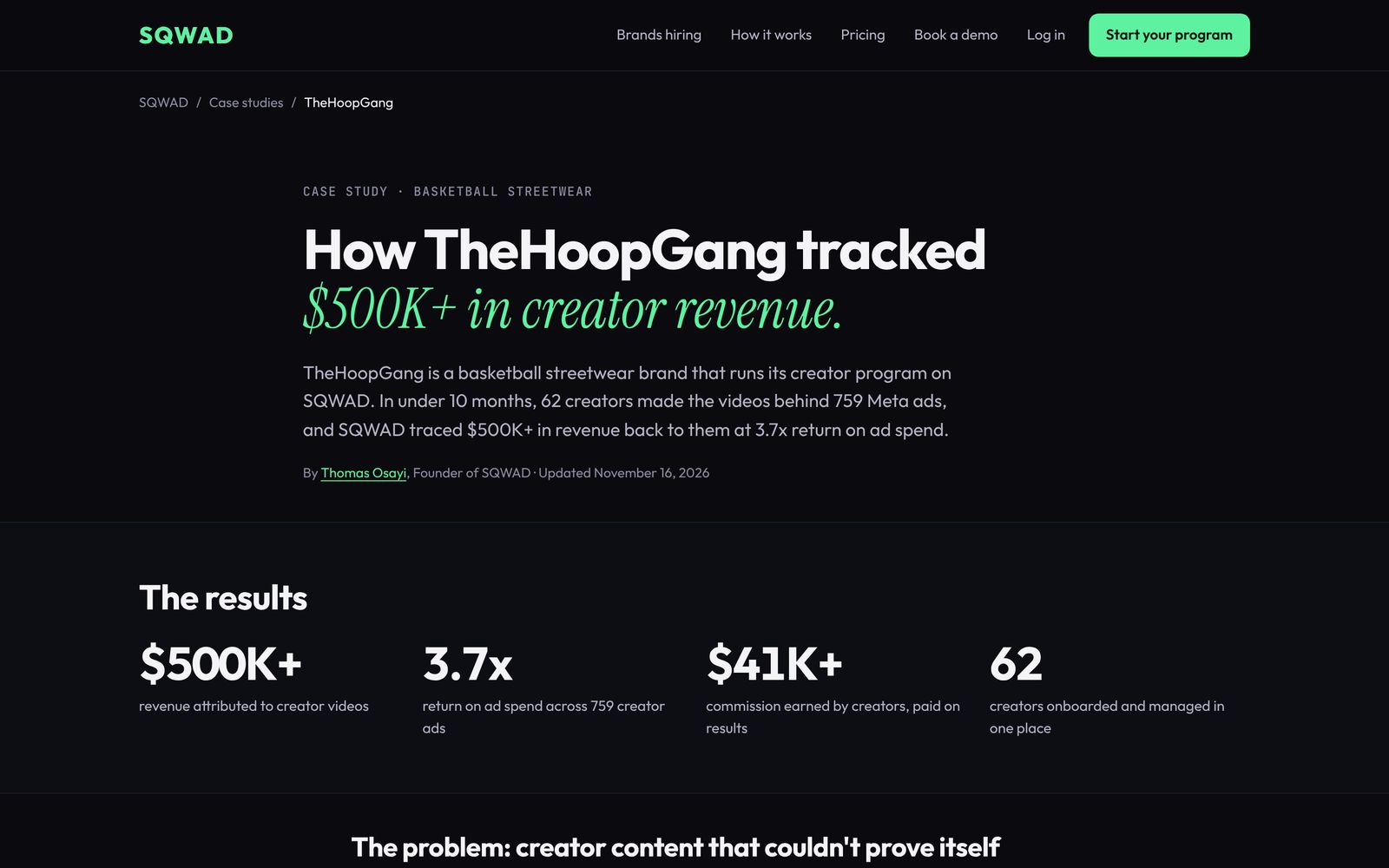
Many brands should not build this at all. If your program is standard, applications, seeding, content, payouts and attribution, existing software covers it. I compared the paths in "Build or buy: software for running a brand creator program". For a sense of what attribution looks like when it works, SQWAD's published TheHoopGang case study reports $500K+ in revenue attributed to creator videos and a 3.7x return on ad spend across 759 creator ads.
The bottom line
Meta reports ads, Shopify reports orders, and only your own mapping table knows which creator sits behind each ad. Pull insights at the ad level with explicit windows, tag every ad URL with the ad ID, store raw rows and re-pull recent days, and show Meta and Shopify numbers side by side. Do that and the question that started it all, which creators make us money, finally has an answer a brand can act on.
Questions, answered in one line
Can the Meta Marketing API tell me which creator drove a sale?
Not directly, because Meta reports by campaign, ad set and ad; you get creator-level numbers by mapping each ad to the creator whose video it uses and summing the ads.
What attribution window should I use for creator ads?
Most brands report on 7-day click plus 1-day view because it matches the default in Ads Manager, and keep a click-only column alongside it as a more conservative view.
Why do Meta purchases not match my Shopify orders?
Meta counts view-through and modeled conversions and credits them to the day of the ad interaction, while Shopify counts real orders on the day they were placed, so the two totals measure different things.
Do I need UTMs if I already use the Meta pixel?
Yes, because the pixel feeds Meta its own reporting, while UTMs land on the Shopify order and give you an independent record you control.
How much does it cost to build creator attribution into an app?
Thomas Osayi builds a first working version of one workflow such as this from $250, and a full platform with Shopify, Meta and admin tools from $3,000.
Sources
- Ads Insights API metric availability updates Meta for Developers
- 2025 Out-Of-Cycle Changes (Marketing API) Meta for Developers
- Meta Ads Attribution Setting: A Complete Guide Jon Loomer Digital
Related articles
- How to scope an MVP: one workflow, three lists and the cuts that matter
- Multi-tenant SaaS with Firestore: data layout, security rules and custom claims
- Web app vs mobile app for your MVP: which to build first
- PWA vs native app in 2026: what a web app can do on iPhone now
SaaS MVP and full-stack web app development
I build SaaS MVPs and full-stack web apps in Next.js, TypeScript and Firebase or Postgres: auth, dashboards, payments, roles and admin tools. Founder of SQWAD.
See the service