November 25, 2026 · 8 min read · Thomas Osayi
Audit logs for a SaaS app: what to record, the schema, retention and who can see them
How to add an audit log to a SaaS app: which events to record, a practical schema, keeping it append-only, retention, who can view it, and what B2B buyers and SOC 2 want.
Sooner or later, someone asks a SaaS founder a question the app cannot answer. Who deleted this client record? When did my former employee last sign in? Who changed our plan? Without an audit log, the honest answer is a shrug and an hour digging through server logs that may already be gone.
An audit log is a small feature with an outsized effect on trust. It is also one of the things larger B2B buyers ask about on security questionnaires. In this post I cover what to record, a schema that works in Postgres or a document database, how to keep it append-only, retention, who gets to see it, and where SOC 2 fits. If your app handles health data, "HIPAA basics for a health app MVP: BAAs, access controls and audit logs" covers the regulated version of this topic, so I will not repeat it here.
What is an audit log in a SaaS app?
An audit log is a permanent, structured record of meaningful actions in your app: who did it, what they did, which record it touched, in which organization, and when.
It is different from the logs your hosting platform collects. Those application logs are for developers. They are noisy, unstructured, full of stack traces and usually kept for days or weeks. An audit log is for your customers, your support team and anyone reviewing your security. It is quiet, structured and kept for a long time.
A good audit event reads like a sentence. Maria (admin) changed Jordan's role from member to admin in Acme Clinic on November 12 at 3:04 pm, from an IP in Los Angeles. Every field in that sentence maps to a column.
The OWASP Logging Cheat Sheet frames the same idea as four groups of attributes for each event: when, where, who and what. That is a useful checklist even if you never read the rest of the sheet.
Which events should a SaaS audit log record?
Record the events that change who can access what, move money or data, or would be hard to explain later, and skip routine reads and page views.
Here is the list I start with:
- Authentication: sign-in success and failure, sign-out, password changes, two-factor changes, password reset requests.
- Membership and permissions: invites sent, accepted and revoked, members removed, role changes, ownership transfers.
- Billing: plan changes, seat changes, payment method updates, cancellations.
- Data: exports, bulk imports, deletions and restores, and changes to especially sensitive fields.
- Settings and integrations: API keys created or revoked, integrations connected or disconnected, security settings changed.
- Staff actions: anything your own team does inside a customer account, including impersonation or support access.
OWASP's list of events to always log overlaps closely: authentication successes and failures, authorization failures, user and privilege changes, administrator activity, access to sensitive data and legal or consent opt-ins.
The last bullet in my list matters most. Customers trust you more when they can see exactly when your support team accessed their account and why.
What should an audit log schema look like?
An audit log works best as one table of events with fixed columns for who, what, where and when, plus a small JSON field for details.
Here is the shape I use, in a table called audit_events:
- id and occurred_at (a UTC timestamp set by the database).
- organization_id, so every event belongs to one tenant.
- actor_type (user, staff, system or API key) and actor_id, plus a copy of the actor's email at the time.
- action, a dotted name like member.role_changed, invoice.deleted or export.created.
- target_type and target_id, the record the action touched.
- changes, a JSON field holding the before and after values of only the fields that changed.
- ip_address, user_agent and request_id, so an event can be tied to the matching server logs.
Two choices make this table pleasant to use later. First, copy the actor's email and the target's display name into the event, because users and records get renamed and deleted, and the log should still read correctly in two years. Second, keep action names to a fixed list in your code. Free-text action names become impossible to filter.
Index on organization_id plus occurred_at, since nearly every query is "show me this organization's events, newest first".
How do you keep an audit log from being changed?
Keep the log append-only by letting your application insert audit rows but never update or delete them, and keep a copy somewhere the application cannot reach.
In Postgres, that means the database role your app connects with has INSERT and SELECT on audit_events but no UPDATE or DELETE. If a bug or an attacker tries to edit history, the database refuses. Retention deletes, covered below, run under a separate role from a scheduled job.
For more assurance, there are a few layers you can add as the product grows:
- Write events in the same database transaction as the change they describe, so you never record an action that did not happen, or miss one that did.
- Ship a copy of each event to separate storage, such as an object storage bucket with write-once retention, or a log service your app cannot delete from.
- Chain events by storing a hash of the previous event in each row, which makes tampering detectable.
OWASP recommends the same principles in plain terms: build in tamper detection, move log data to read-only storage when practical, and record and monitor access to the logs themselves.
What should never go into an audit log?
Never put passwords, tokens, session IDs, API keys, card numbers or full copies of sensitive records into an audit log.
This is the most common mistake I see when an audit log is generated by copying the whole request into a JSON column. That approach quietly stores password reset tokens, bearer tokens and personal data in a table designed to be kept forever and shown to admins.
OWASP lists the categories to keep out or to mask: passwords, access tokens, session identifiers, encryption keys, database connection strings, payment card data, sensitive personal data and data the user has opted out of collecting.
The practical rule is to log references and changed fields, not content. For a role change, the before and after roles are fine. For a note on a client record, log that the note was edited and its ID, not the note text. For a password change, log that it happened, nothing more. If you do need to record a sensitive value changing, record that it changed and mask the values.
How long should you keep audit logs?
Keep audit logs for as long as your contracts, your customers' regulations and your own security needs require, then delete them on a schedule.
I am not going to give one number, because there is no universal one. OWASP's guidance is the right shape: do not destroy logs before the required retention period, and do not keep them beyond it. Legal, regulatory and contractual obligations set that period. Some industries and some enterprise contracts set specific minimums, and if one applies to you, it overrides everything else. This is general information, not legal advice.
For a typical early B2B SaaS with no regulatory requirement, I start by keeping audit events at least as long as the customer is active, write the policy into the terms or a security page, and run a nightly job that deletes or archives events older than the limit. An audit log that grows forever is a cost and a privacy liability.
Different plans can have different visible windows, too. Some products show admins a limited history on lower tiers and a longer one on enterprise plans. That is a pricing choice, but the data should still be retained according to your written policy either way.
Who should be able to view the audit log?
Organization owners and admins should see their own organization's events, your staff should see events only when supporting a customer, and nobody should be able to edit them.
The customer-facing view is usually a page in settings with filters for date range, actor and action type, plus an export to CSV. Every query must be scoped to the current organization ID on the server, exactly like every other query in a multi-tenant app.
Who counts as an admin depends on your roles. Guardian MindCare, the therapy practice platform I built, has five roles: therapists, supervisors, trainees, clients and admins.
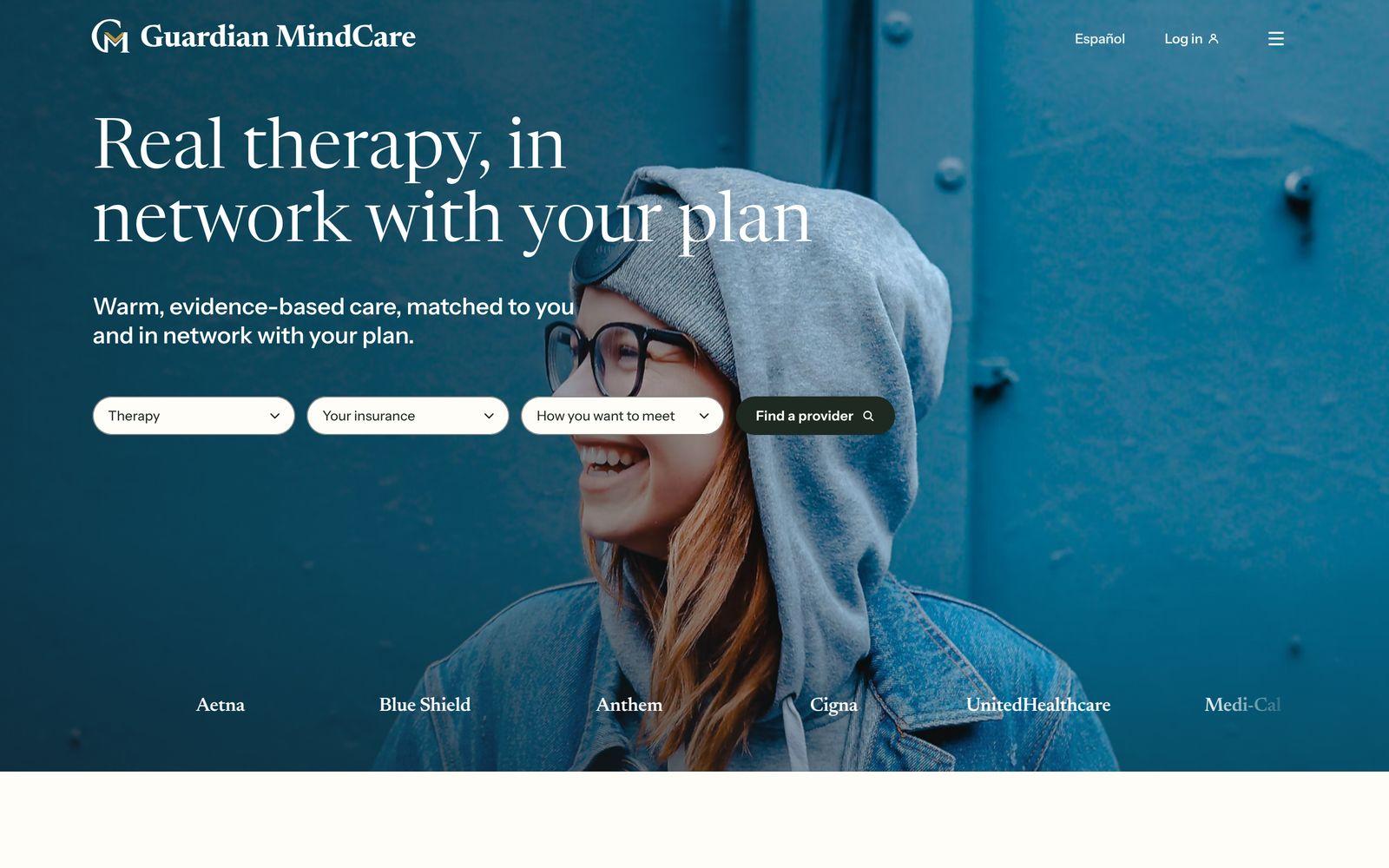
With that many roles, a question like "should a supervisor see a trainee's activity?" needs an explicit answer, not a default. Decide it per role, write it down, and test it. "Roles and permissions in a SaaS app: a practical guide for founders" covers how to structure those rules.
Also log access to the audit log itself, especially by your own staff. OWASP calls this out directly: record and monitor all access to logs.
Why do B2B buyers and SOC 2 care about audit logs?
B2B buyers ask for audit logs because they need to answer their own security questions, and SOC 2 examinations look at whether your access and monitoring controls work, which an audit trail helps prove.
SOC 2 is an examination by a CPA firm of a service organization's controls, against the AICPA's trust services criteria for security, availability, processing integrity, confidentiality and privacy. Security is the only category required in every SOC 2 report. The criteria include points of focus on monitoring activities and system operations. What SOC 2 does not do is hand you a required schema or a feature called audit log. It looks at whether your controls are designed and operating as described.
In practice, an audit trail makes several of those controls easier to evidence: who was given admin access and when, who was removed, who accessed customer data, and whether anyone reviewed it. When a buyer's security questionnaire asks whether you keep an audit trail of user and admin actions, being able to answer yes, and show the screen, shortens the conversation.
The bottom line
An audit log is a structured, append-only record of who did what, to which record, in which organization and when. Start with authentication, membership and role changes, billing, exports, deletions and staff access. Use one audit_events table with fixed columns and a small changes field, write events in the same transaction as the change, give the app insert-only access, and keep secrets and sensitive content out. Set retention from your contracts and regulations, show admins their own organization's events, and treat the log as evidence when a B2B buyer or a SOC 2 auditor asks. Building it early is cheap. Reconstructing history later is not possible.
Questions, answered in one line
What is the difference between an audit log and application logs?
Application logs help developers debug and are usually short-lived and noisy, while an audit log is a structured, long-lived record of meaningful user and admin actions that customers and reviewers can rely on.
How long should a SaaS keep audit logs?
There is no single rule, so set retention from your contracts and any regulation that applies to your customers, and keep the policy written down and enforced by a scheduled job.
Do I need an audit log for SOC 2?
SOC 2 does not require a specific audit log feature, but its security criteria cover monitoring and access controls, and an audit trail is one of the most direct ways to show those controls work.
Should customers be able to see their own audit log?
Yes for admins of their own organization, filtered strictly to their organization, because it answers many support questions and is a feature larger B2B buyers often ask about.
Can Thomas Osayi add an audit log to an existing SaaS app?
Yes, an audit log with an admin view fits the Full SaaS Platform package from $3,000 over about 45 days alongside multi-role access and admin tools, or can be scoped as part of a smaller build.
Sources
- Logging Cheat Sheet OWASP
- SOC 2 Reporting on an Examination of Controls at a Service Organization AICPA and CIMA
- The 5 SOC 2 Trust Services Criteria Explained Cloud Security Alliance
Related articles
- How to scope an MVP: one workflow, three lists and the cuts that matter
- Multi-tenant SaaS with Firestore: data layout, security rules and custom claims
- Web app vs mobile app for your MVP: which to build first
- PWA vs native app in 2026: what a web app can do on iPhone now
SaaS MVP and full-stack web app development
I build SaaS MVPs and full-stack web apps in Next.js, TypeScript and Firebase or Postgres: auth, dashboards, payments, roles and admin tools. Founder of SQWAD.
See the service